

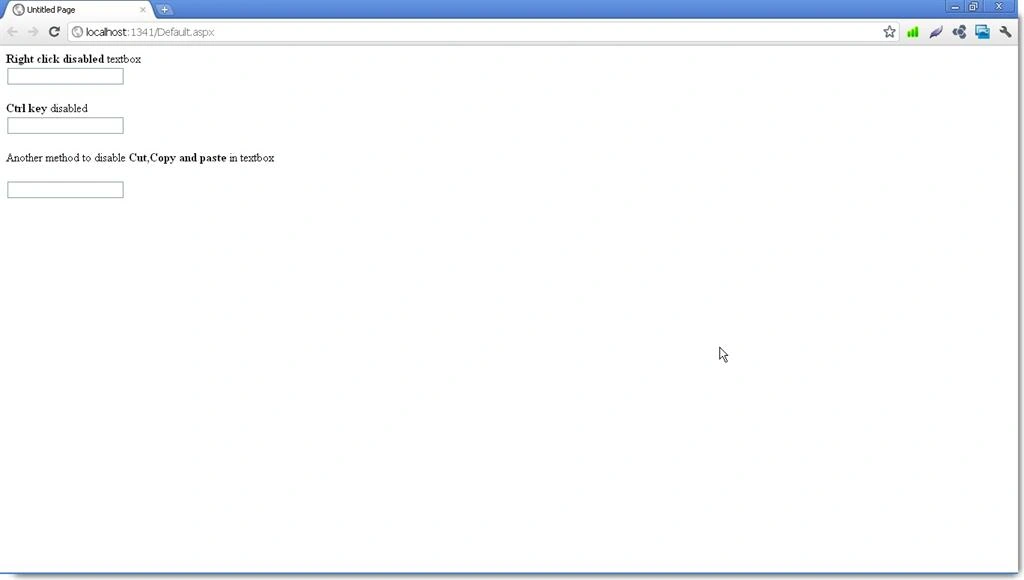
Sometimes, due to many reasons we don't want to allow the users to use the right click to copy, paste, or by using ctrl+C , ctrl+v to copy and paste in the textbox on an .aspx page in asp.net.
1. Use this method when you don't want any alerts or messages
<asp:TextBox ID="TextBox1" runat="server"
oncopy="return false"
onpaste="return false"
oncut="return false">
</asp:TextBox>
2. If you want to show the alerts, then in this case, use the given below method instead
Write this javascript function in the head section of the .aspx page. In this function we are disabling the right mouse click and the ctrl keys,
<head runat="server">
<title>Untitled Page</title>
<script language="javascript">
function DisableRightClick(event) {
//For mouse right click
if (event.button == 2) {
alert("Right Clicking not allowed!");
}
}
function DisableCtrlKey(e) {
var code = (document.all) ? event.keyCode : e.which;
var message = "Ctrl key functionality is disabled!";
// look for CTRL key press
if (parseInt(code) == 17) {
alert(message);
window.event.returnValue = false;
}
}
Join the conversation! Your thoughts help the community grow.