


Today, when I started working on the Power Apps Portals, I observed this pop-up after opening the Web Page.
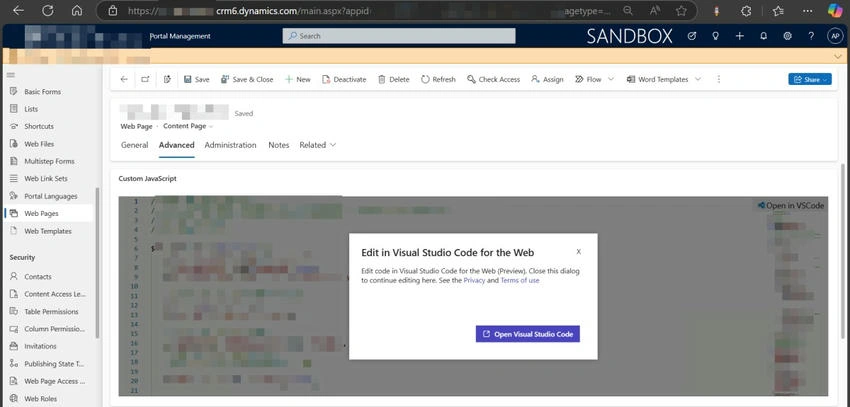
This will make us open Visual Studio Code to edit the code easily.
Clicked on Open Visual Studio Code.
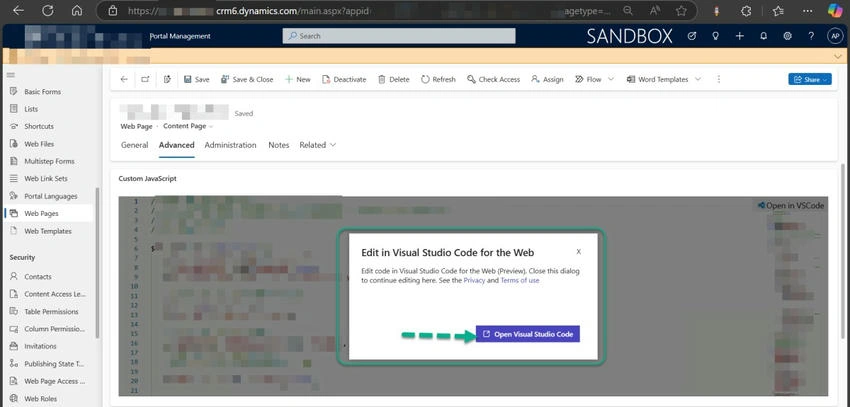
Or you can click on the Open in VSCode button.

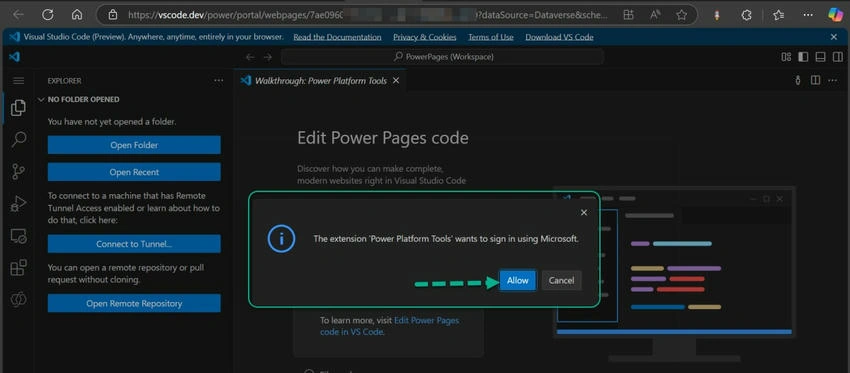
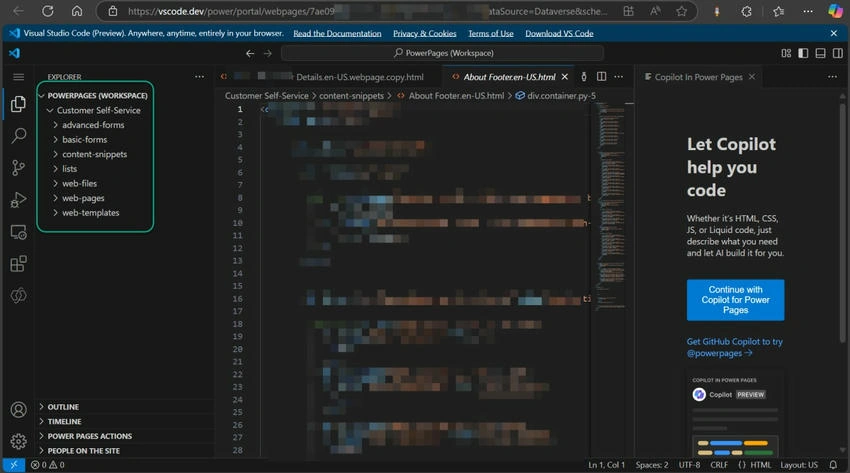
It opened VS Code online in a new browser tab.
Click on Allow to Sign In.
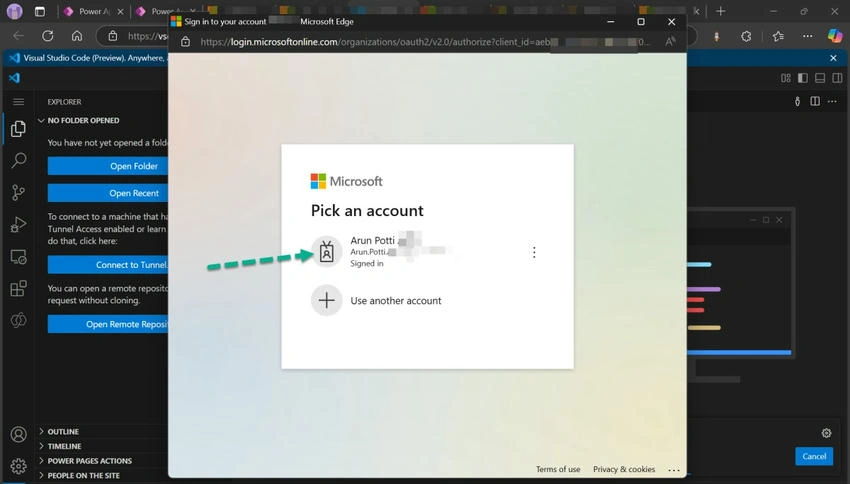
Choose the required account.
You can see the list of all portal components that can be edited from VS Code.
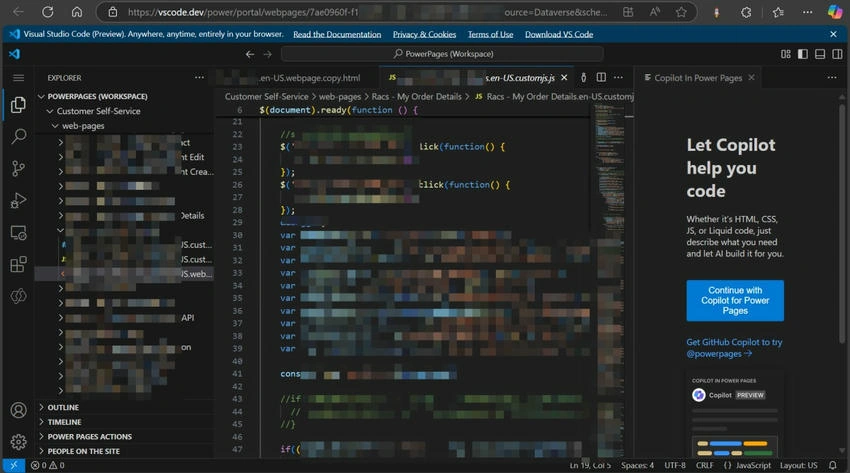
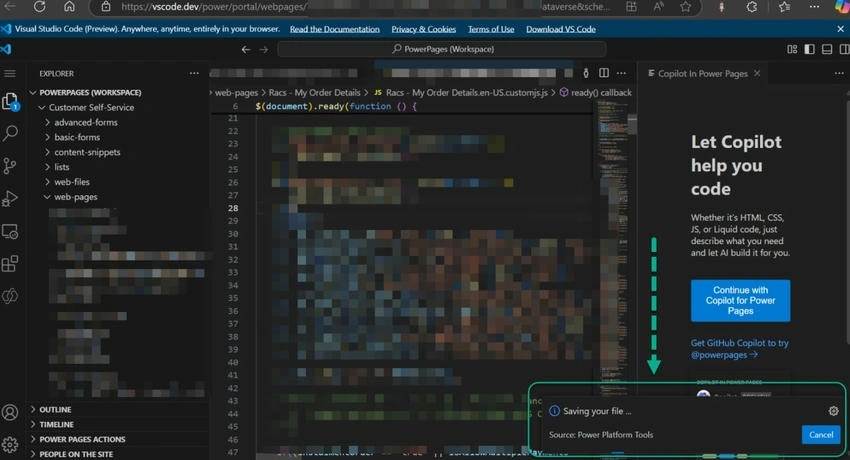
Once, you make any changes on the portal components in the Visual Studio Code and do the saving, you can see the Saving your file message, which instantly saves the latest changes to the portal.
I hope you liked this new feature and started using this feature.
Please like and share your valuable feedback on this blog.
Join the conversation! Your thoughts help the community grow.