

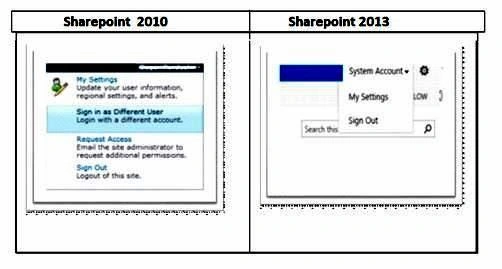
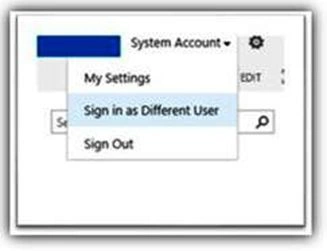
I found out that by default, in SharePoint 2013, there is no option for "Sign in as a different user".
For enabling this option you need to follow the below mentioned steps:-
1. Go to the Path Location
C:\Program Files\Common Files\Microsoft shared\Webserver Extensions\15\TEMPLATE\CONTROLTEMPLATES
Here is a file named "welcome.ascx".
2. Open the welcome.ascx file in the Visual Studio and save it
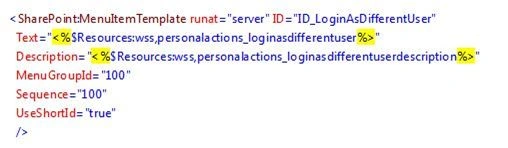
3. The tag that has Add
Below <SharePoint:MenuItemTemplate runat="server id="ID_PersonalInformation"
Join the conversation! Your thoughts help the community grow.