

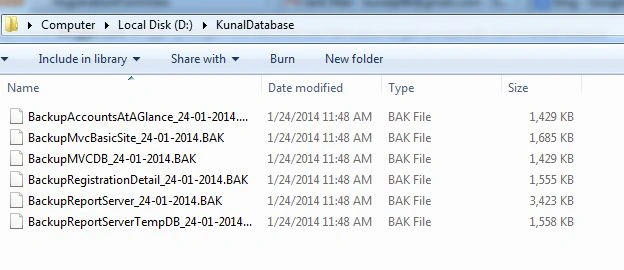
In this blog, we will generate all the database backup from the SQL Server using the Query.
Steps
- Open Your Microsoft Sql Server
- Click on New Query
- Copy and Paste This Query
- Change Your Database Path (Where You Can Save Your Backup File)
- Execute Query
----Copy This Query----
DECLARE @name VARCHAR(50) -- database name
DECLARE @path VARCHAR(256) -- path for backup files
DECLARE @fileName VARCHAR(256) -- filename for backup
DECLARE @fileDate VARCHAR(20) -- used for file name
DECLARE @filedate1 varchar(100)
SET @path = 'D:\KunalDatabase\'
SELECT @fileDate = CONVERT(varchar(50),GETDATE(),103)
SELECT @filedate1= REPLACE(@fileDate,'/','-')
DECLARE db_cursor CURSOR FOR

Join the conversation! Your thoughts help the community grow.