

Prerequisites
- You are required to update your Visual Studio 2015 to Visual Studio 2015 Update 3
- You need to install .NET Core Tooling Preview 2 or later for .Net Core 1.0.x and supported version 1.1.0.
- TypeScript 2 required
- Install Node.js version 4 or later
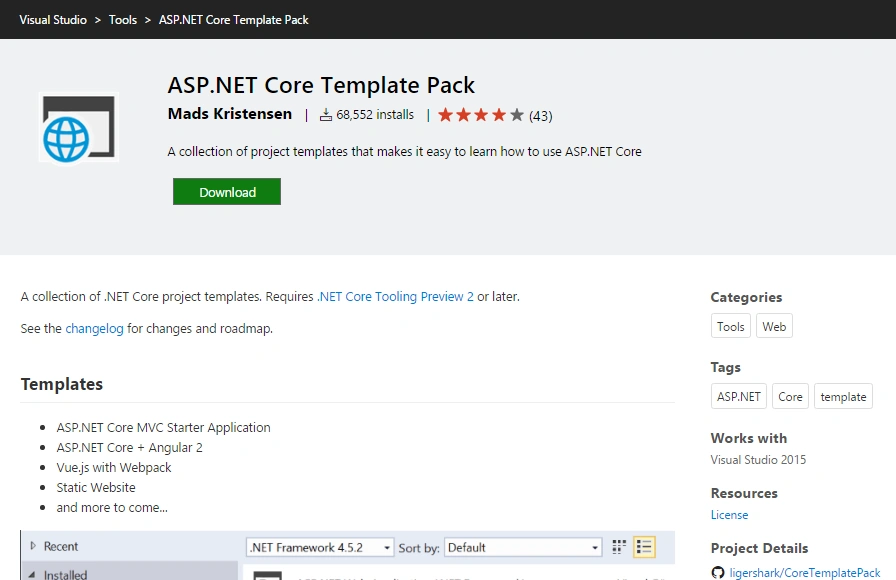
- Now you need Download the ASP.NET Core Template Pack
Now Create an Application
Now go to Visual Studio and create a new project.
You should find new Asp.Net Core Angular 2 Starter Application (.Net Core)
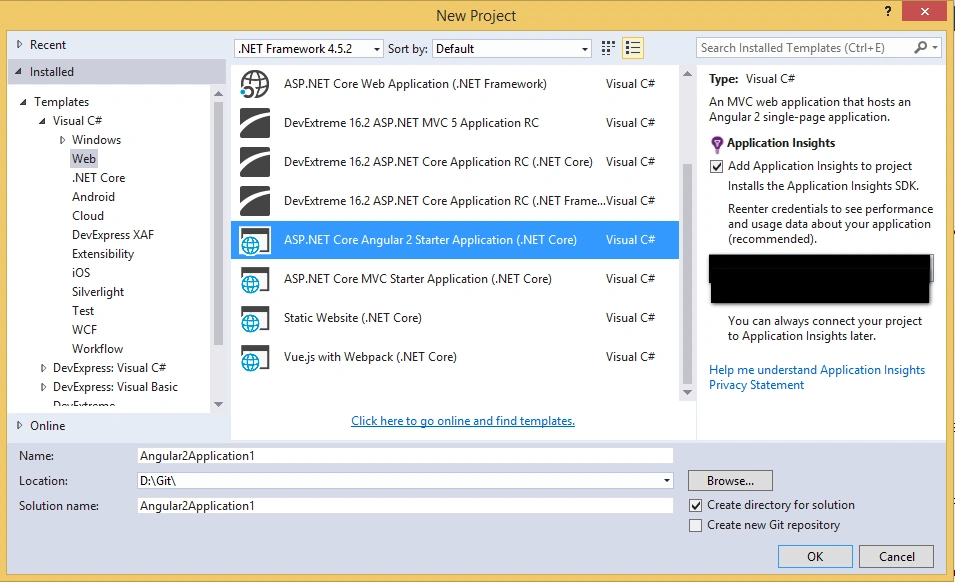
Select ASP.NET Core Angular 2 Starter Application (.NET Core) and fill appropriate details.
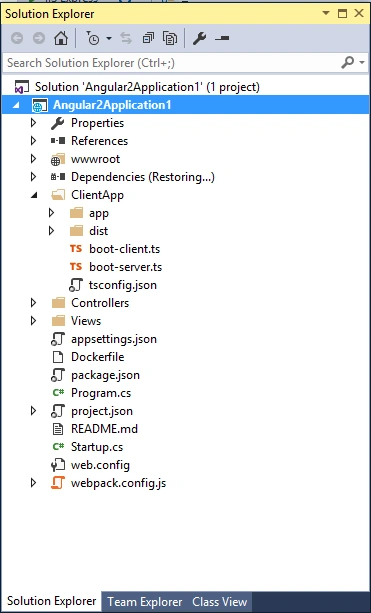
When Visual Studio completes the process you can see it like this,
Now go to Visual Studio Hit Ctrl + F5 to preview your application. You will see the following screen in your browser.
Now you are finished. Enjoy :)
Join the conversation! Your thoughts help the community grow.