

In this blog, we will see how to change the displayed profile name of a logged-in user in Power Pages using the Header web template.
Where profile name come from?

In Power Pages, the profile name shown in the site header is not hardcoded. It is rendered dynamically using Liquid syntax and is sourced from the logged-in user’s Contact record. Power Pages exposes this information through the user object, which can be accessed inside web templates such as the Header template.
Contact Table
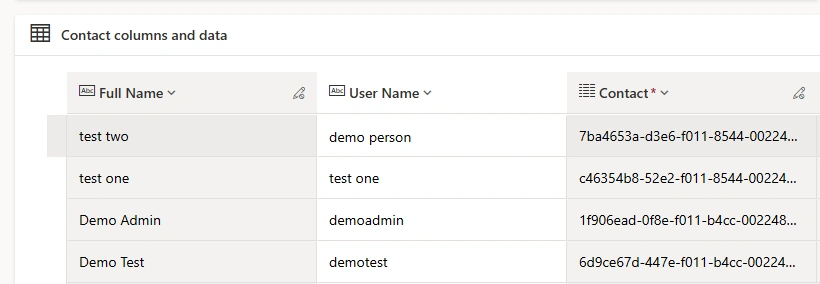
Show Default Behavior
By default, Power Pages displays the full name of the logged-in user in the header. This value usually corresponds to the Contact’s Full Name field and is shown only when the user is authenticated.
Steps to change the displayed Profile Name in the Header Web Template
Follow these steps below to customize how the logged-in user’s profile name appears in the Power Pages header.
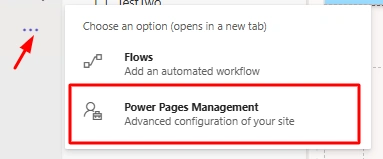
Step 1: Open Power Pages Management from Power Pages studio
Go to Power Pages Management
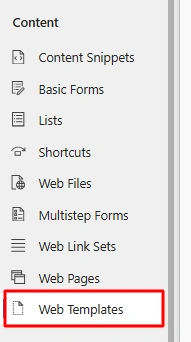
Navigate to Web Templates under Content section
Open the web template named Header (this controls the site header)
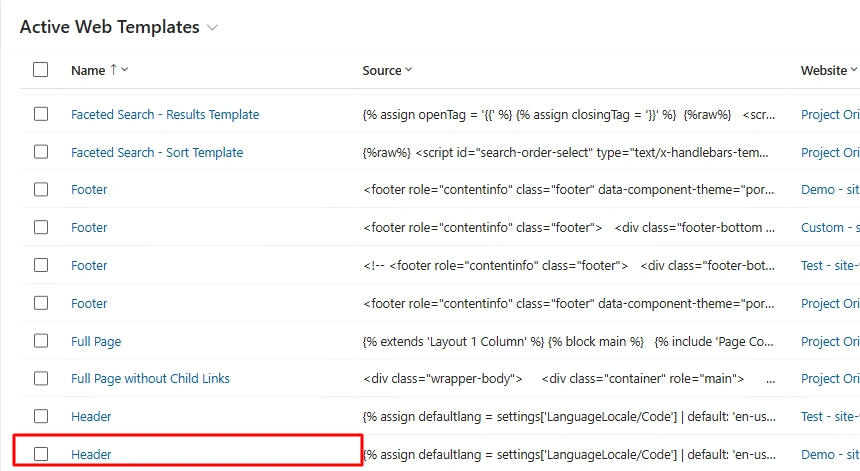
Open Header, then for source code, you can edit in that or you can open source code in VS code.
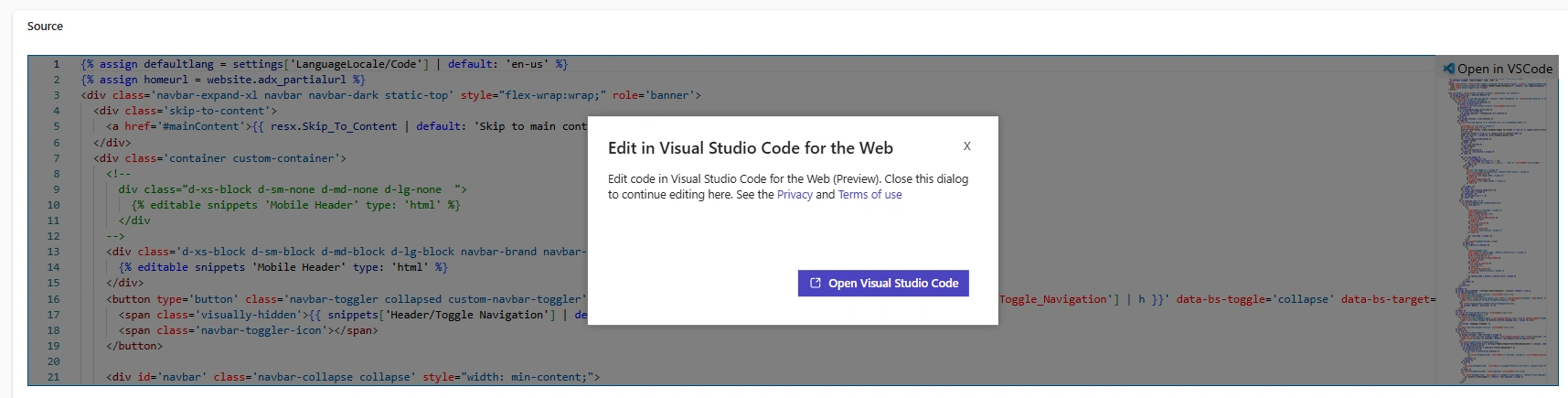
Scroll down in code till this code is not appear (Line no - 151 may be differ in your header template code)

The above Liquid code is used to retrieve and display the logged-in user’s profile name safely in the site header.
here it is assigning user's fullname to username variable.
We are change from fullname to username (you can take any column of contact table)
Copy logical name of user name column from Contact table.
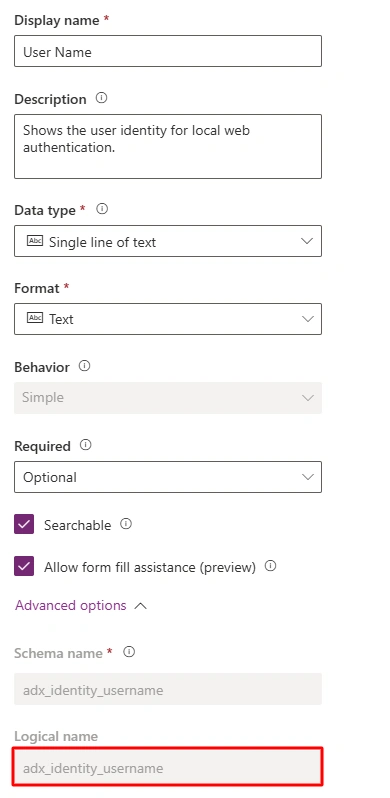
User name of test two user is "demo person"

Replace fullname with username (logical name) in Header code
{% assign username = user.adx_identity_username | escape %}Save header code & sync configuration then preview it.

Conclusion
As shown above, even small changes in Liquid code can make the Power Pages header more personalized and user-friendly.
Join the conversation! Your thoughts help the community grow.