

This blog demonstrates working with MS Chart Control to create chart. MS Chart control can be used in both window application and Web Applications. After installation of MS Chart add reference of System.Windows.Forms.DataVisualization.dll in your application to use MS Chart.
Keyboard Shortcuts
To add new Field to template use ALT+A To Remove Last Field use ALT+R
DataBase
One table is already created named tablenames to store template names.
As user create new template,a table is created in database that is used to store template Fields.
Using the code
MS chart control provides many methods and properties to design a chart with desire formatting.
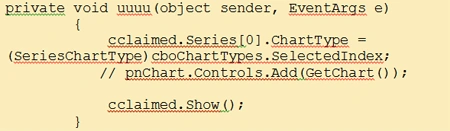
To select Chart Type use
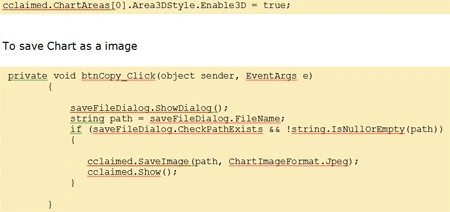
To provide 3D styles to the chart
Join the conversation! Your thoughts help the community grow.