

Please refer my previous articles to create an app for Outlook Web App
Visual Studio 2013: http://www.c-sharpcorner.com/UploadFile/anavijai/office-365-how-to-create-an-app-for-outlook-2013-using-visu/
Napa Tool: http://www.c-sharpcorner.com/UploadFile/anavijai/office-365-how-to-create-an-app-for-outlook-web-app-using-n/
In this blog you will see how to get the user’s default time zone in Outlook Web App.
AppRead folder: Home.html
- <body>
- <!-- Page content -->
- <div id="content-main">
- <div class="padding">
- <p><strong>Gets the user's default time zone.</strong></p>
- <table id="details">
- <tr>
- <th>Default Time Zone:</th>
- <td id="timeZone"></td>
- </tr>
- </table>
- </div>
- </div>
- </body>
Home.js
- /// <reference path="../App.js" />
- /*global app*/
- (function () {
- 'use strict';
- // The Office initialize function must be run each time a new page is loaded
- Office.initialize = function (reason) {
- $(document).ready(function () {
- app.initialize();
- displayItemDetails();
- });
- };
- // Displays the "Subject" and "From" fields, based on the current mail item
- function displayItemDetails() {
- var userProfile = Office.context.mailbox.userProfile;
- $('#timeZone').text(userProfile.timeZone);
- }
- })();
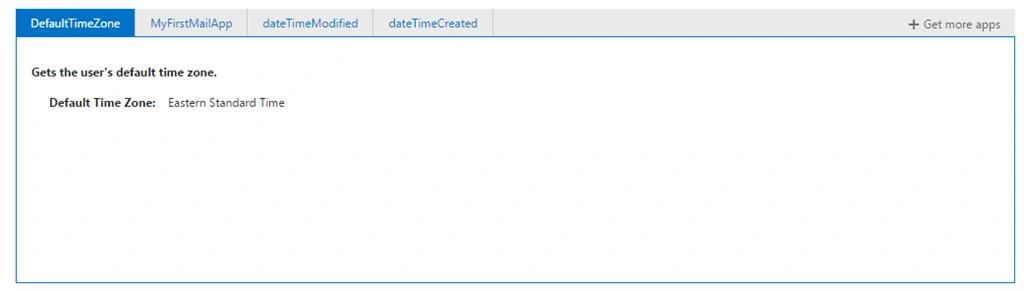
Output:
Reference:
https://msdn.microsoft.com/en-us/library/fp161109.aspx
Prasham SabadraPosted Feb 24, 2015, 12:44 AM
Thanks for Sharing!