

Introduction
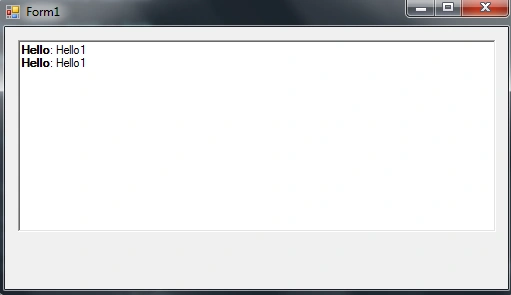
In this blog, we will see how to partially bold text in RichTextBox.
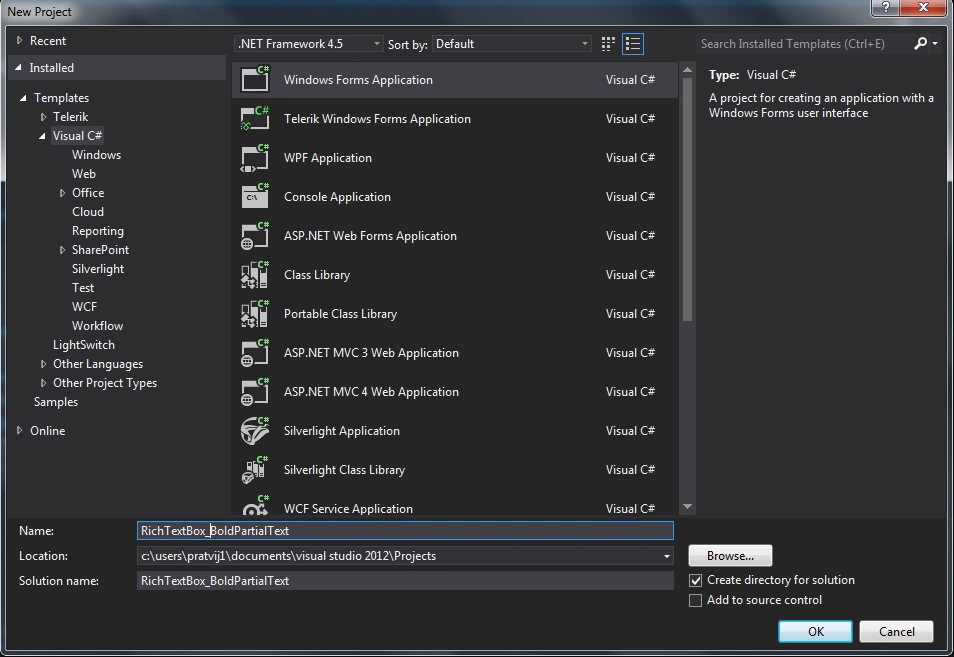
Step 1: Create a new windows forms application.
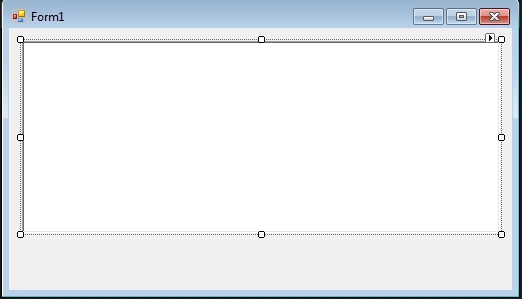
Form1.cs
- using System;
- using System.Collections.Generic;
- using System.ComponentModel;
- using System.Data;
- using System.Drawing;
- using System.Linq;
- using System.Text;
- using System.Threading.Tasks;
- using System.Windows.Forms;
- namespace RichTextBox_BoldPartialText
- {
- public partial class Form1: Form
- {
- public Form1()
- {
- InitializeComponent();
- }
- private void Form1_Load(object sender, EventArgs e)
- {
- for (int i = 0; i < 2; i++)
- {
- string str = "Hello";
- string str1 = "Hello1";
- int length = richTextBox1.Text.Length;
- richTextBox1.AppendText((((Convert.ToString((str + Convert.ToString(": "))) + str1) + "\r") + "\n"));
- richTextBox1.Select(length, str.Length);
- richTextBox1.SelectionFont = new Font(richTextBox1.Font, FontStyle.Bold);
- }
- }
- }
- }
Output of the application looks like this
Summary
In this blog, we have seen how to partially bold text in RichTextBox.
Happy coding!
Santhakumar MunuswamyPosted May 16, 2015, 4:00 AM
Nice