

Introduction
Today, in this blog let's play around with one of the interesting and most
useful concept in LINQ.
Question: What is play with SequenceEqual using LINQ?
In simple terms "It provides flexibility to query on requested data sources to
make sure whether the data are equal or not as per the requirements considered".
Step 1: Create a new WebForm project
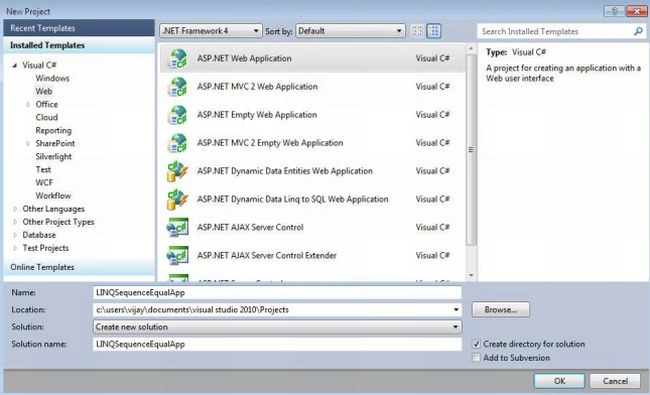
Step 2: The complete code of WebForm1.aspx looks like this
<%@ Page Language="C#" AutoEventWireup="true" CodeBehind="WebForm1.aspx.cs" Inherits="LINQApp.WebForm1" %>
<!DOCTYPE html PUBLIC "-//W3C//DTD XHTML 1.0 Transitional//EN" "http://www.w3.org/TR/xhtml1/DTD/xhtml1-transitional.dtd">
<html xmlns="http://www.w3.org/1999/xhtml">
<head id="Head1" runat="server">
<title></title>
</head>
<body>
<form id="form1" runat="server">
<center>
<div>
<table>
<tr>
<td colspan="2" align="center">
<asp:Label ID="Label1" runat="server" Text="Play with Sequence Equal using LINQ"
Font-Bold="true" Font-Size="Large" Font-Names="Verdana" ForeColor="Maroon"></asp:Label>
</td>

Join the conversation! Your thoughts help the community grow.