
Loading
1. Go to your office 365 site online
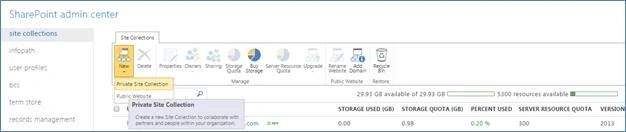
2. Then click on the “SharePoint” link under “Admin” tab

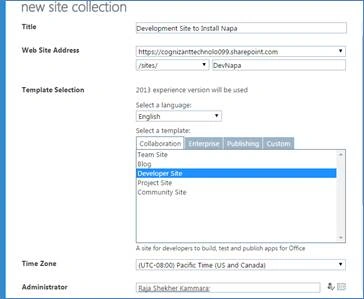
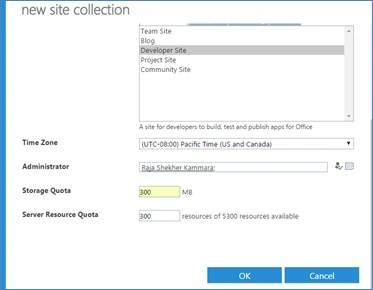
Most importantly you need to select the “Developer site Template”
Once our site is created, click on Settings icon and then “Add an app”.
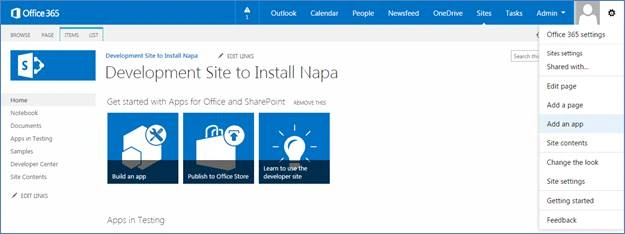
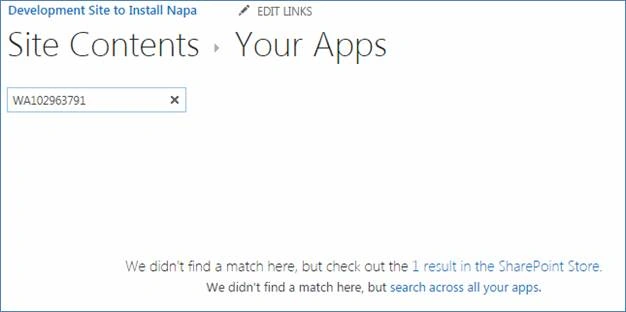
Then, you will be able to see the below page.
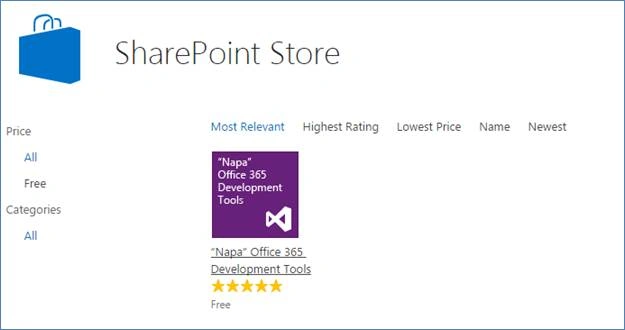
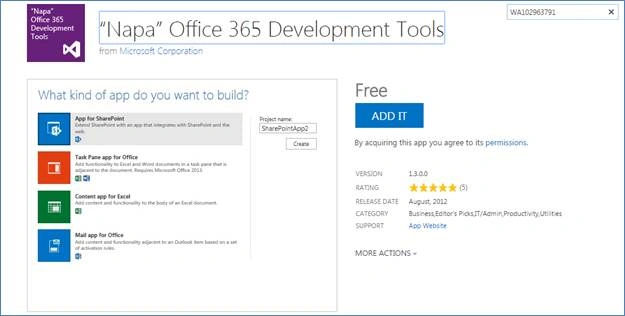
YOU ARE READY TO USE IT NOW…..
Note:
You will be able to find Napa tool in your site content.
Launch the "Napa Tool" and you can see that it is a web application with url “https://www.napacloudapp.com/" and which consumes all the details of your Office 365 login, which site collection you are connected from Napa.
The default screen will display all the Apps you have created.
If you are using for first time, there will be a "Add New Project" button.

Join the conversation! Your thoughts help the community grow.