

In this blog you will see how to update the owner and permission levels for the site group in SharePoint Online site collection using Powershell.
Syntax:
Connect-SPOService -Url https://c986-admin.sharepoint.com/ -credential [email protected]
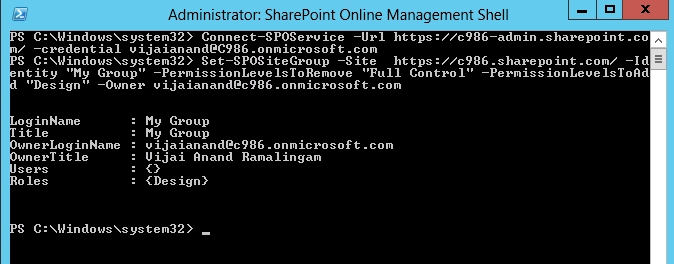
Set-SPOSiteGroup -Site https://c986.sharepoint.com/ -Identity "My Group" -PermissionLevelsToRemove "Full Control" -PermissionLevelsToAdd "Design" -Owner [email protected]
Output:
Updated the permission level and owner for the group “My Group”.
Join the conversation! Your thoughts help the community grow.