

Step By Step Process To See The Date And Time Using Java
Step 1: Go to Notepad and open the New Project.
File→New or Ctrl+N.

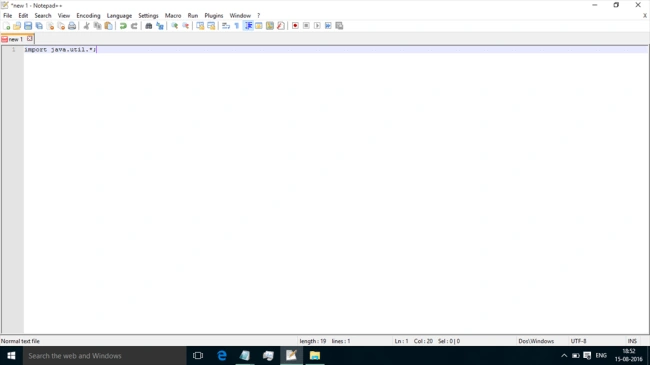
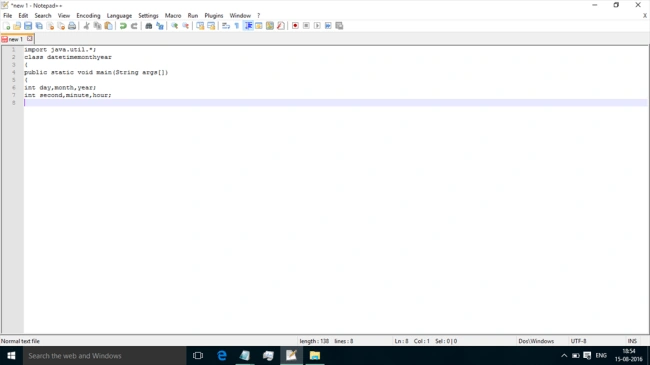
Step 3: We can write the class name and declare the variable.
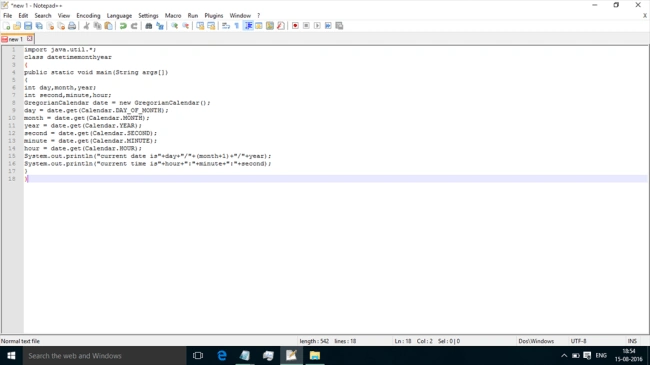
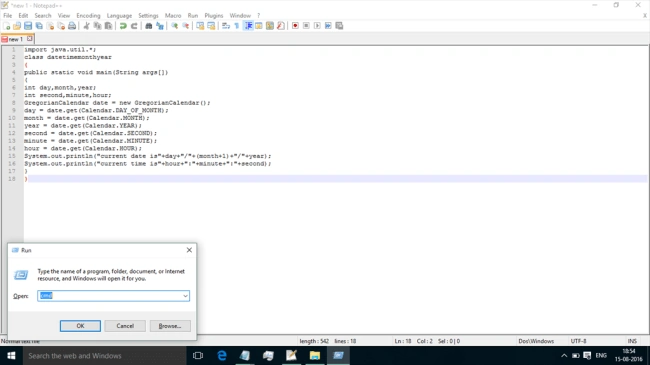
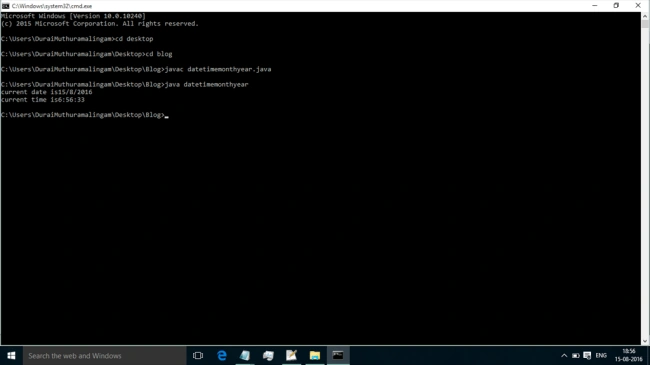
Step 5: Go to the command prompt by pressing Windows+R.
Step 6: You can see the output.
SubashPosted Sep 7, 2016, 7:47 AM
Good