

It's ease to verify the Image exist in given URL or not with the help of Ajax call in JQuery.
Step 1:
Create a HTML Design which is written below:
- <html xmlns="http://www.w3.org/1999/xhtml">
- <head>
- <title></title>
- <link href="https://maxcdn.bootstrapcdn.com/bootstrap/3.3.5/css/bootstrap.min.css" rel="stylesheet" />
- <script type="text/javascript" src="http://code.jquery.com/jquery-1.8.2.js"></script>
- </head>
- <body>
- <form id="form1">
- <div class="container">
- <div class="row">
- <br>
- <div class="form-inline"> <b>Enter Url:</b>
- <input type="text" id="txtUrl" />
- <input type="button" value="Check Status" id="btnStatus" class="btn-default" /> </div>
- </div>
- </div>
- </form>
- </body>
- </html>
Step 2: Create a JQuery script to verify the Image present in the URL or Not which is written below:
- $(function()
- {
- $('#btnStatus').click(function()
- {
- $.ajax(
- {
- url: $('#txtUrl').val(),
- success: function(data)
- {
- alert('Image Exists');
- },
- error: function(data)
- {
- alert('Image does not exist');
- }
- });
- });
- })
Result in Browser:
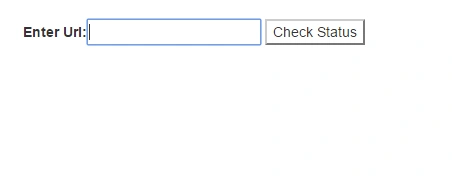
Figure 1
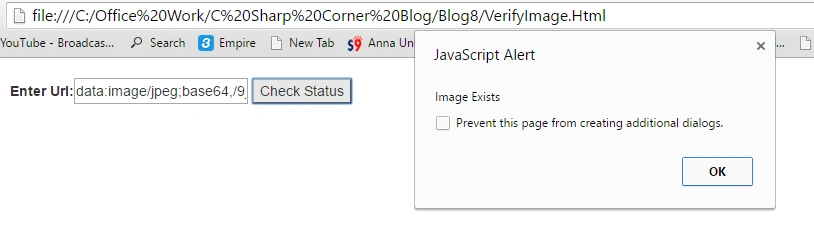
Figure 2
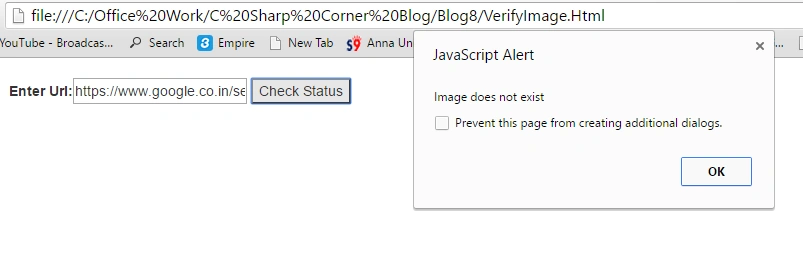
Figure 3
Join the conversation! Your thoughts help the community grow.