

Recently our client provided us company anniversary video and asked us if we could add it to SharePoint online site and showcase the result. So, I thought about what the options available are. And I am writing this blog to showcase the options available and their advantages and limitations. Let’s see the options first:
- Stream (Classic)
- YouTube - This blog
- File Viewer
- Embed
- Hero
- Highlighted Content
Let's see how we can use the YouTube webpart in detail:
YouTube is an open source for most companies for sharing content. If the video can be shared publicly, you can use this option.
Step 1
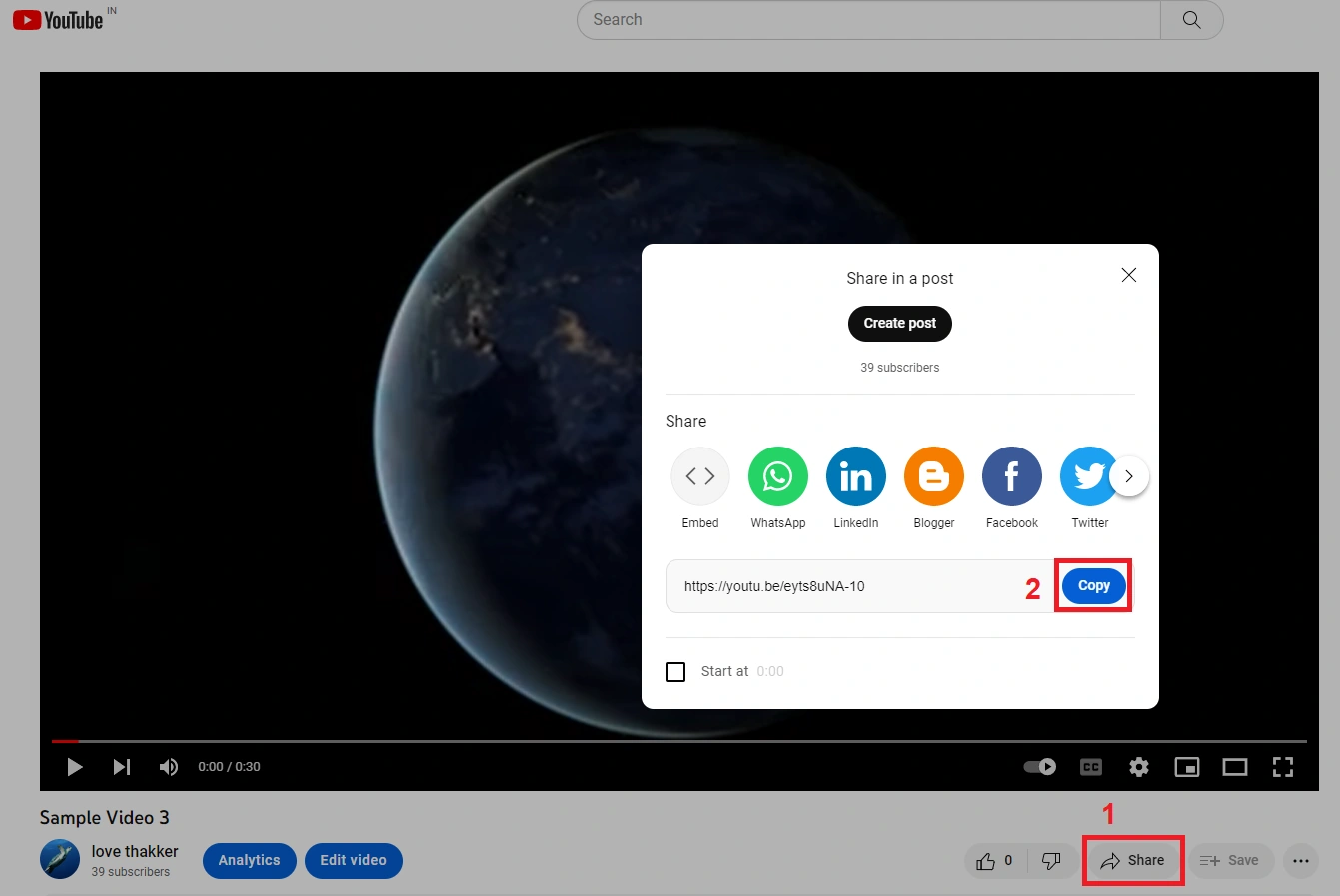
Once you upload & publish the video to YouTube, copy the video URL.
Step 2
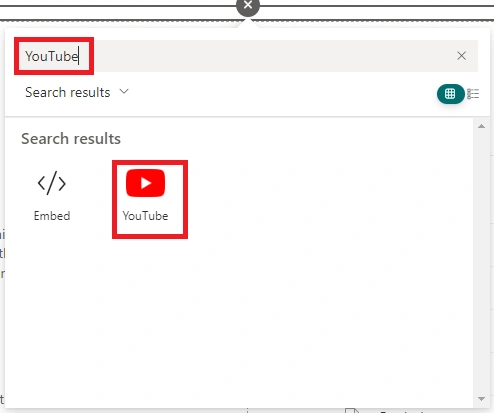
Now add the YouTube webpart to the modern page.

Step 3
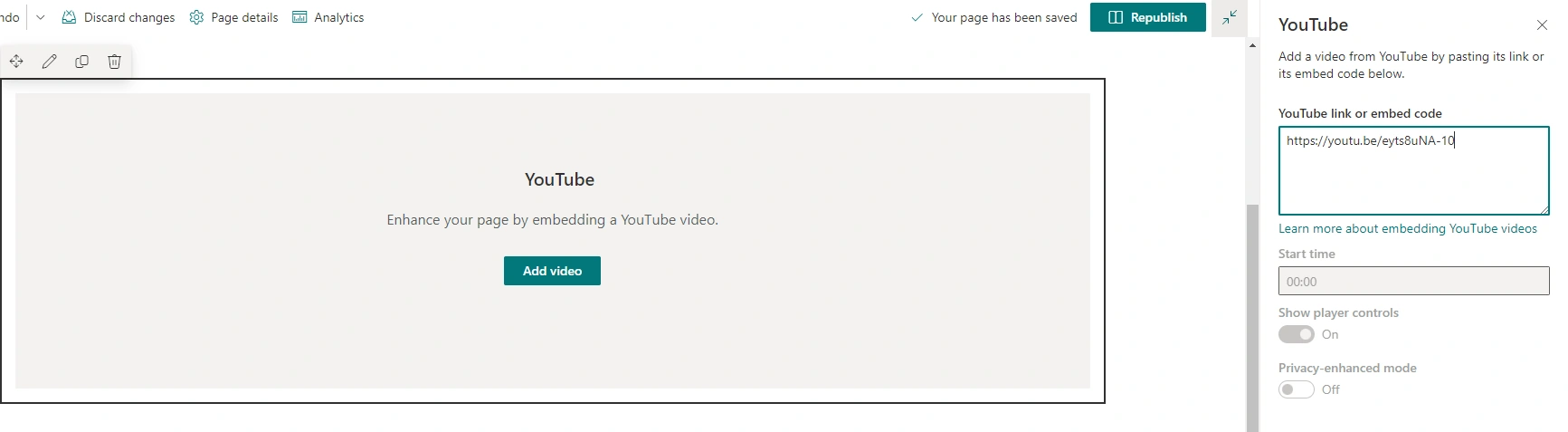
In settings, provide the video URL.
Step 4
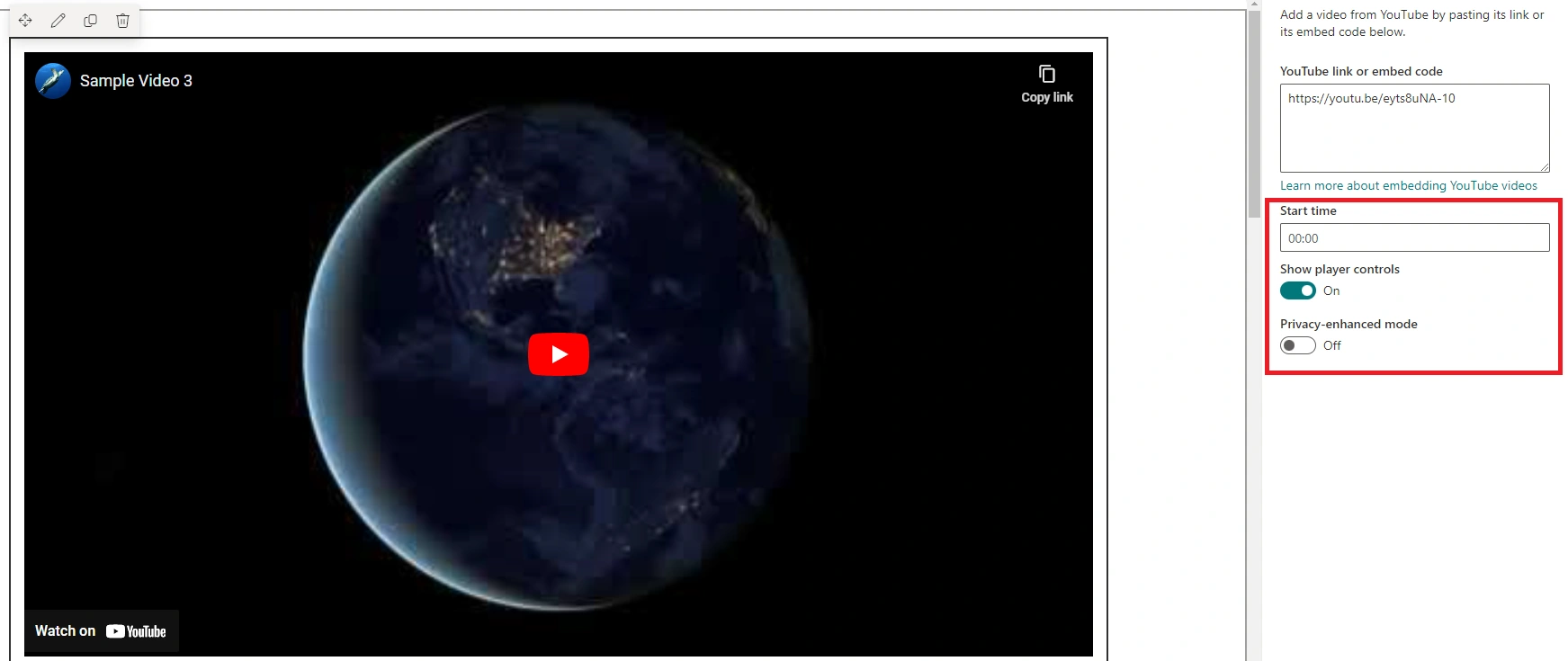
Once the video is loaded, the remaining options will be enabled. You can set the start time, set if you want to show controls, etc.
Step 5
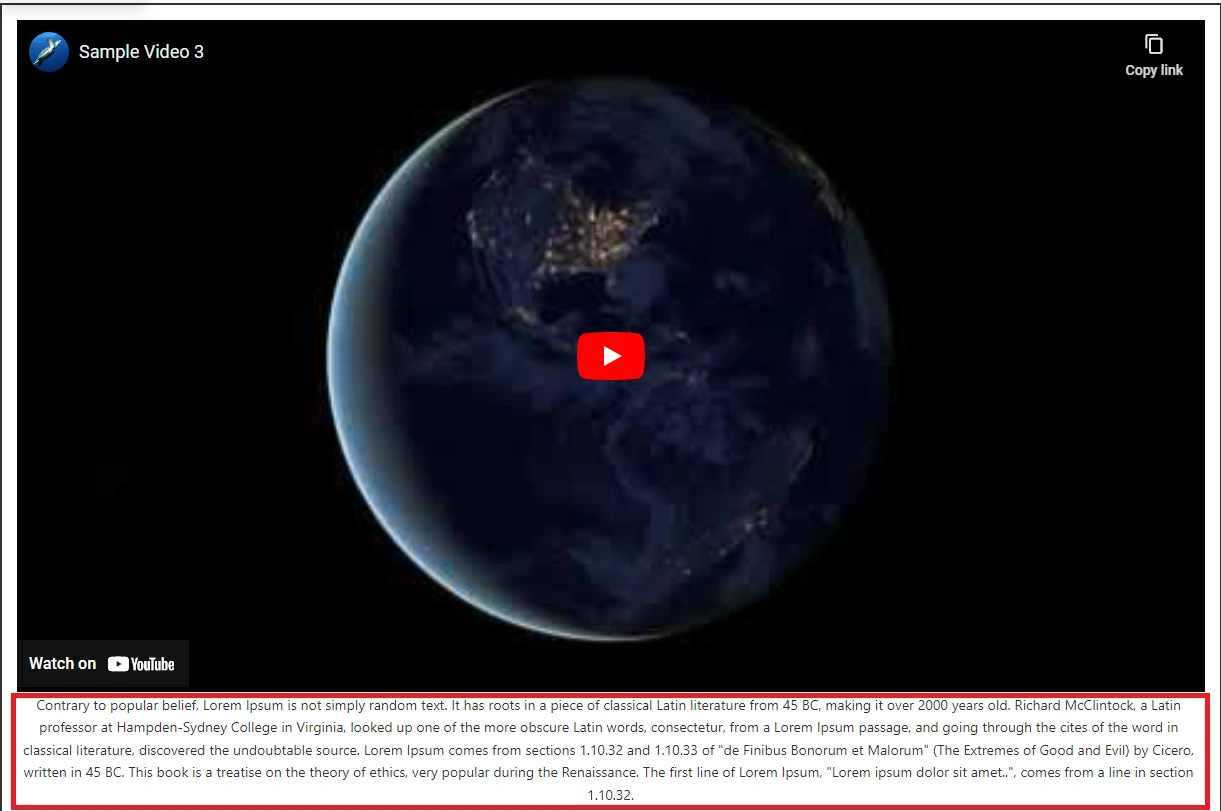
You can provide a caption below the video if you want.
Step 6
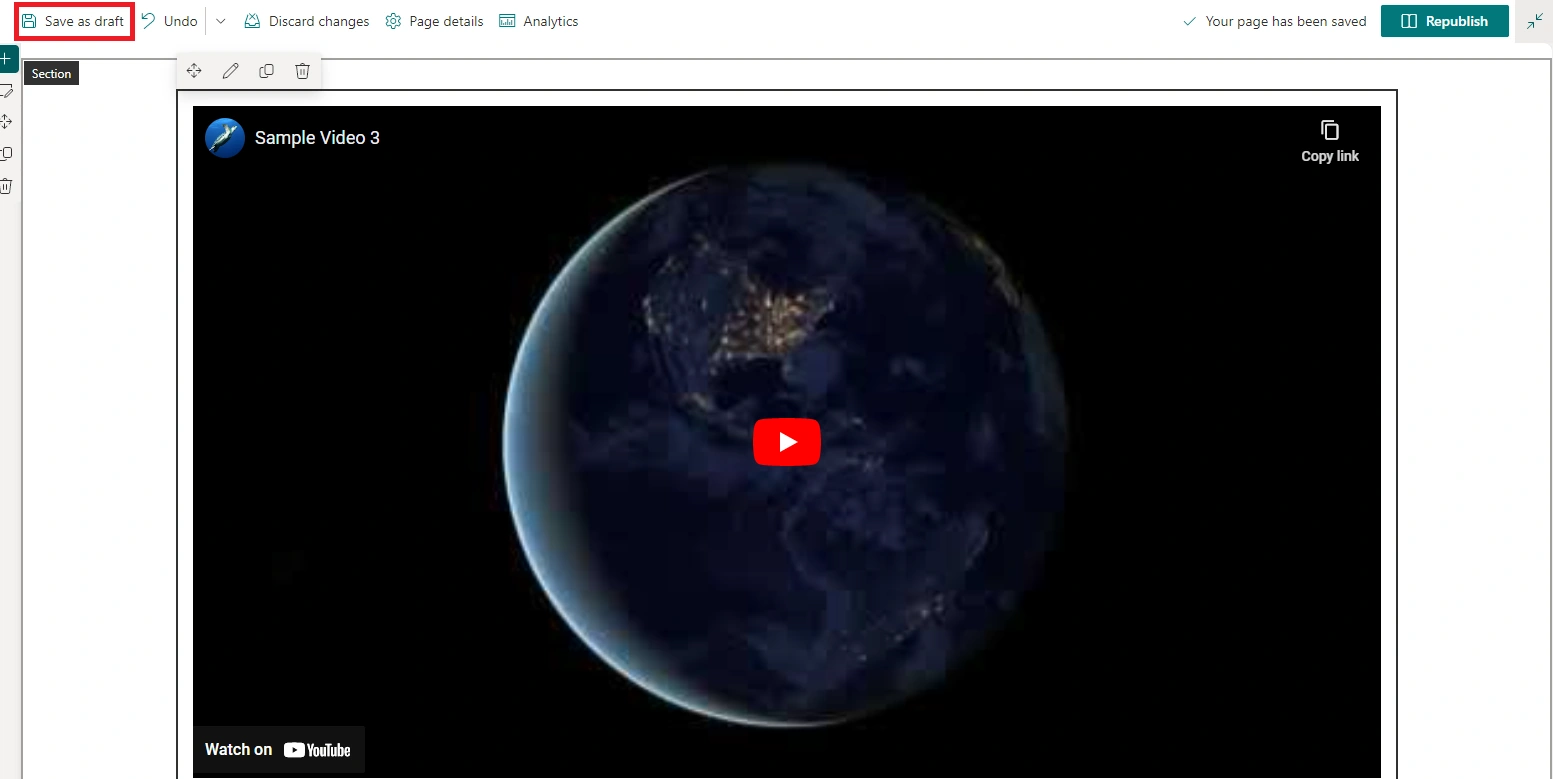
Save the page.
Step 7
Video will render as below,

Advantage
- Video is available to all users.
- The video takes full section width.
- Video provides you with expected functionality like showing thumbnails and providing a play icon. On the play icon click, and the video starts.
- You can provide multiline captions below the video.
- When you add a video to the YouTube Channel, you can provide custom thumbnails and subtitle details.
Limitations
- If the video is private, this option might not be available for you. Also, there is no permission control for this webpart.
- YouTube owns all rights to the source. For any reason, there is conflict, YouTube can block your video, and this might break the webpart.
- There are no additional details you can showcase with the video. For example, like or comment count.
Join the conversation! Your thoughts help the community grow.