Hi,
I created a Blazor Web Server App which is working fine locally using Visual Studio 2022. However I want to test this with IIS, so I changed launchsettings.json as below
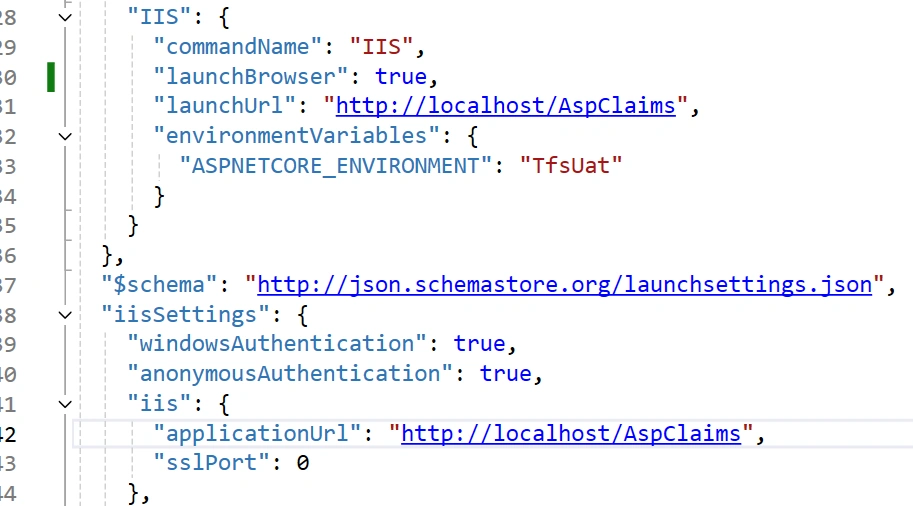
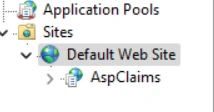
When I run this, i can see the AspClaims application in IIS and the page loads.
See screenshot.
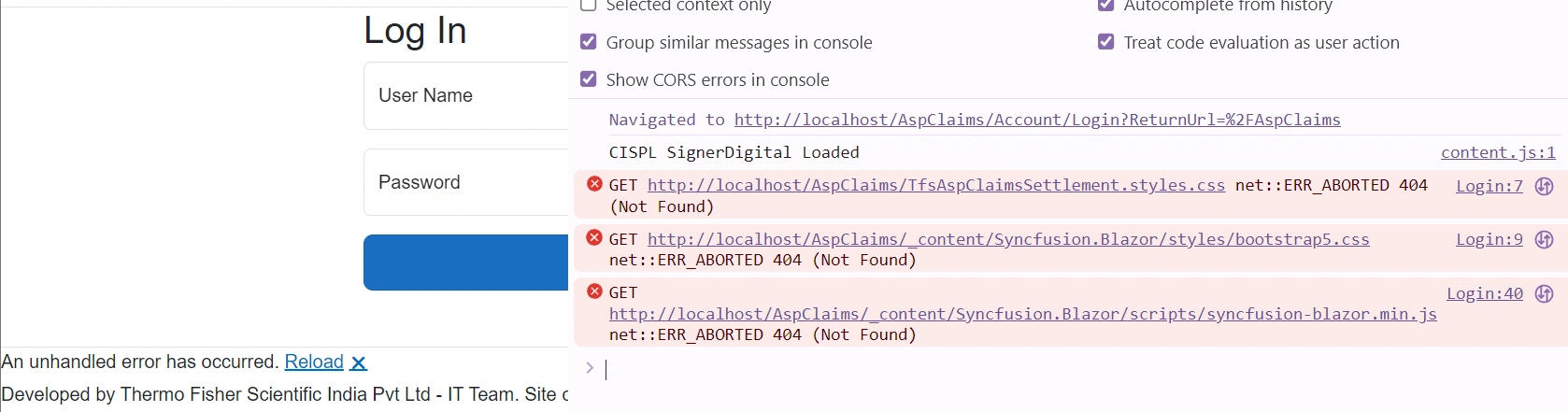
However, some of the static resources are not found. Please see screenshot below.Also, Navigation links are not working
Note: This works fine when I test it with any other option than IIS
Amira BedhiafiPosted Jan 16, 2025, 12:01 AM
I think it is related to missing files or incorrect paths when hosting the Blazor Web Server app in IIS. The errors indicate that the necessary CSS and JavaScript files cannot be found (404 errors)
Blazor often serves static files under the
_contentfolder. Ensure that the_contentdirectory exists in the published output folder.Open the
wwwrootdirectory of your published app and verify that the required files (likebootstrap5.css,syncfusion-blazor.min.js) are present.