
I want to add other model in place of Gemma:-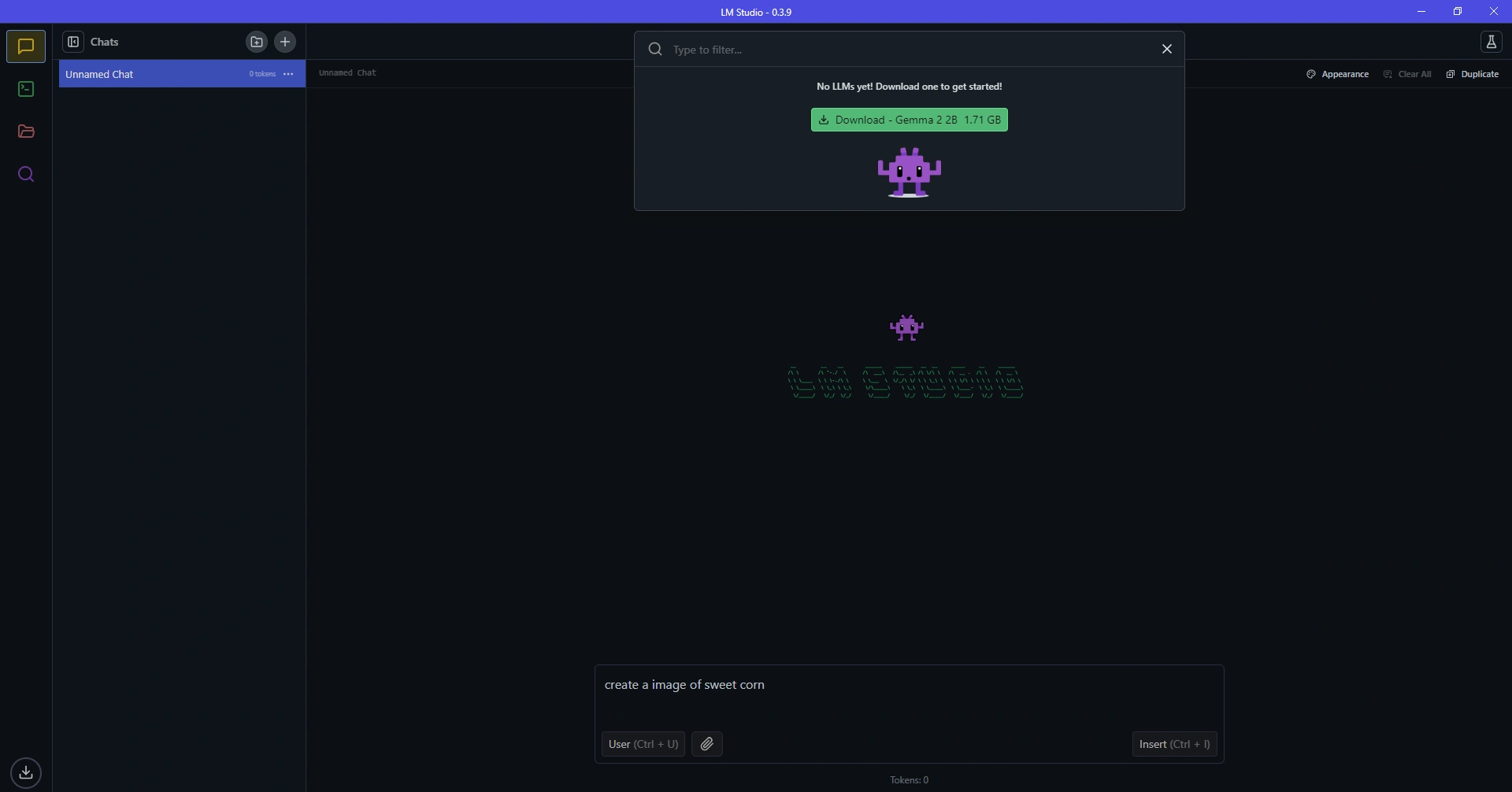
Loading
I want to add other model in place of Gemma:-
Know the answer? Post it — somebody with the same question will find it here.
Sign in to answer this question
It is the same account you read, post and publish with — and you will come straight back to this page.
Daniel WrightPosted Feb 13, 2025, 10:45 PM
To add other models to your LM studio project in place of Gemma, you will typically follow these steps:
1. Prepare the Model: First, make sure you have the new model you want to add ready. This could be a different character or object you wish to integrate into your LM studio project.
2. Import the Model: In LM studio or the platform you are using, there should be an option to import or add new models. Look for an "Import" or "Add Model" button or feature within the software.
3. Select the Model: Choose the model file from your computer that you want to add. This file could be in a format like .obj, .fbx, or .glb, depending on the platform's supported file types.
4. Adjust Placement and Settings: Once the model is imported, you may need to adjust its placement, size, orientation, and other settings to fit seamlessly into your LM studio project.
5. Replace Gemma: If you specifically want to replace Gemma with the new model, you may need to delete Gemma from the scene or swap it with the new model. This can usually be done by selecting the existing model and then replacing it with the newly imported one.
6. Fine-tune and Customize: After adding the new model, you can further fine-tune its appearance, animations, interactions, and any other aspects to align with your project's requirements.
By following these steps, you should be able to add other models to your LM studio project effectively. If you encounter any specific challenges or require more detailed guidance, feel free to provide additional information so I can offer more tailored assistance.