

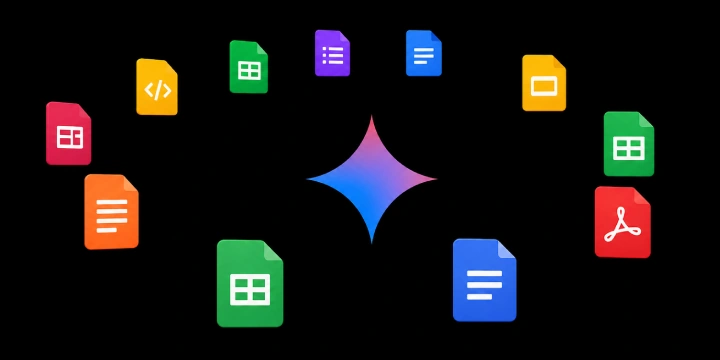
Google has announced a major productivity update for the Gemini app, allowing users to generate, download, and share professional files directly from their AI conversations. Instead of manually copying and formatting text, users can now prompt Gemini to package information into specific file formats, significantly streamlining the transition from a brainstorm to a finished deliverable.
Native File Generation and Export
This update eliminates the "copy-paste" friction of moving work between applications. Users can now:
Create Professional Documents: Consolidate collaborations into a single-page PDF or Microsoft Word (.docx) file.
Generate Structured Data: Export budget proposals or data sets directly to Microsoft Excel (.xlsx) or CSV formats.
Seamless Workspace Integration: Transition work directly into Google Docs, Sheets, and Slides.
Supported Formats
The Gemini app now supports a broad range of file extensions for direct download to a device or export to Google Drive:
Office & Productivity: .pdf, .docx, .xlsx, Google Workspace files.
Developer & Data: .csv, LaTeX, Markdown (MD).
Text: Plain Text (TXT), Rich Text Format (RTF).
Availability
The feature is now available to all Gemini app users globally. Whether you need a draft for a project plan or a complex spreadsheet, you can simply explain the file type you need within the Gemini interface to receive a downloadable result.
This update marks a shift from Gemini being a "knowledge assistant" to a "production tool." By enabling direct exports into structured formats like LaTeX, Markdown, and Excel, Google is making it easier for developers and technical professionals to integrate AI-generated content into their professional pipelines with zero reformatting overhead. You can try the feature now at gemini.google.com.
Join the conversation! Your thoughts help the community grow.