


Microsoft has announced the Copilot Fall Release, introducing a wave of new AI features across Edge, Windows, and Copilot apps that mark a major step toward building more personal, connected, and human-centered AI experiences.
This release deepens Microsoft’s vision of Copilot as an AI companion — one that helps users think, plan, and create while keeping people, not technology, at the center of innovation.
Technology should work in service of people — not the other way around,” said Mustafa Suleyman, EVP and CEO of Microsoft AI. “Copilot isn’t just a product; it’s a promise. A promise that AI can be helpful, supportive, and deeply personal — built to elevate human potential.”
A New Era of Human-Centered AI
The Copilot Fall Release introduces 12 major updates designed to make AI more personal, useful, and socially intelligent. Microsoft says the update reflects its philosophy of “AI that empowers human judgment, not replaces it.”
Key themes in the release include connection, personalization, memory, and trust — positioning Copilot as an adaptable assistant that helps users stay organized, learn, and collaborate more naturally.
AI That Connects Us
Microsoft’s newest Copilot features focus on making AI collaborative — a shift from solitary chat interactions to shared experiences.
Copilot Groups: Enables real-time collaboration with up to 32 participants. Users can brainstorm, co-write, or plan together, while Copilot keeps everyone aligned by summarizing threads, proposing ideas, and dividing tasks.
Imagine: A creative space where users can explore, remix, and share AI-generated ideas, fostering a social ecosystem for collaborative creativity.
AI should be social, not isolating,” Microsoft said. “With Groups and Imagine, Copilot helps people think and create together.”
AI That’s Personalized to You
Microsoft is emphasizing empathy and adaptability in Copilot’s personality and design:
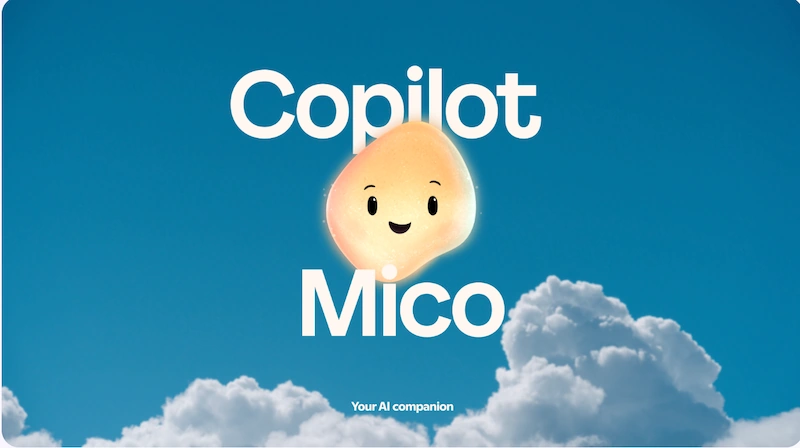
Mico: A new expressive AI character — short for Microsoft Copilot — that reacts visually and emotionally during interactions. Mico can respond to tone, change color, and animate naturally during voice conversations, making AI feel more approachable and alive.
Real Talk: A new conversation style that brings a more grounded, emotionally aware tone. Copilot listens, challenges respectfully, and adapts to user preferences — building a more human relationship over time.
Copilot is designed to be empathetic and supportive, not sycophantic. It’s AI that listens, learns, and earns your trust,” the company said.
Deeper Memory and Shared Context
The release also introduces long-term memory and expanded connectors for multi-service integration:
Memory & Personalization: Copilot can now remember details like events, tasks, and goals (“I’m training for a marathon”) and bring them up naturally in future conversations. Users remain fully in control and can edit or delete memories anytime.
Connectors: Copilot now links services like OneDrive, Outlook, Gmail, Google Drive, and Google Calendar, allowing natural-language search across files, emails, and events — with explicit user consent.
Proactive Actions (preview): Copilot can now surface timely insights and next steps based on ongoing work or research, moving from reactive assistance to proactive support.
Join the conversation! Your thoughts help the community grow.