
Raj and Mark met again this weekend and continued their discussion of MVC topics from the last topic Basics of Dependency Injection.
Raj: What are filters in MVC? They look like attributes.
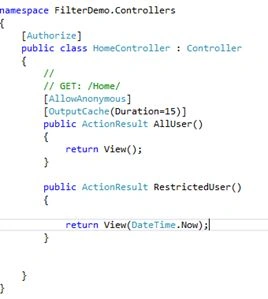
Mark: Yes they are the same as C# attributes, applied at the Action and Controller level. These filters are used to inject extra logic into the request processing pipeline, both pre-processing and post-processing logic is injected. They provide simple and the best way to implement the cross-cutting concern.
Raj: What is the cross-cutting concern?
Mark: The functionality that is used all over the application, not only in a single place, filters provide a way to maintain the Separation of Concerns pattern. An example of cross-cutting concerns are logging, authorization and caching.
https://msdn.microsoft.com/en-in/library/ee658105.aspx
Raj: Can you explain more of why we need filters?
Mark: Sometimes you need some action to be performed before or after the action is executed, for example you need to authorize the user before performing an action, you need to log the error after some error happened.
Let us try authorizing.
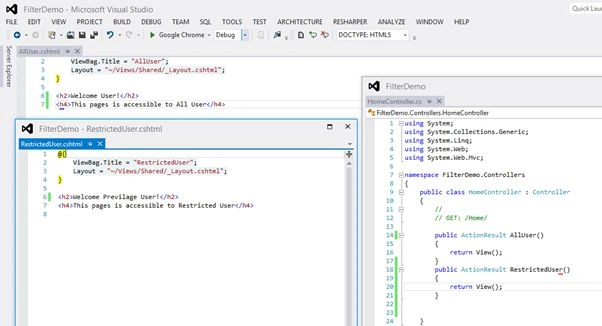
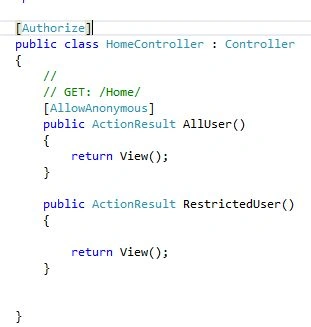
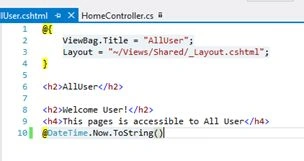
Let's see with an example. I will create a MVC 4 projectby selecting Basic Templates then adding a HomeController and two action methods (AllUser() and RestrictedUsers()) and add their views as shown in the following screenshot:
Raj, if we run the application, it will run fine as shown below:
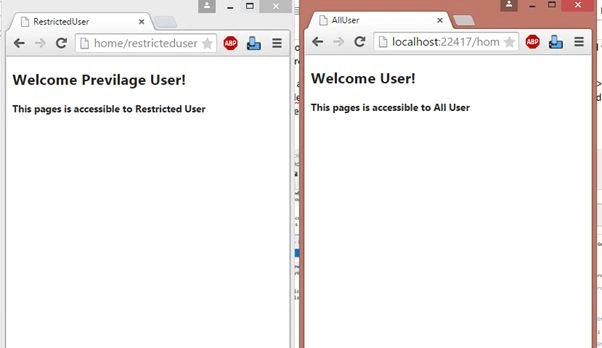
Raj : What I can understand from your code is that you have two separate actions with differing types of access, one action for all users and another for privileged users, but you are able to browse both without authorizing.
Mark: okay, to make an action RestrictedUser accessible to an Authorized user, I will just add an attribute to the same action RestrictedUser in the code.
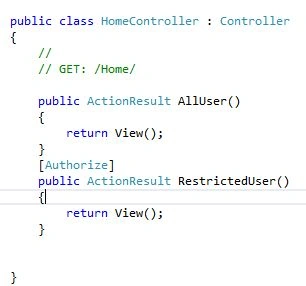
Now I will run the code, let's see:
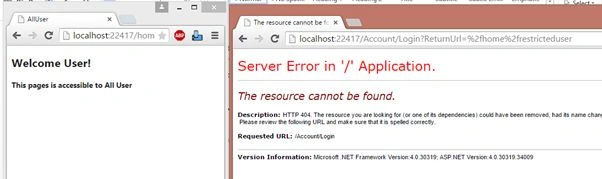
I am not able to access the RestrictedUser Action. As shown in the screenshot and in the URL, the error screen is for missing the view of the account controller, it comes to this after redirecting from the Unauthorized request.
Raj: you have just added an attribute, then how is it working?
Mark: by default, see the web.config file. It implements Forms Authentication so the Authorize filter validates the request. It is the same as in the following:
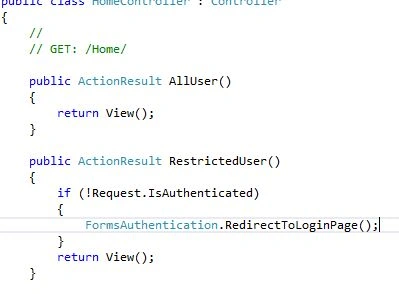
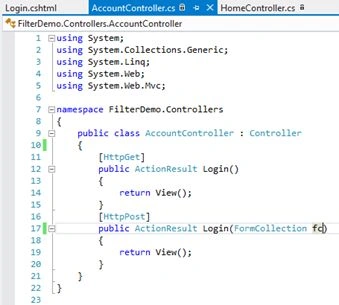
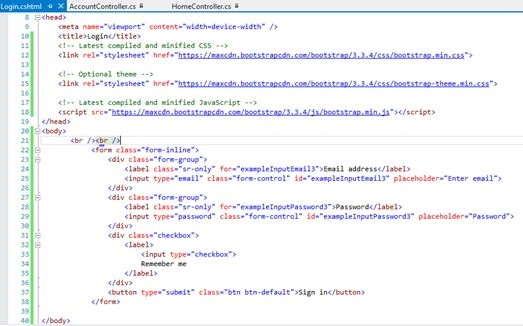
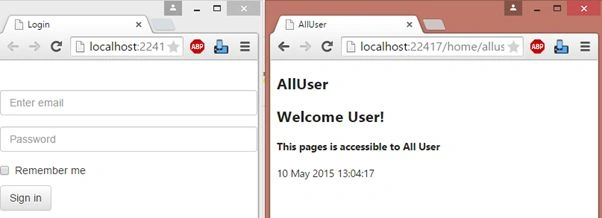
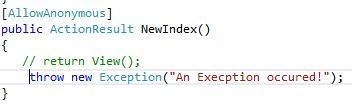
Now, I am adding a Login action to the Account Controller (new) to redirect to the login page, not on an error page.
NitinPosted May 11, 2015, 12:18 PM
nice
Shailesh UkePosted May 11, 2015, 9:19 AM
Nice Article....
Mahesh ChandPosted May 11, 2015, 9:01 AM
Good work Raj and Mark. Keep it up :)
RahulPosted May 11, 2015, 3:38 AM
Thanks Sibeesh.
Sibeesh VenuPosted May 11, 2015, 3:01 AM
Good One :)
Abhishek JaiswalPosted May 11, 2015, 2:22 AM
Nice explanation and presentation! :)
Santhakumar MunuswamyPosted May 10, 2015, 11:57 PM
Thanks for nice article