

Introduction
In this article we will see how to create a Windows Phone app quickly. Sometimes we just need to show some static content and the rest is design. To automate the task of designing Microsoft offers a tool called "WIndows Phone App Studio". You can read my previous article to learn about it. In this article we will be using this tool to create our News app.
About News APP
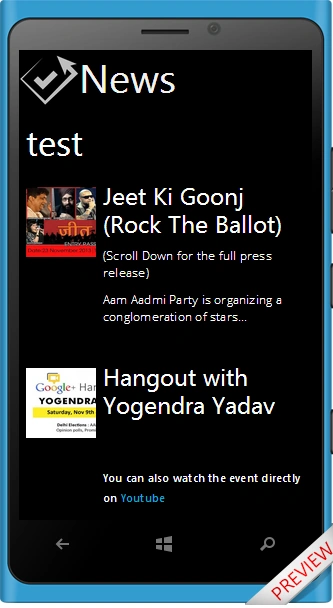
This will be a simple app used for getting the news feeds of the newly debuted political party of India "AAM AADMI PARTY". I chose it because of it's popularity in India. This application will grab the news from the "aamaadmiparty.org" website and will display it on a phone. In all this process of App creation we won't write any code. So let's start.
Account and tool initialization
Use the following procedure to create a sample app.
-
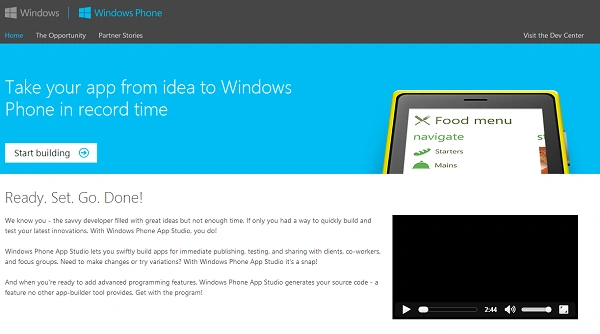
Open the App Studio web page by going to this link: http://apps.windowsstore.com/
-
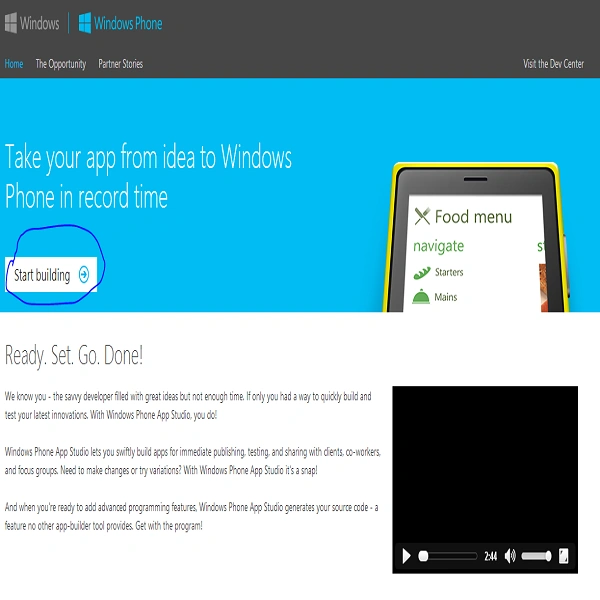
If you are an existing Microsoft user then click on start building and sign in.
-
Now our tool is opened. Let's understand the UI of this tool now.
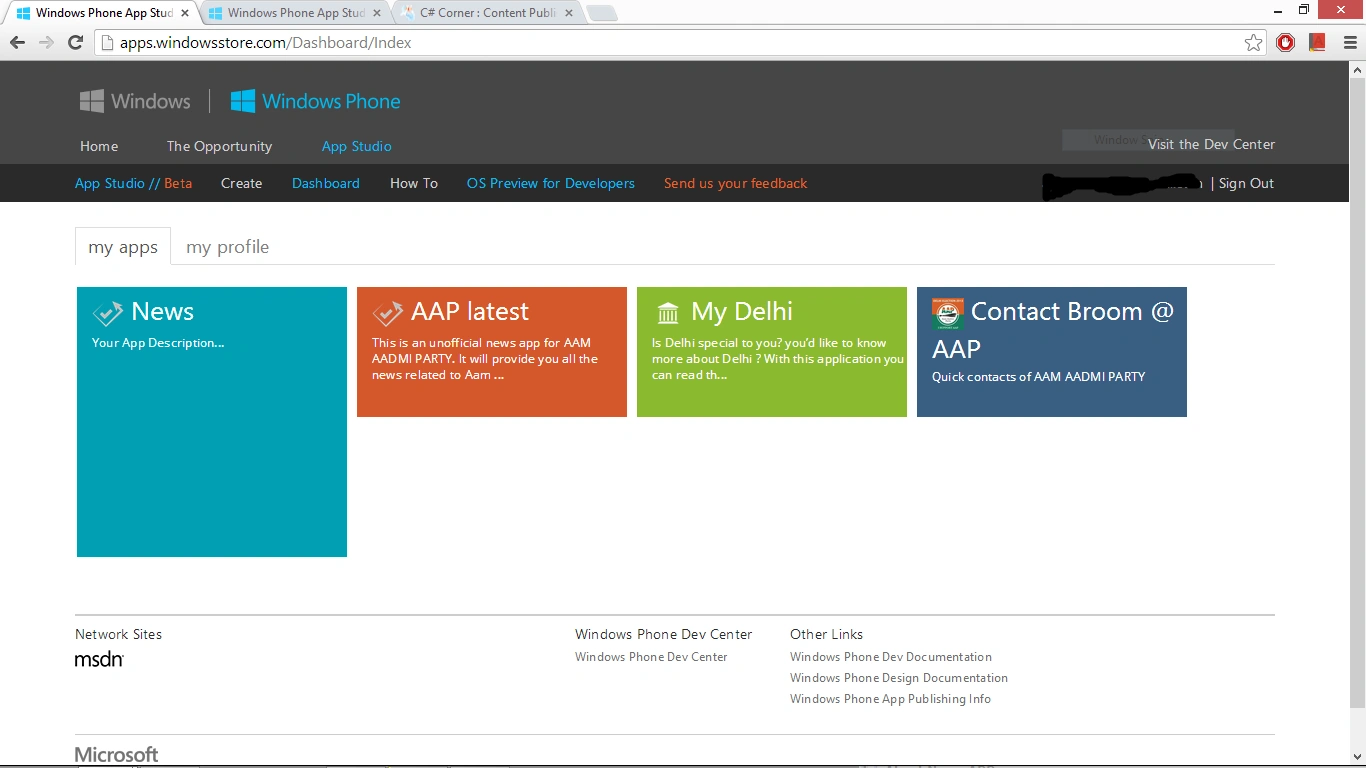
Understanding UI of App studio
-
"Create" is for creating a new application.
-
"Dashboard" is where we'll manage our applications. It contains all the applications we have created so far. You can choose your app and edit it or delete it.
-
"How to" is your book for learning App Studio. It's a help section.
Creating New Application
Use the following procedure to create a new application.
-
Click on "Create"
-
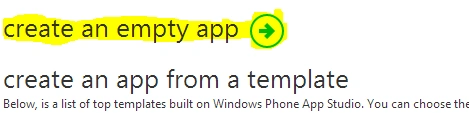
Now for an empty application click on "Create an empty app". For a news app we are using "empty app".
-
If your app idea matches any of the available templates then click on that template and then create the app.
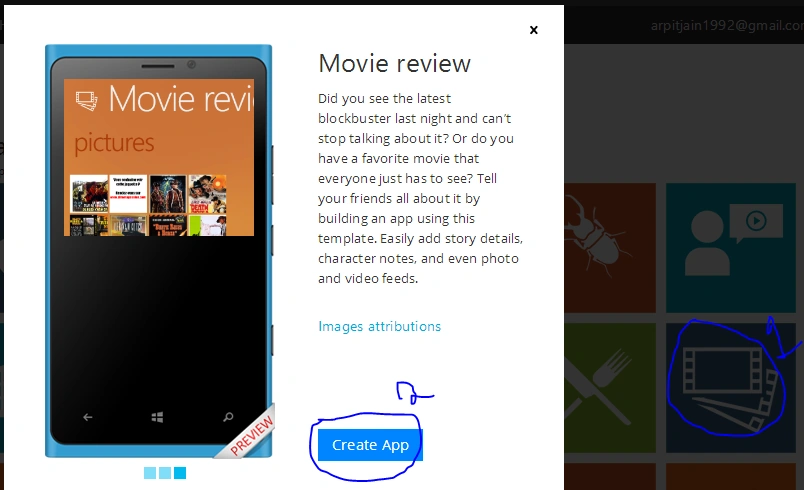
-
Your app is created. Now we need to add our data in that application. (Publishing a default app in the market store is not allowed.)
-
Now enter your App title, description and logo. You can also change the language if you want.
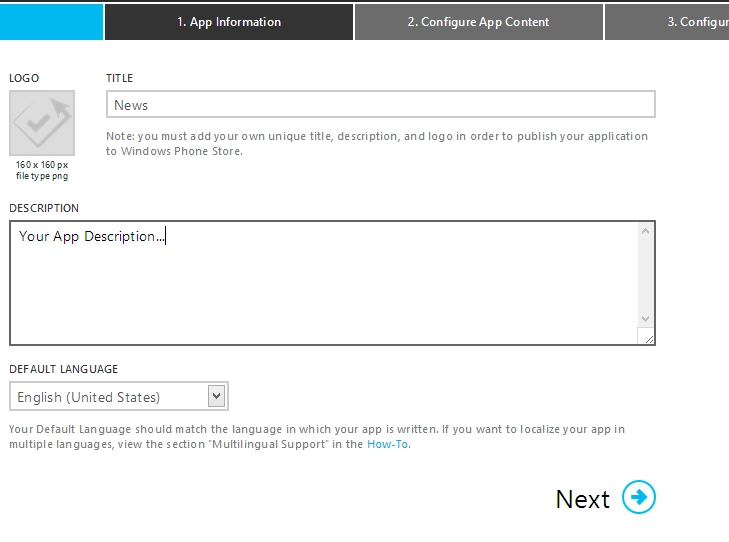
-
After entering the details, click on "Next"
-
Now we need to configure our App content. Before we do this let us understand various data sources and data sections available.
Data Sources
Data sources are simple databases used by our applications for storing data,. in other words it is what we show in our app. It can be Youtube videos, Facebook page feeds, RSS feeds, some picture collections, or other user defied simple data table.
Type of Data sources
For a better app, it is better to learn what type of data sources are available to us.
-
RSS
This is a very useful data source. You need to enter your feed URL in a data source and it will automatically show you the feeds on the screen. We'll be using it in our News APP. -
Youtube
You have your Youtube channel and want to show it on the APP. Then this is what you should go for. This data source requires only a channel name as input. -
Flickr
Usefull for showing a list of images from a Flicker user id. -
Bing
Usefull for embedding the search results from Bing. You need to specify your search query during app development. It can't be changed after app development. -
HTML
Used for adding lines of text with a limit of 2048 characters in one data source. -
Collections
Create your own table and enter your own data in it. Show it in the app using binding independent of any website. This data type is of special interest because of "App Studio Data Services" . This service allows you to change your app data in App Studio and get it updated instantly on all devices using that App. This feature is very useful for creating Live applications.
Adding Data Source
To proceed ahead in our news App let us add a data source to our application.
-
Click on the "+" button and then select "Add section".
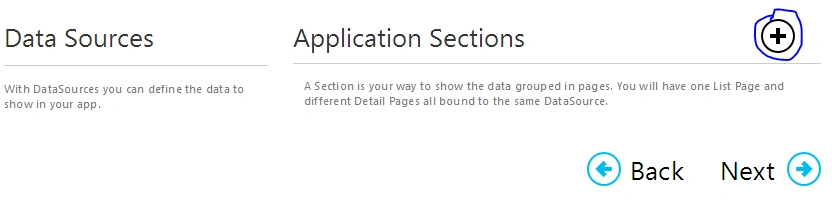
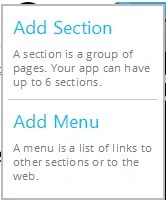
-
On the next page enter the name of the section and Data Source.
-
Now select the RSS data source and click on "Save Changes".
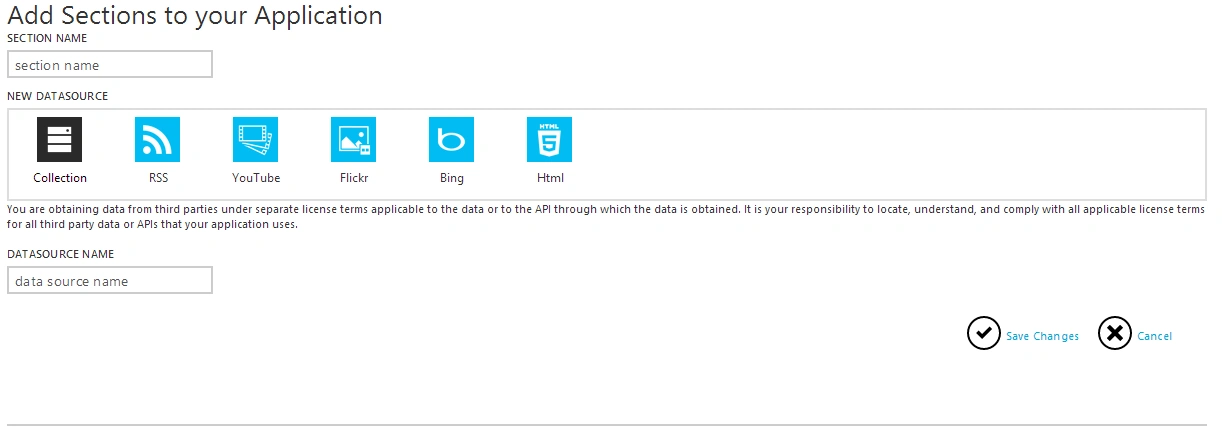
-
Now click on the newly added data source.
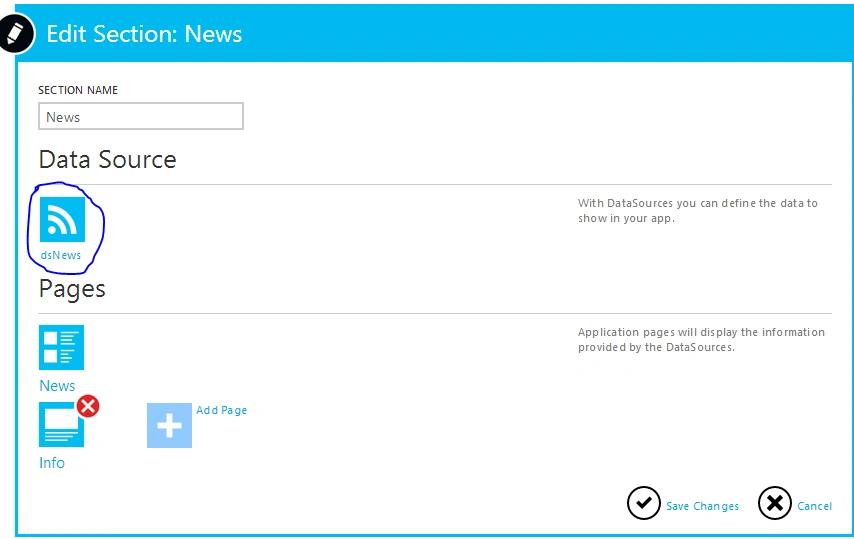
-
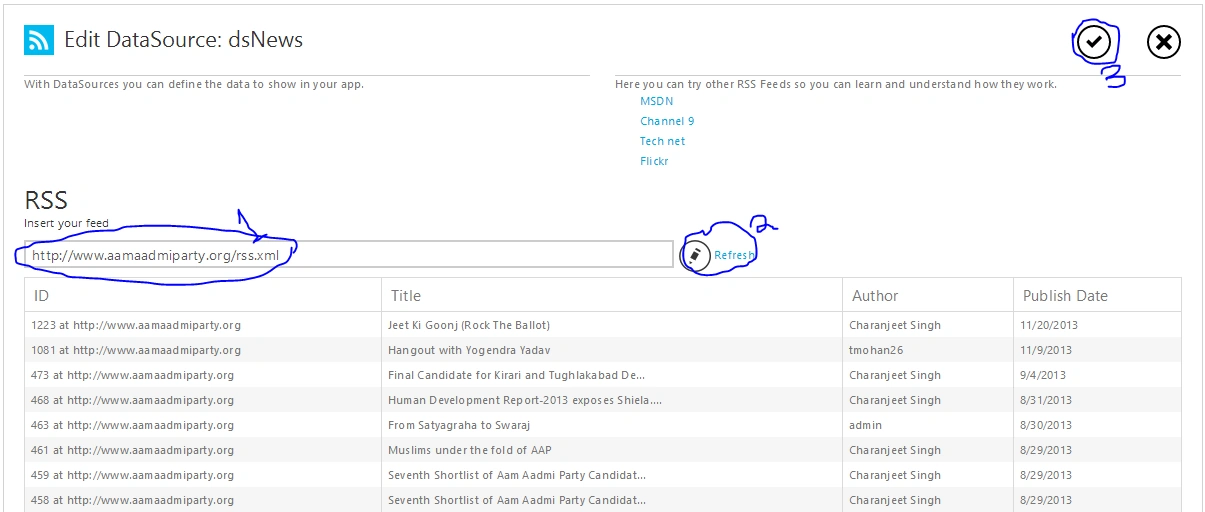
On the next page insert the RSS feed URL:
"http://www.aamaadmiparty.org/rss.xml" -
Now click on "Refresh". Wait for the feeds to load. Then click on "Save"(Check mark).
-
We are done. The Data Source is successfully added to our app.
Summary
In this article we learned how to create an app in App Studio, use various data sources available to us for use and how to add data sources to our App. In the next part we will complete our App and learn about application sections. Until then Practice using various data sources and the differences between them. Don't forget to share and comment.
Join the conversation! Your thoughts help the community grow.