

INTRODUCTION
In this tutorial, I am going to explain about VIEW in MySQL with examples. Without wasting time, let’s start.
In this tutorial, I have described VIEW in MySQL with examples. This article covers the following topics:
- View
- Advantages of MySQL View
- Create View
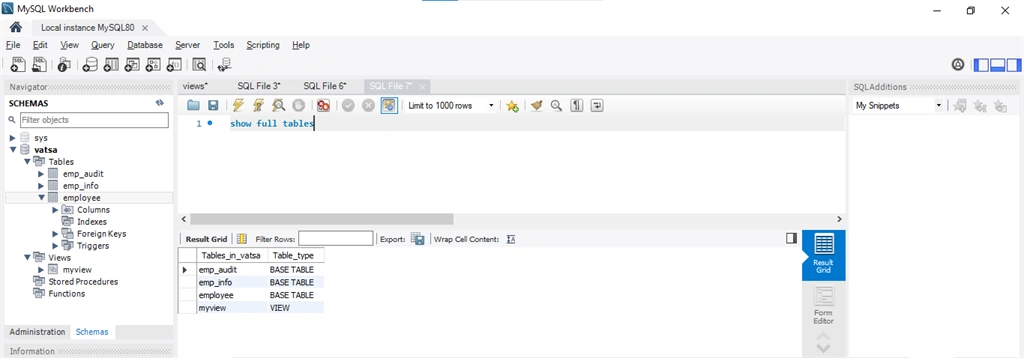
- Show View
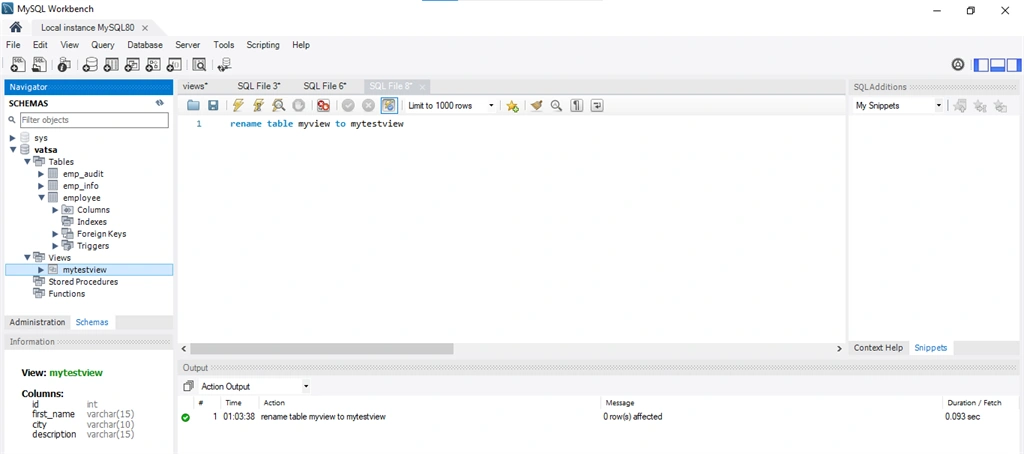
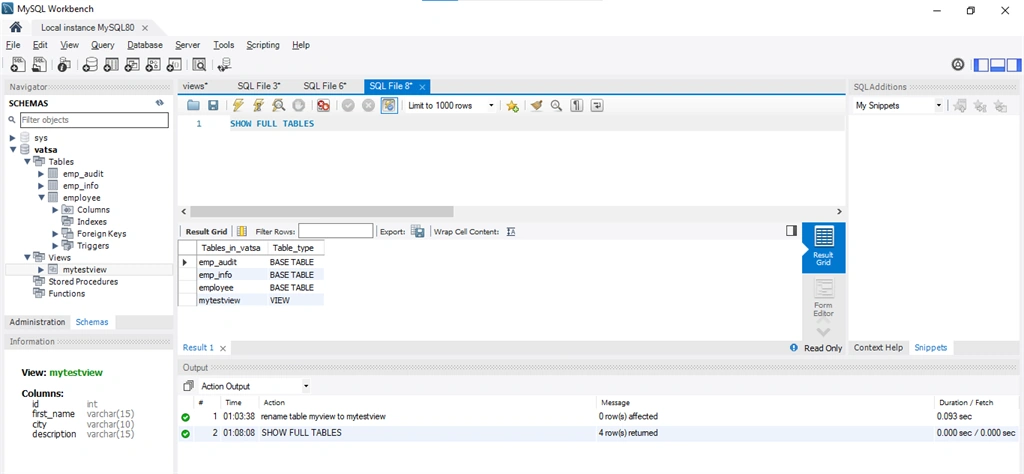
- Rename View
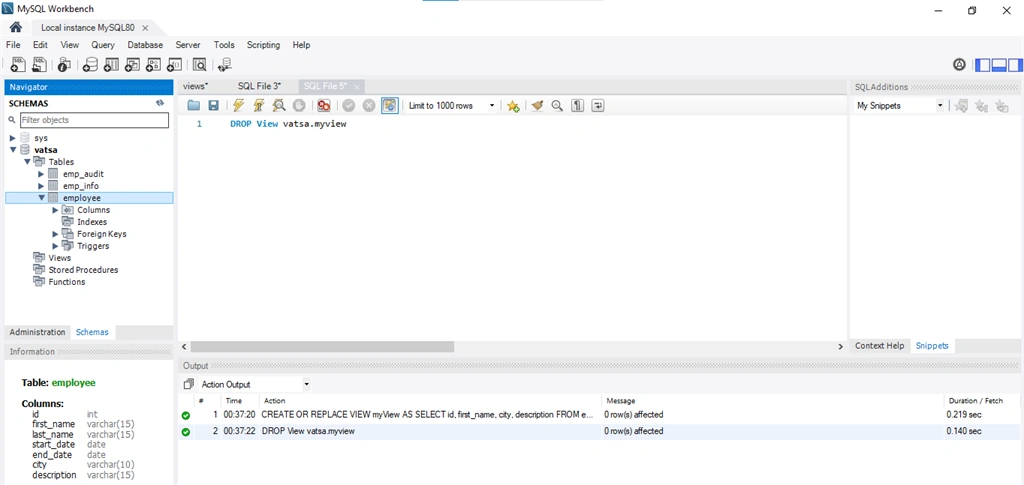
- Drop View
You are advised to read Installing MySQL on Windows.
VIEW
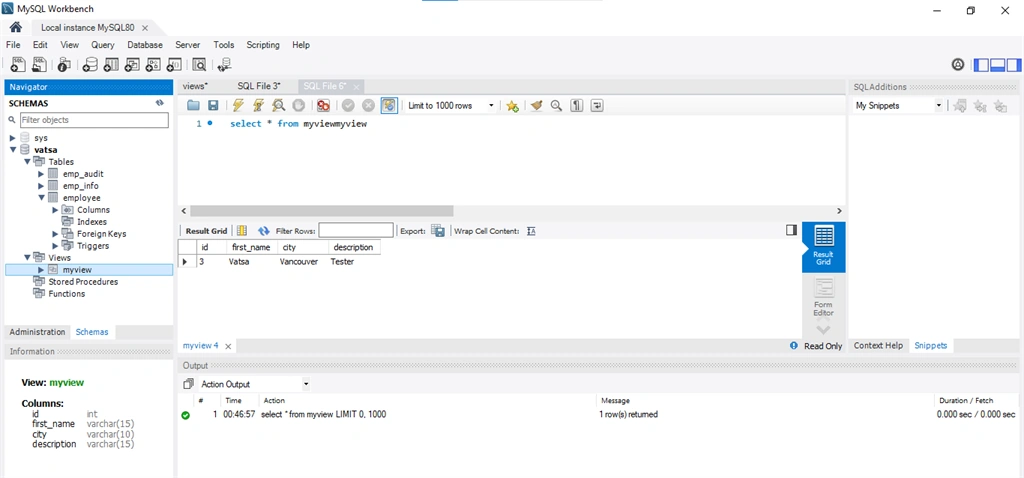
Views are stored queries. A view acts as a virtual table. A view consists of rows & columns just like the table. The difference between table and view is that view are definitions built on top of other tables (or views).
- It is used to restrict access to the database.
- Hide data complexity.
- A view is stored as a select statement in the database.
- DML operations on a view like Insert, Update, Delete effects.
There are several rules which SELECT statement has to follows:
- In the SELECT statement, subquery cannot be included.
- Variables such as local, user, and session variables cannot be used in the SELECT statement.
- A prepared statement cannot be used in the view.
- Temporary tables or views cannot be used in the SELECT statements and any tables or views which referred by views must exist.
- View cannot be associated with triggers.
Advantages of MySQL Views
MySQL has various advantages as
- It simplifies complex queries.
- It adds an extra security layer.
- Make business login consistent
Creating a View
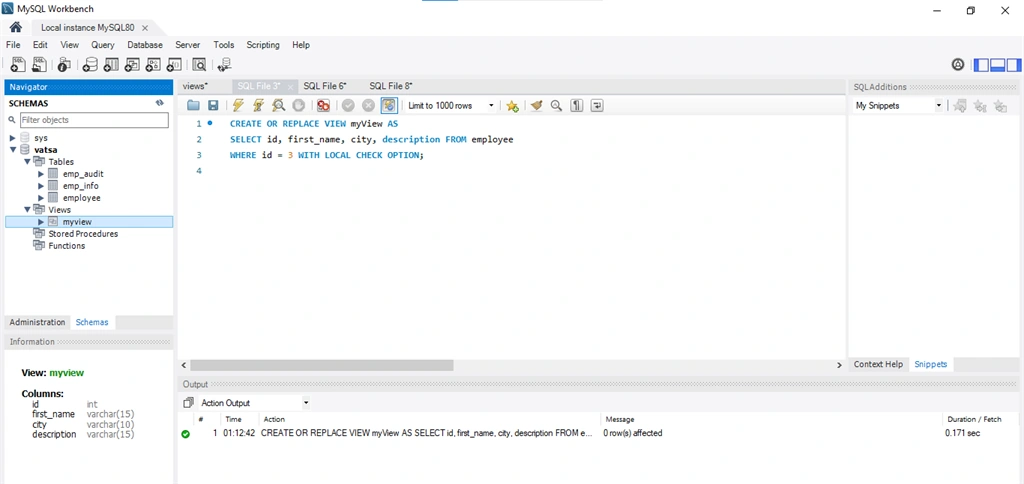
Create View statement is used to create a view in the database.
Syntax :
CREATE VIEW view_name AS
SELECT column_name(s)
FROM table_name
WHERE condition
Now let’s discuss an example. First of all, we have to create a database and a table ‘Employee’.
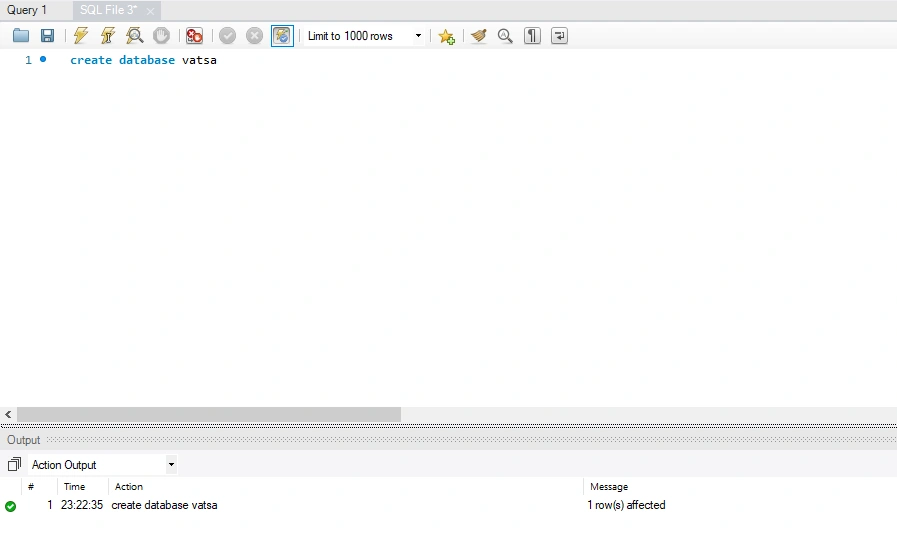
Create a Database
- CREATE DATABASE VATSA
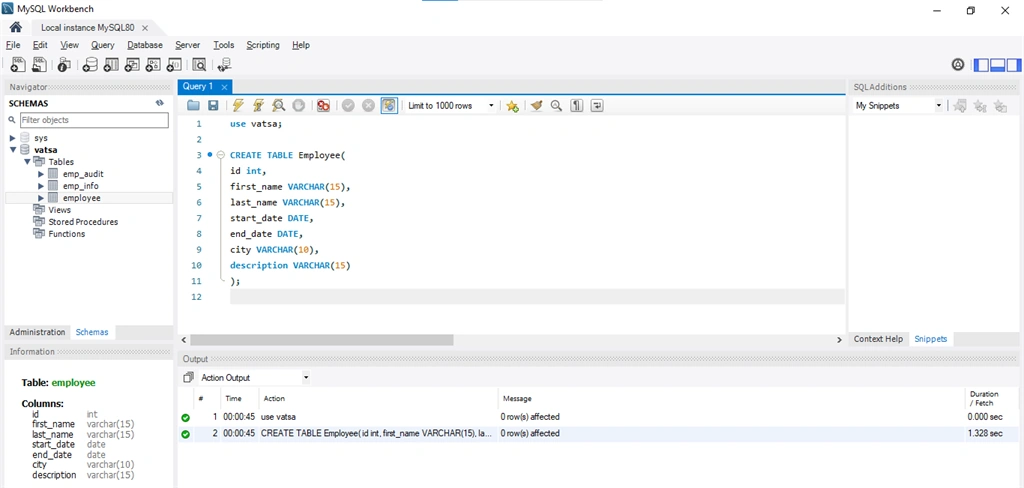
Create a table
- CREATE TABLE Employee(
- id int,
- first_name VARCHAR(15),
- last_name VARCHAR(15),
- start_date DATE,
- end_date DATE,
- city VARCHAR(10),
- description VARCHAR(15)
- );
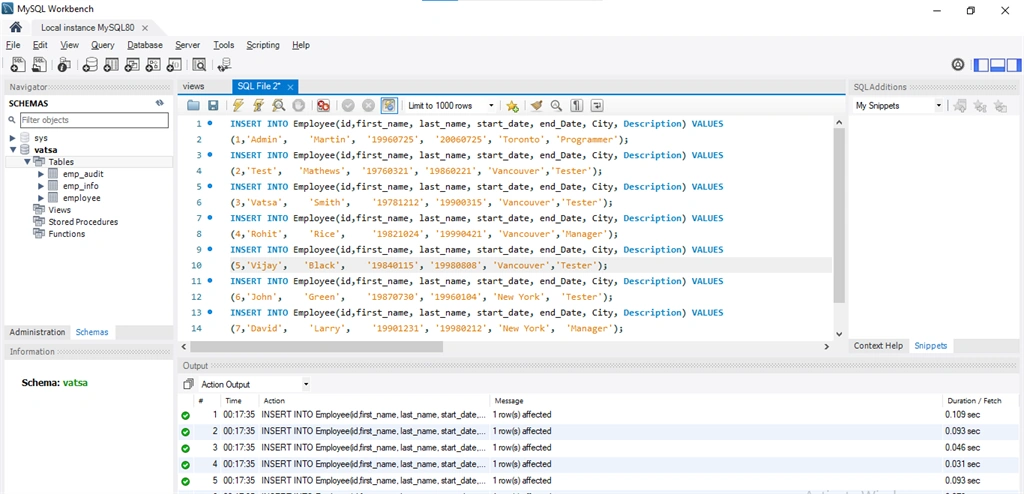
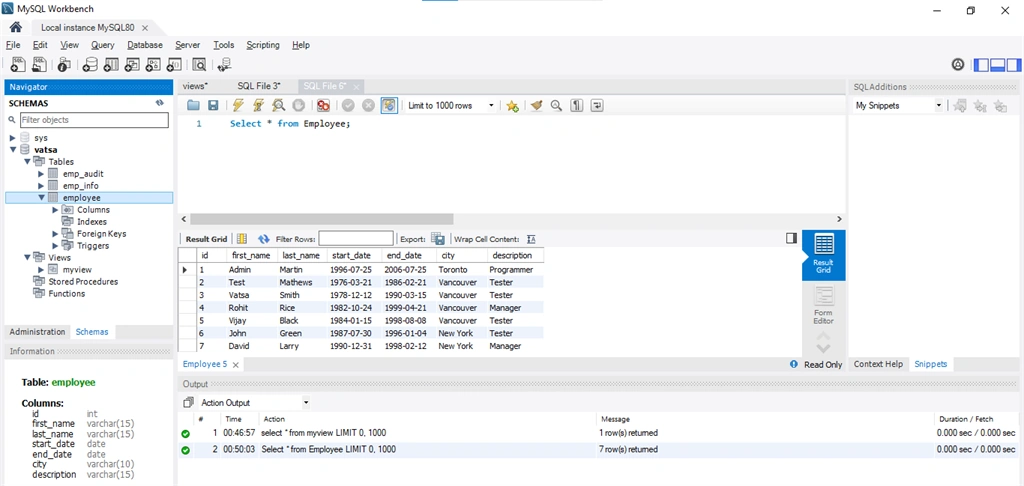
Insert records into table:-
- INSERT INTO Employee(id, first_name, last_name, start_date, end_Date, City, Description) VALUES(1, 'Admin', 'Martin', '19960725', '20060725', 'Toronto', 'Programmer');
- INSERT INTO Employee(id, first_name, last_name, start_date, end_Date, City, Description) VALUES(2, 'Test', 'Mathews', '19760321', '19860221', 'Vancouver', 'Tester');
- INSERT INTO Employee(id, first_name, last_name, start_date, end_Date, City, Description) VALUES(3, 'Vatsa', 'Smith', '19781212', '19900315', 'Vancouver', 'Tester');
- INSERT INTO Employee(id, first_name, last_name, start_date, end_Date, City, Description) VALUES(4, 'Rohit', 'Rice', '19821024', '19990421', 'Vancouver', 'Manager');
- INSERT INTO Employee(id, first_name, last_name, start_date, end_Date, City, Description) VALUES(5, 'Vijay', 'Black', '19840115', '19980808', 'Vancouver', 'Tester');
- INSERT INTO Employee(id, first_name, last_name, start_date, end_Date, City, Description) VALUES(6, 'John', 'Green', '19870730', '19960104', 'New York', 'Tester');
- INSERT INTO Employee(id, first_name, last_name, start_date, end_Date, City, Description) VALUES(7, 'David', 'Larry', '19901231', '19980212', 'New York', 'Manager');
Onkar SharmaPosted Aug 25, 2020, 2:18 PM
Very well explained, thanks for sharing...
Gowtham RajamanickamPosted Apr 25, 2015, 6:38 AM
good
divya perumalPosted Mar 19, 2012, 8:45 AM
Thank you for this article .