

Introduction:
SPDisposeCheck is a tool used by SharePoint Developers to check the custom
SharePoint solutions that use the SharePoint Object Model for proper memory
leaks. For more information on Disposing Objects in SharePoint Object Model you
can refer
http://msdn.microsoft.com/en-us/library/ee557362.aspx . In this article we
will be seeing how to use SharePoint Dispose Check tool in Visual Studio 2010.
SharePoint Dispose Check tool in Visual Studio 2010:
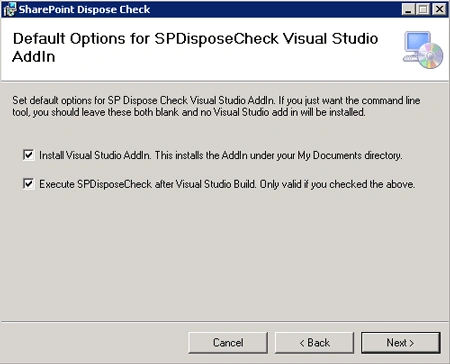
When you install SharePoint Dispose Check, there will be some default options to
select so that Visual Studio 2010 AddIn will be installed.
Default Options for SPDisposeCheck Visual Studio AddIn
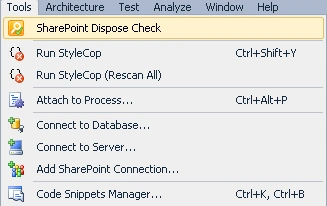
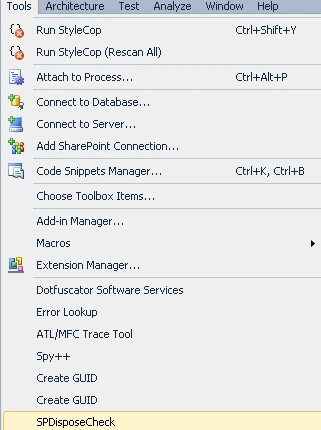
When you use Visual Studio 2010 you could be able to see SPDisposeCheck AddIn.
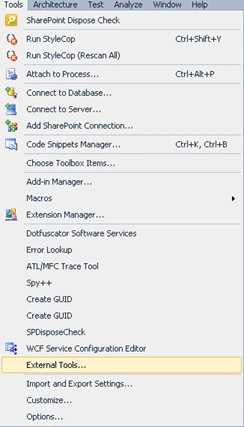
Go to tools menu you could be able to see the SPDisposeCheck AddIn as shown in
the following.
How to use it:
- Open Visual Studio 2010.
- Go to File => New => Project.
- Select Console Application template, enter the Name and then click on Ok.
- Add the following reference
i) Microsoft.SharePoint.dll
- Add the following namespace
i) Using Microsoft.SharePoint ;
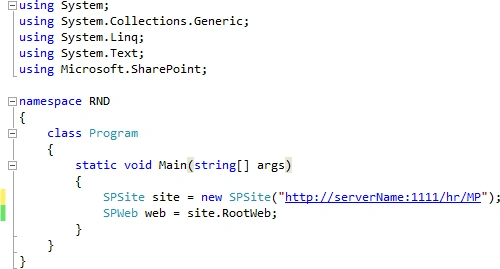
- Replace Program.cs with the following
code.
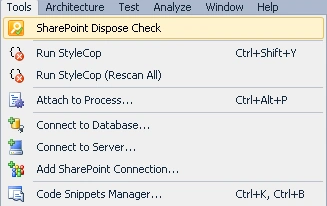
- Go to Tools menu and then click on
SharePoint Dispose Check as shown in the following
- SPDisposeCheck configuration menu will pop up.
- Select Execute After Build and in Select
the assemblies to analyze section select the exe as shown in the following
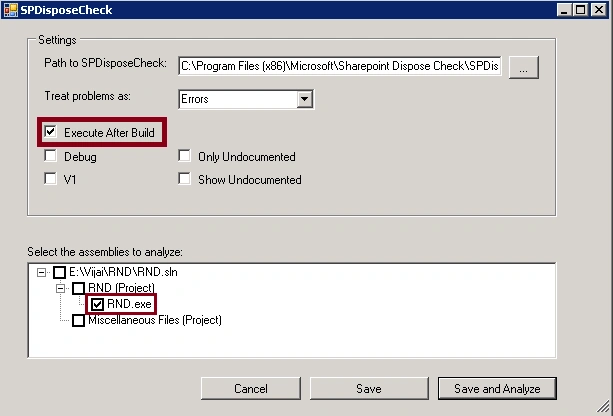
- Click on Save.
- Right click on the solution and then click on Build.
- Go to View menu and click on Error List.
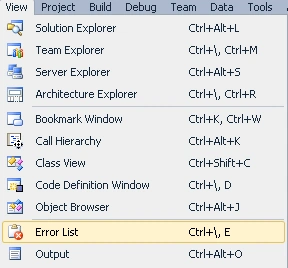
- You could see the following errors in the
Error List
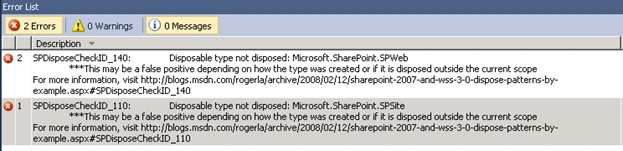
- The reason is in the code I have not
disposed the objects properly.
When you install SharePoint Dispose Check, if you have not selected any default
options for SPDisposeCheck Visual Studio AddIn, you can use command window.
Go to Start => Run =>Type as cmd. In the Command window type the following
command
"C:\Program Files (x86)\Microsoft\SharePoint Dispose Check\SPDisposeCheck.exe"
"E:\Vijai\RND\RND\bin\Debug\RND.exe" –debug
Error messages can be seen as shown in the following
John DepthPosted Feb 2, 2012, 2:13 PM
Interesting.... it's similar to deleaker...