

Introduction
In this article you will learn how to configure the DNS Reverse Lookup Zone.
Before going through this article make sure that your system has already installed the DNS. If DNS is not installed then you should install it first; for that you can follow this link: How to Install the DNS.
Now I will show you the procedure for configuring the Reverse Lookup Zone.
Step 1
First of all you need to open the DNS Manager; you can open it by one of two different methods.
First through the Server Manager.
Second through the Administrative tools.
Here we will follow the first method, in other words through the Server manager.
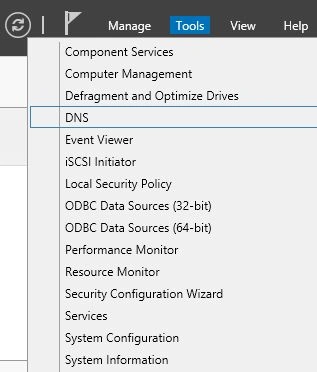
Open the Server Manager. In the Server Manager you will see an option named Tools on the right-hand corner of the Server Manager. Click on it to expand it.
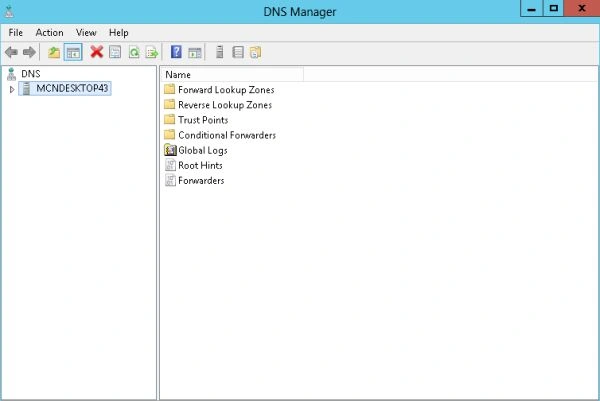
Now your DNS Manager will be opened that will look like this:
Step 2
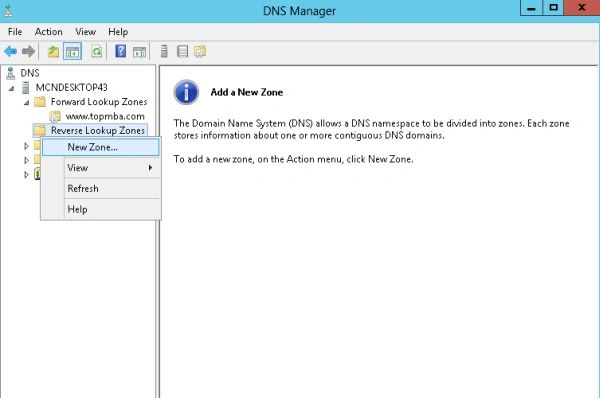
Now you need to expand your Server, for that click on the Server Name that is available on the left hand side under the DNS.
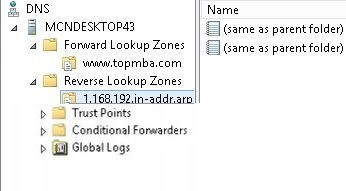
After expanding the Server Name, you will see that two type of zones are available and one of them will be "Reverse Lookup Zone". Right-click on this zone and click on "Add New Zone".
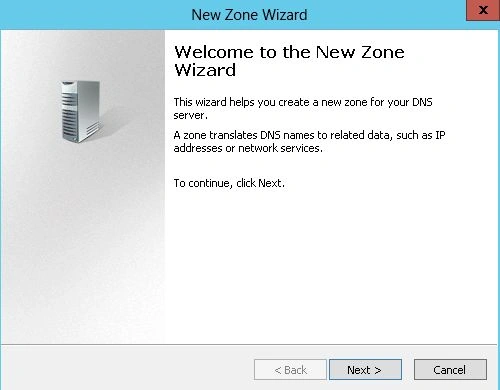
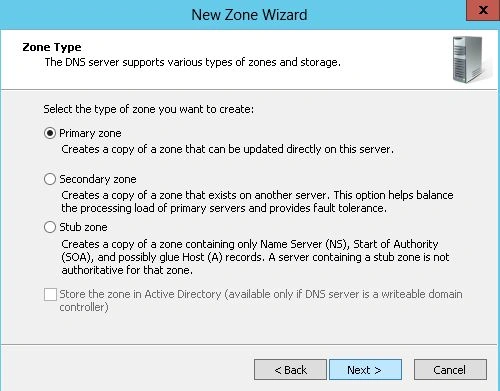
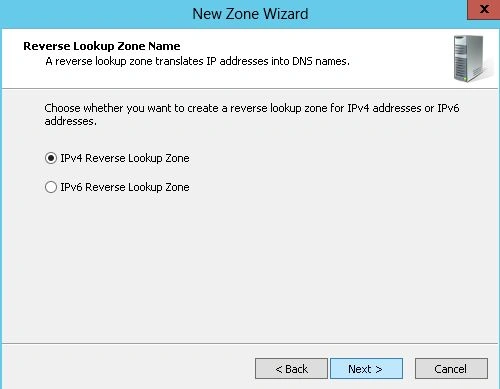
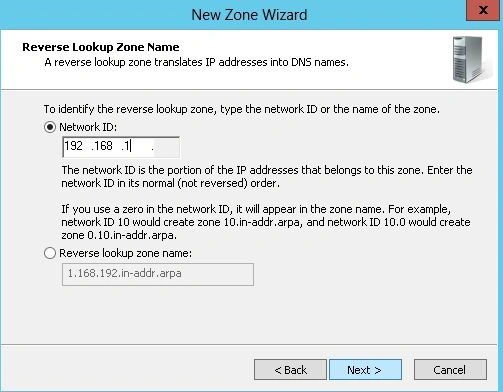
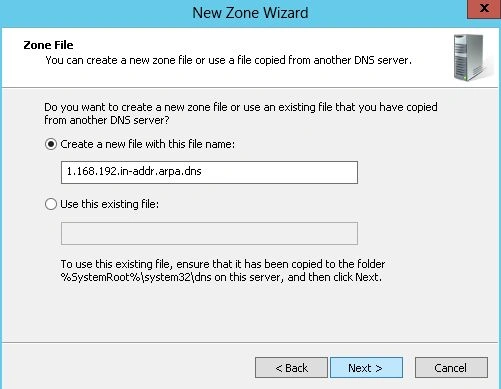
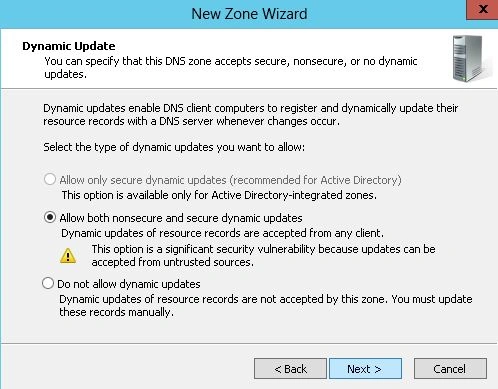
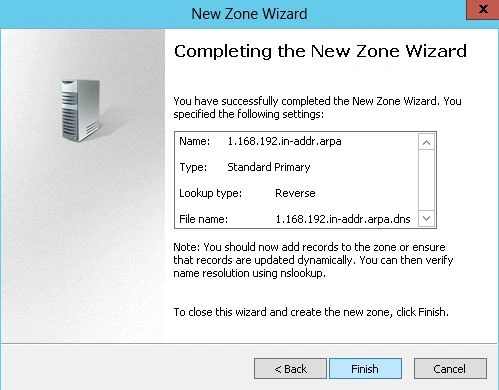
Now the New Zone Wizard will be opened where on the first page some information about the Wizard will be provided, click on the "Next" button to open the next page.
Join the conversation! Your thoughts help the community grow.