

Introduction
In my previous article I told you about If and Ifnot Binding Using Knockout.
In today's article I explain mouseover and mouseout event binding using Knockout.
Step 1
First, you need to add the external Knockout js file into your application, you can either download it from the internet or can download my application available at the start of this article in ZIP Format and then can use the file attached with this ZIP file.
After downloading the file you need to call it in the head section of your application.
<head runat="server">
<title></title>
<script src="knockout-2.3.0.js"></script>
</head>
Step 2
Now we can work on our application. First we will work on the ViewModel for this you need to add a Script tag under the Body Section and then add this code:
<script type="text/javascript">
function x() {
this.goodMorning= ko.observable(false),
this.overMe= function () {
this.goodMorning(true);
},
this.overOut= function () {
this.goodMorning(false);
}
};
ko.applyBindings(new x());
</script>
As always, I first created a function "x()", then I created an Observable named "goodMorning". This Observable is made false. That means that wherever it'll be applied, that element will not work until a specified condition is not fulfilled.
After that I created two functions, in the first function goodMorning is made True and in the other it's made false. Which means that the first function will allow the goodMorning Observable to work and the second function will again stop it from working.
At the end Binding is applied to the x().
Step 3
Our work on ViewModel is now complete, so we can move forward to the view part of the application.
Write this code in the view of the application:
<div>
<div>
<button data-bind="event: { mouseover: overMe, mouseout: overOut }">Mouse Over Here </button>
</div>
<div data-bind="visible: goodMorning">
Hey! Good Morning....
</div>
</div>
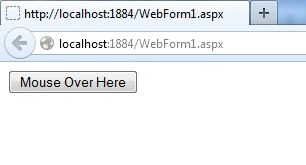
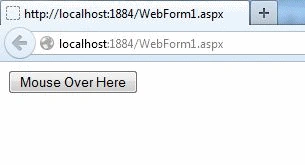
In the second Div I took a button with binding done in this manner:
Join the conversation! Your thoughts help the community grow.