
Introduction
We have seen a preview of the TimePicker control in the previous article. In
this article we will see some properties that are helpful in building LOB
applications.
Format
This property gets or sets the format used by the control.
We can use either short or long or even a custom format.
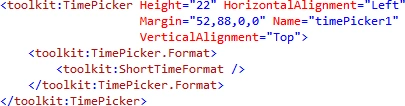
Remember that the default is the short time format.
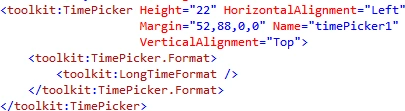
And the change you can see as below.
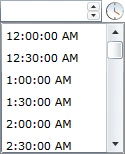
As you can see in the above image the second is also added to the form.
We can even use custom time format as displayed below.
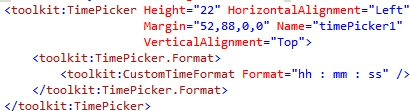
And the it is displayed as below.
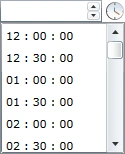
As you can see, there is no AM/PM in the format. So now it is 24 hour format.
Pop up Minutes Interval
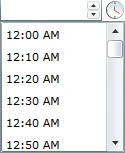
This property gets or sets the interval between the displayed times in the list.
The default is 30.

And the display is changed to the following.
Popup Time Selection Mode
This property decides what would be the selection mode of the time.
We have the following modes.
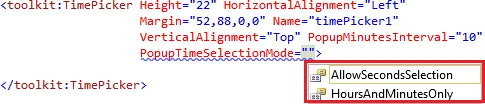
The default is Hours and Minutes only mode.
To change the default mode to AllowSecondsSelection mode we need to set the
format to display seconds, then only the SelectionMode can be used.
Value
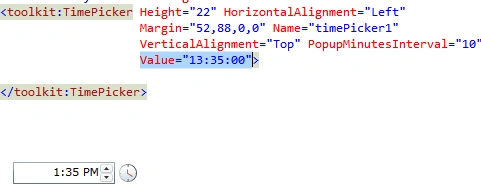
This property gets or sets the selected time of the Time Picker control.
That"s it.
Hope this article helps.

Join the conversation! Your thoughts help the community grow.