

GameWindow is the object which shows XNA Games/Applications inside.And as every
game or application has a window,GameWindow object is a must-have in XNA.
Lets take a look at its structure then make an example how to use it:
We can allow user to resize the GameWindow setting AllowUserResizing to true:

We can transite from windowed mode to full screen or full screen to windowed
mode using BeginDeviceChange function:

Using ClientBounds you can get X,Y,Width and Height values of the GameWindow:

On ClientSizeChanged function if the user or dynamically in code the Client
Size(Width or Height) changes,then this event raises:

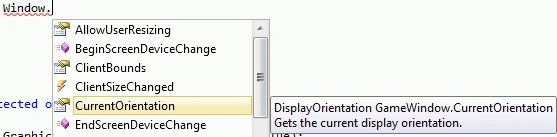
To get the current Orientation use CurrentOrientation.This is much more useful
in Windows Phone or ZUNE games:
To change screen devices use EndScreenDeviceChange:

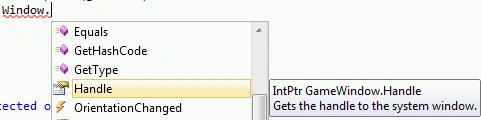
Window.Handle is very useful.It helps you to add anything on the specified
handle.You can work it like a Windows Forms if you want.
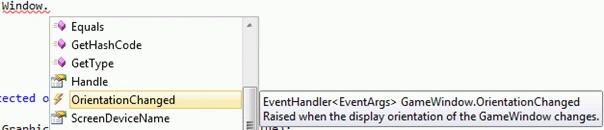
This event raises when user or device changes its orientation.More useful in
Windows Phone and Zune Device:
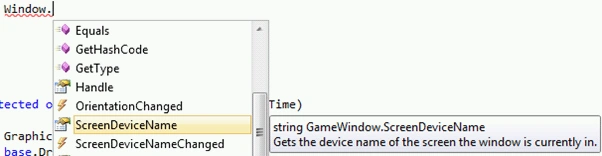
You can get Screen Device Name using ScreenDeviceName:
After changing the screen device,this event raises:
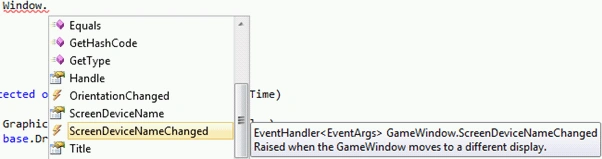
Title is as you well know is the header of the GameWindow.You can write anything
there:
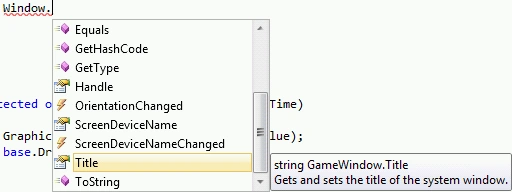
And now lets make a sample on how to use it:
AllowUserResizing:
When we dont set it true,it look like we cant resize it.But if you set it to
true using:
Window.AllowUserResizing = true;
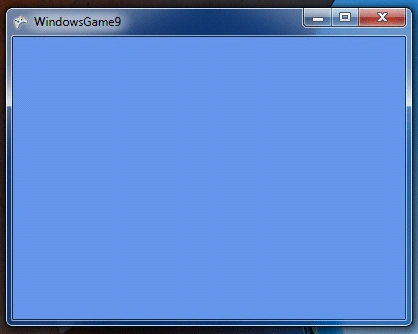
To get the Orientation of the Window use:
Window.Title= Window.CurrentOrientation.ToString();
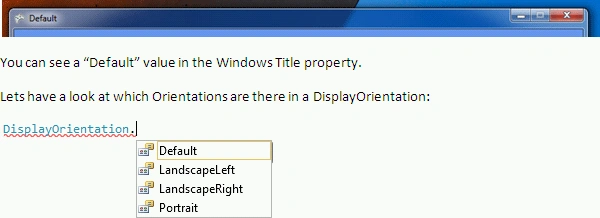
You can see a "Default" value in the Windows Title property.
Lets have a look at which Orientations are there in a DisplayOrientation:
Default: it is the default orientation when first run.
LanscapeLeft: The display is rotated counterclockwise ninety degrees into
a landscape presentation, where the width is greater than the height.
LandscapeRight: The display is rotated clockwise ninety degrees into a
landscape presentation, where the width is greater than the height.
Portrait: The orientation is a portrait presentation, where the height is
greater than the width.
To get screen device name use:
Window.Title = Window.ScreenDeviceName;

Join the conversation! Your thoughts help the community grow.