I am using a Windows 7 Home Basic in my Laptop . It does not have a IIS . I was
really struggling to take the advantage of IIS in my system . But now using IIS
Express I can easy take advantage of IIS . Lets see how simple it is to deploy
Web applications using IIS Express .
Download IIS Express from the following site as shown below :
http://www.microsoft.com/download/en/details.aspx?id=1038
It is a 3 Mb download . Download and install it in your system .
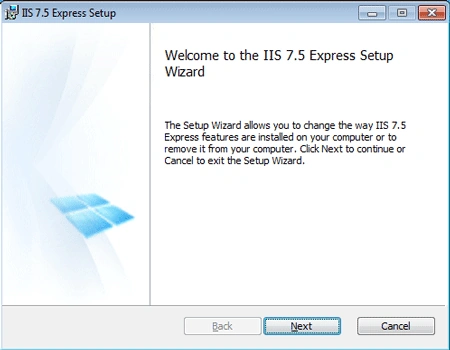
Once the Installation is completed .
Browse to the path :
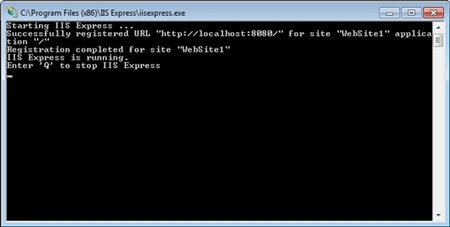
C:\Program Files (x86)\IIS Express and click on the iisexpress application .

IIS Express would be started as shown below :
Open up Visual Studio . Open any Web Project which you would like to host .
I have opened a Silverlight project here .
Our aim is not to use the Visual Studio Deployment Server as I have already said.
So right click on the Web project .
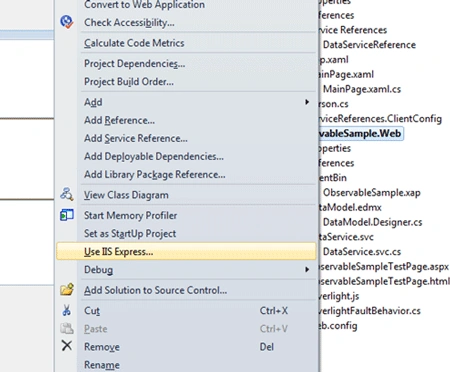
Select Use IIS Express .
The following message would appear . Say Yes .
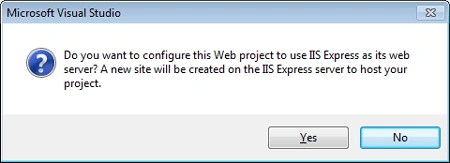
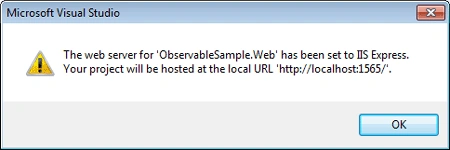
Visual Studio would prompt a message as shown below . Say Ok .
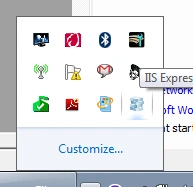
You could see the IIS Express icon in the current running tasks list as shown
below :
Make the web project as start up. Run the project .
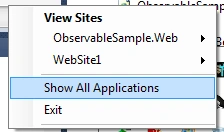
Click on right click on the IIS Express and say show all applications .
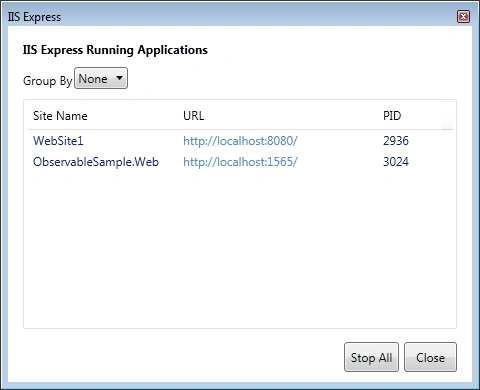
IIS Express Opens up .
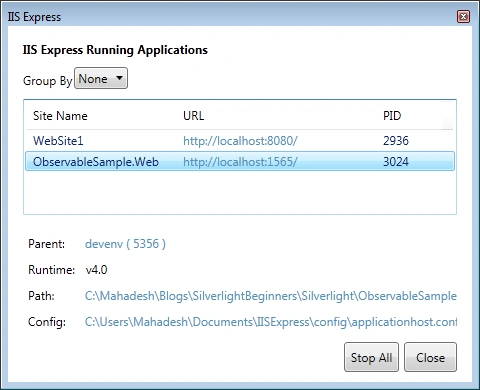
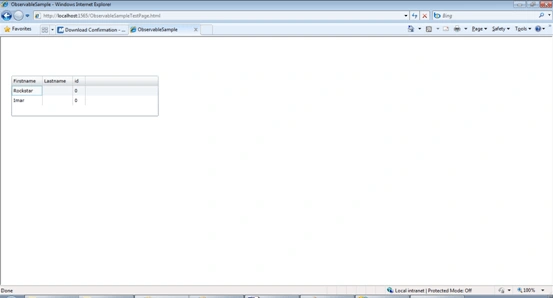
Now we can browse our application as shown below :
Thanks .

Deploying Web Applications using IIS Express
Join the conversation! Your thoughts help the community grow.
Sign in to leave a comment
It is the same account you read, post and publish with — and you will come straight back to this page.
Gowtham RajamanickamPosted Apr 19, 2016, 6:59 AM
good article
Victor UsoroPosted Jan 19, 2016, 5:28 PM
How can i do this with visual studio 2015?
Dinu SweetPosted Dec 12, 2014, 6:34 AM
Hi, This is ok for Visual Studio 2010; How can we do the same for VS 2012?
Kimi KalonPosted Sep 8, 2011, 1:00 AM
Nice article Mahadesh.... I want to know about the IIS architecture. When a request goes to the IIS or web server how it will process.......