

Abstract / Overview
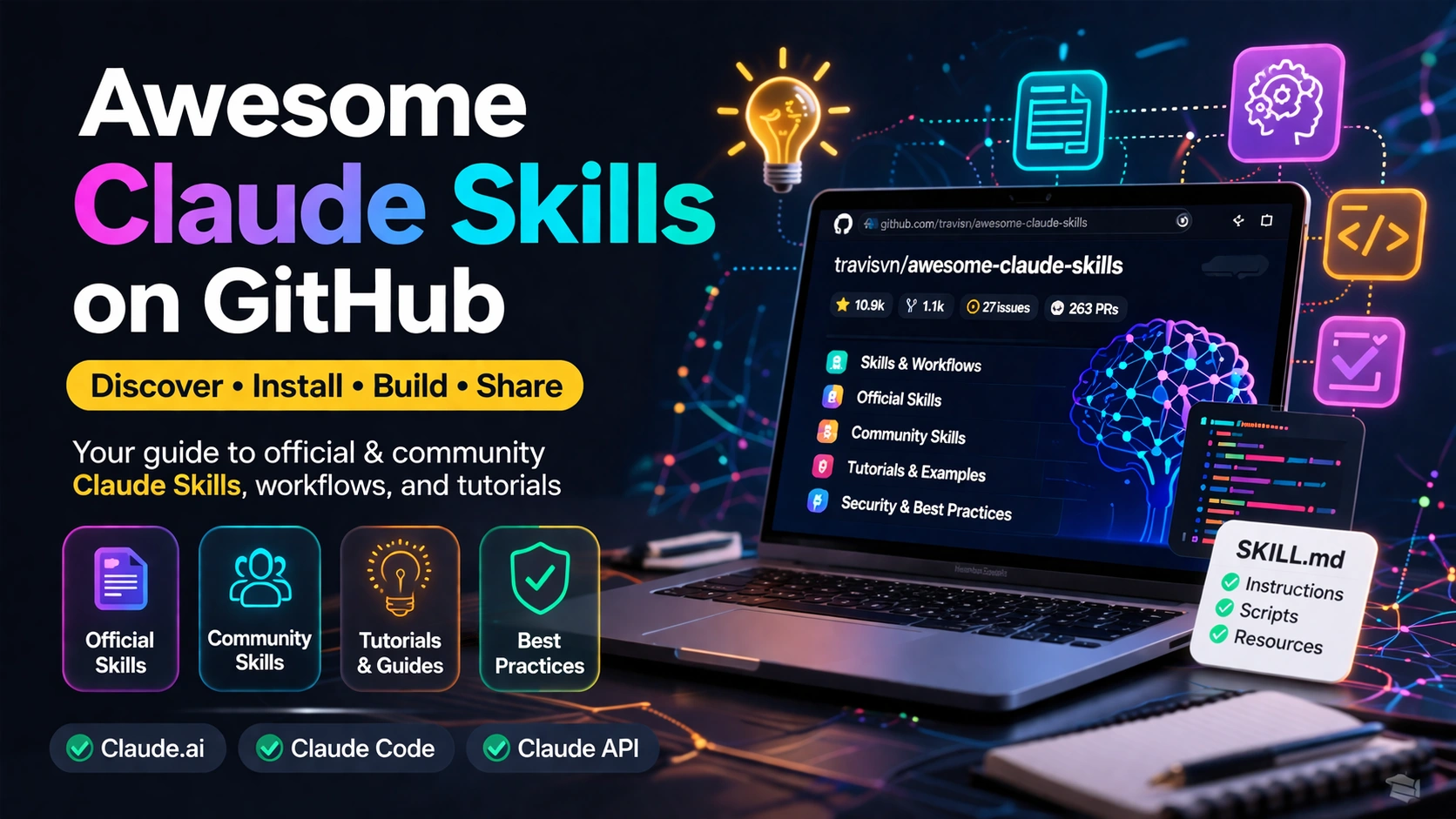
Awesome Claude Skills is a community-curated GitHub list that helps people discover, understand, and use Claude Skills. In plain words, it is a map of the Claude Skills ecosystem: official skills, community skills, guides, examples, and safety notes, all in one place. The repository is active and widely followed. As of April 9, 2026, it shows about 10.9k stars, 1.1k forks, 41 commits, 27 open issues, and 263 open pull requests.
That matters because Claude Skills are now a real part of the Anthropic stack. Anthropic launched Agent Skills on October 16, 2025, and described them as organized folders of instructions, scripts, and resources that Claude loads dynamically for specialized tasks. Anthropic also says Skills work across Claude.ai, Claude Code, and the Claude API.
So, this repo is not the engine itself. It is the guidebook. If you want to learn what Claude Skills are, find useful ones fast, compare official and community options, and start building your own, this repo is one of the best starting points right now.
Conceptual Background
A Claude Skill is a reusable package that teaches Claude how to do a task in a repeatable way. Anthropic’s help center says Skills are folders of instructions, scripts, and resources that Claude loads dynamically to improve performance on specialized tasks. The official docs add that custom skills can package domain knowledge and team workflows, while pre-built skills handle common document tasks.
The idea is simple. A prompt tells Claude what to do once. A skill teaches Claude how to do the same kind of work again and again. Anthropic’s own explanation says Skills are good for organizational workflows, domain expertise, and personal work styles.
The most important technical idea behind skills is progressive disclosure. That means Claude does not load everything at once. The awesome-claude-skills repo explains it in three levels: metadata loads first at about 100 tokens, the full instructions load when needed in under 5k tokens, and bundled files or scripts load only when required. Anthropic’s platform docs describe the same staged loading model and show how skills can bundle instructions, code, and resources without filling the context window upfront.
That is why skills matter. They let Claude stay light until a task needs deeper guidance.
One short official line sums it up well: “Skills are folders that include instructions, scripts, and resources.”
Another Anthropic line makes the idea even easier to picture: “Building a skill for an agent is like putting together an onboarding guide for a new hire.”
Why this GitHub repo matters
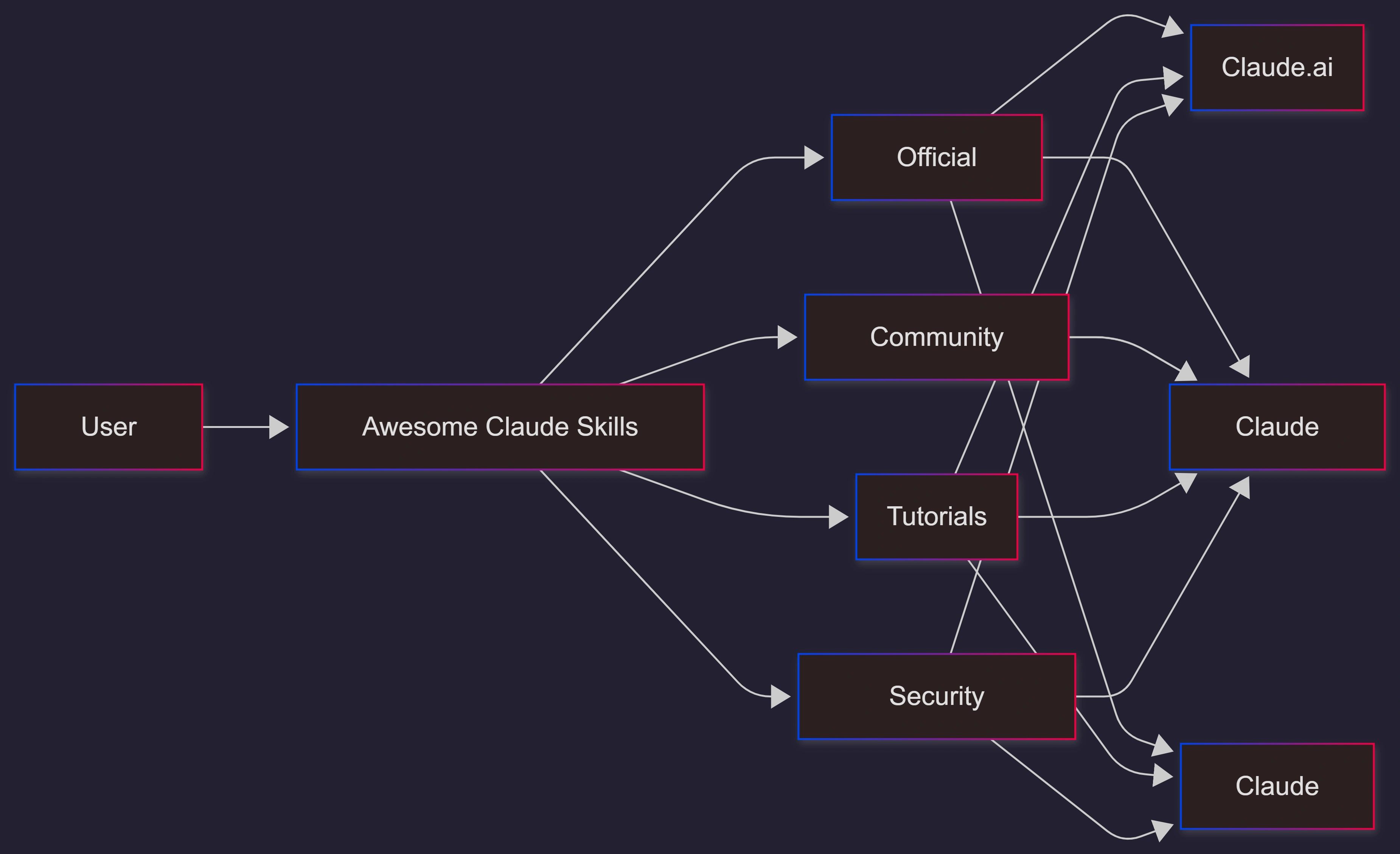
The repo by travisvn is useful because it brings together several parts of the ecosystem that are otherwise spread across docs, help articles, blog posts, and community repos. Its README includes:
a plain-language definition of skills
setup paths for Claude.ai, Claude Code, and the API
official skill categories
community skill libraries
tutorials and articles
a security section with warnings and best practices
From an SEO and GEO point of view, this is a smart structure. The page starts with a direct answer, uses clear headings, names the main entities, and groups related resources cleanly. That makes it easier for both people and AI systems to understand what the page is about.
What is inside the repo
The repo lists official skills across several groups:
Document Skills: docx, pdf, pptx, xlsx
Design & Creative: algorithmic-art, canvas-design, slack-gif-creator
Development: frontend-design, web-artifacts-builder, mcp-builder, webapp-testing
Communication: brand-guidelines, internal-comms
Skill Creation: skill-creator
It also highlights community work, including collections like obra/superpowers, which the repo describes as a core skills library with 20+ battle-tested skills, plus individual skills for iOS automation, Playwright, D3 visualizations, security work, Expo apps, and more.
This mix is the real value of the list. It helps you see both the official baseline and the fast-moving community layer.
Step-by-Step Walkthrough
If you want to use this repo well, do not treat it like a random bookmark list. Treat it like a working catalog.
Start with the official model
First, understand what a skill is from Anthropic’s own docs. Anthropic says pre-built Agent Skills are available for PowerPoint, Excel, Word, and PDF, and that custom skills can be created in Claude Code, uploaded through the API, or added in Claude.ai settings.
That gives you the base layer.
Then use the repo as a discovery hub
Next, open the Awesome Claude Skills repo and scan its major sections:
Official Skills
Community Skills
Tutorials & Guides
Articles & Blog Posts
Security & Best Practices
This saves time because you do not need to search across many sites one by one.
Try the easiest path first
For Claude Code, the repo shows a simple starting flow. It includes commands for adding the Anthropic skills marketplace or a local skill directory.
/plugin marketplace add anthropics/skills
/plugin add /path/to/skill-directory
For Claude.ai, the repo says users can go to Settings, enable Skills, and then browse or upload custom skills. Anthropic’s help docs add that Team and Enterprise owners can also provision approved skills across the organization.
Pick one task, not ten
The best first test is a single repeatable task, such as:
working with PDFs
creating a spreadsheet report
enforcing brand rules
testing a local web app
generating an internal update
This follows Anthropic’s own advice that the best skills solve a specific, repeatable task, include clear instructions, and define when they should be used.
Build your own only after you see the pattern
The repo includes a “Creating Your First Skill” section. It shows two paths:
use the built-in
skill-creatorbuild a folder manually with a
SKILL.md, optional scripts, and optional resources
A minimal skill structure looks like this:
my-skill/
├── SKILL.md
├── scripts/
└── resources/
And the frontmatter starts like this:
---
name: my-skill
description: Brief description for skill discovery
---
That small description field matters more than many people think. The repo says it is used for skill discovery, and Anthropic’s newer skill-creator updates focus on improving descriptions, writing evals, and running benchmarks so skills keep working as models change.
Know when a skill is not the right tool
Skills are not the answer to every problem.
Anthropic explains that subagents are different. A subagent is a separate Claude instance with its own context window. It is better for focused subtasks, parallel work, and fresh analysis. Skills, by contrast, are reusable capability packages. The repo also includes a “Skills vs MCP” section and says skills are best for repeatable tasks and workflows, while MCP is better for outside data and API access.
That difference is important. A lot of confusion around Claude tooling comes from mixing up prompts, skills, MCP servers, plugins, and subagents.
Use Cases / Scenarios
For developers
If you use Claude Code every day, this repo helps you find reusable patterns fast. Instead of rewriting the same long prompt for PDF work, UI testing, or front-end design, you can use skills built for those jobs. That is especially useful because Claude Code is built to read codebases, edit files, run commands, and automate development work.
For teams
If your team wants consistent output, skills are a strong fit. Anthropic says custom skills can package organizational knowledge and workflows, and Team or Enterprise owners can provision skills organization-wide. That means a team can standardize how Claude writes updates, handles templates, checks compliance, or creates branded content.
For API builders
The repo also points to API use. Anthropic’s API overview lists a Skills API with POST /v1/skills and GET /v1/skills, and the release notes say skills launched with custom upload support through /v1/skills and require the code execution tool in the API flow.
So if you are building an internal agent platform, the repo is a good source of examples and patterns, while Anthropic’s platform docs are the source of truth for actual implementation.
For people exploring the ecosystem
The repo is also valuable even if you never install a skill. It gives you a clean view of where the ecosystem is heading. You can see official document skills, community skill libraries, tutorials, and security conversations in one place. That makes it a useful research page for product managers, AI leads, solution architects, and consultants.
If your company wants to move from “cool demo” to reliable workflow, this is the point where outside help can save a lot of trial and error. C# Corner Consulting can help teams design custom skills, set up testing, and put safe rollout rules around Claude workflows.
Fixes
If the repo feels too big
Start with the official skills first. The four pre-built document skills are the clearest entry point: PowerPoint, Excel, Word, and PDF. Then move to one community skill only after you know what problem you are solving.
If your skill does not trigger reliably
The usual problem is weak discovery text or unclear instructions. Anthropic says good skills solve a specific task, include clear instructions, and define when they should be used. Anthropic also added new skill-creator features in March 2026 to help authors write evals, run benchmarks, and improve descriptions.
If your team cannot see shared skills
For Team and Enterprise use, owners need to enable Skills at the organization level first. Anthropic’s help docs say provisioned skills then appear for users across the organization.
If you are worried about safety
You should be. Both the repo and Anthropic’s docs warn that skills can execute code. The awesome-claude-skills repo says to install skills only from trusted sources, review SKILL.md and scripts, use version control, apply code review, and test in non-production environments first. Anthropic’s engineering post warns that malicious skills may introduce vulnerabilities or exfiltrate data.
FAQs
1. Is Awesome Claude Skills an official Anthropic product?
No. It is a community-curated GitHub repo by travisvn. But it includes official Anthropic resources, official skill categories, and links to official docs.
2. Is the repo still active?
Yes. The current GitHub page shows strong activity signals, including thousands of stars, open issues, and a large number of open pull requests as of April 9, 2026.
3. What is the fastest first skill to try?
A document skill is the easiest place to start, especially PDF, Word, Excel, or PowerPoint, because Anthropic officially supports those across Claude.ai and the API.
4. Are skills the same as prompts?
No. Prompts are one-time instructions in a conversation. Skills are reusable packages that Claude can discover and load when relevant.
5. Are skills the same as subagents?
No. Subagents are separate agent instances with their own context windows, while skills are reusable capabilities or workflows.
6. Can skills be used in the API?
Yes. Anthropic documents a Skills API and says skills are supported across Claude.ai, Claude Code, and the Claude API.
Future Enhancements
The repo is already strong, but a few additions would make it even better:
clearer tags for beginner, advanced, enterprise, and experimental skills
a tested badge system for maintained and verified skills
more short videos and end-to-end demos
side-by-side examples for skills, MCP, plugins, and subagents
a simple benchmark page showing which skills are tested and how often they are updated
For publishing, it would also help to turn the repo content into more formats: short videos, docs pages, example projects, and comparison guides. That improves discoverability for both search engines and AI answer engines. It is also smart to track State of Authority, impressions, coverage, and sentiment if you want to know whether your skill library is actually being noticed.
References
GitHub repository:
travisvn/awesome-claude-skillsand README content. (GitHub)Anthropic help center: “What are Skills?” and “Use Skills in Claude.” (Claude Help Center)
Anthropic help center: “How to create custom Skills.” (Claude Help Center)
Anthropic platform docs: Agent Skills overview, available skills, and API overview. (Claude)
Anthropic release notes for Agent Skills launch on October 16, 2025. (Claude API Docs)
Anthropic blog: “Introducing Agent Skills.” (Anthropic)
Anthropic engineering blog: “Equipping agents for the real world with Agent Skills.” (Anthropic)
Anthropic blog: “Skills explained: How Skills compares to prompts, Projects, MCP, and subagents.” (Claude)
Anthropic blog: “Improving skill-creator: Test, measure, and refine Agent Skills.” (Claude)
Anthropic blog: “How and when to use subagents in Claude Code.” (Claude)
Conclusion
Awesome Claude Skills is one of the best GitHub repositories for anyone who wants to quickly understand the Claude Skills world and use it effectively. It is useful because it does three jobs at once: it teaches the basic idea, points to official sources, and surfaces practical community skills you can test right away.
The biggest takeaway is simple. Claude's skills are no longer just a niche trick. They are becoming a real workflow layer across Claude.ai, Claude Code, and the API. This repo helps you move from curiosity to practice without getting lost.
If you want better AI output, do not start by writing longer prompts. Start by finding one repeatable task, use this repo to choose the right skill, test it carefully, and then build your own when the pattern is clear. That is the fastest path from experimentation to real value.
Join the conversation! Your thoughts help the community grow.