
1. Login into Azure portal.
2. Select NEW button at bottom left.
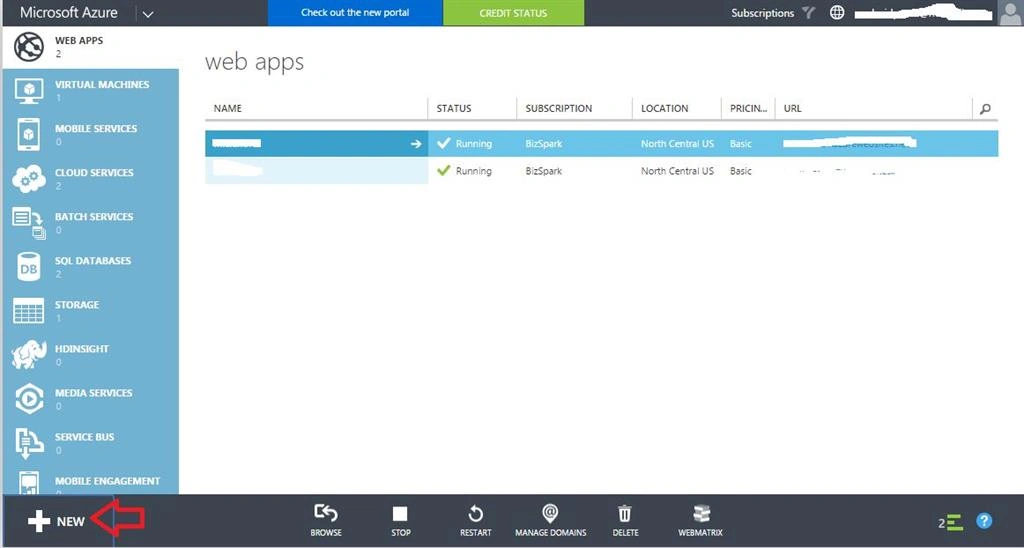
3. Click COMPUTE, WEB APP, then Custom Create.

4. Enter the specific URL ******.azurewebsites.NET.
5. Choose the location.
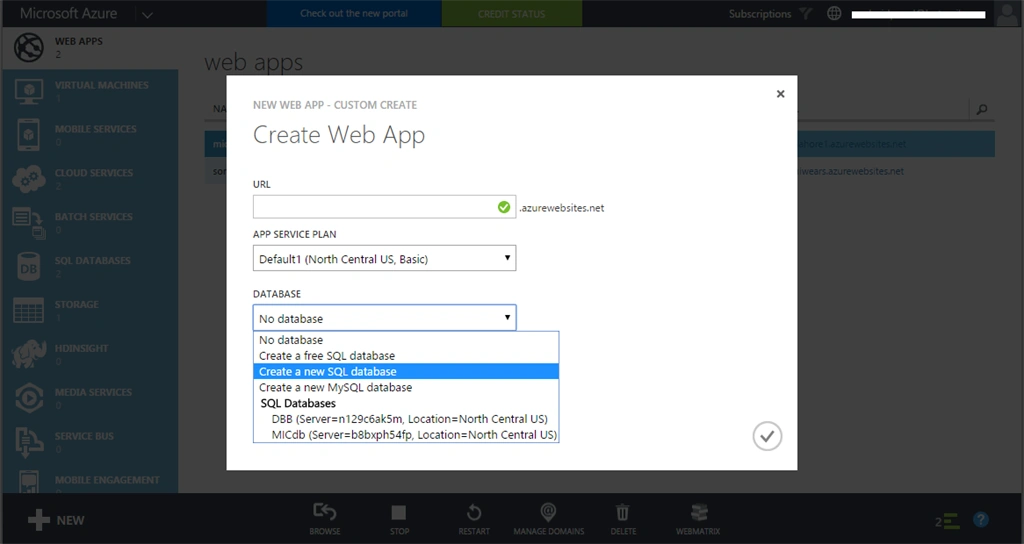
6. Select create database.
- newFreeSql
- newSql
- newMySql
Note: If you are deploying ASP.NET, the preferred approach is to choose SQL database rather than MySQL.
7. Next.
8. Select "Create a new SQL database".
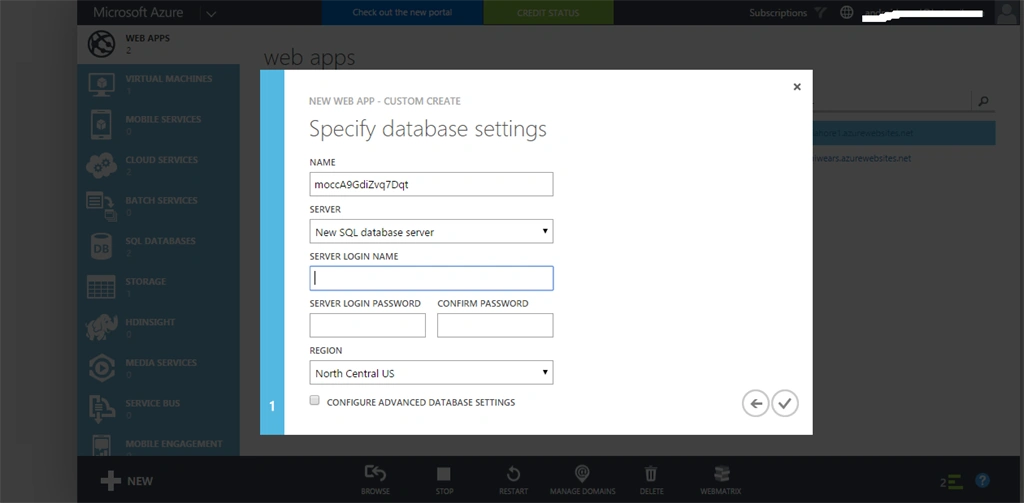
9. Set credentials for server login and password.
7. Next.
8. Select "Create a new SQL database".
9. Set credentials for server login and password.
10. Done
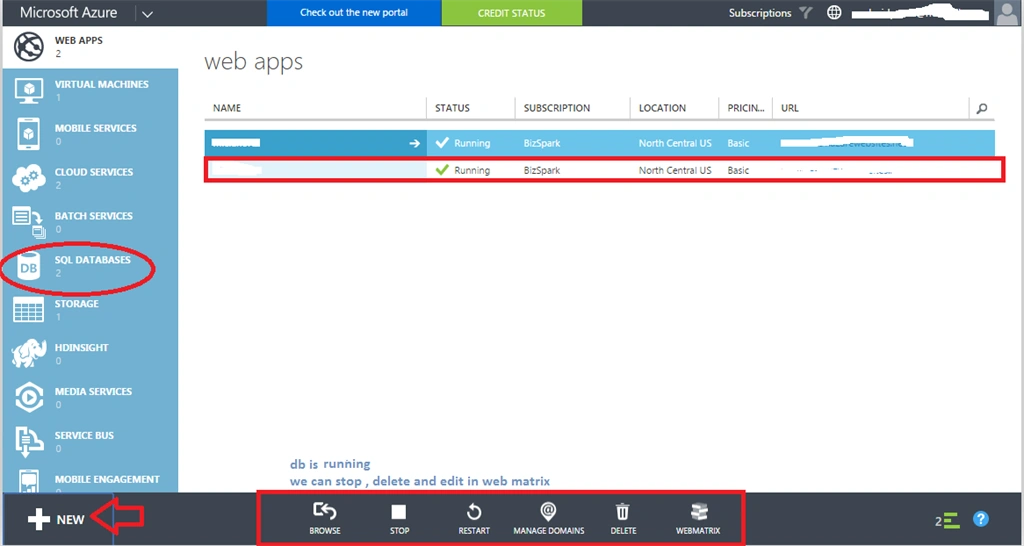
Publishing
1. Right click on the project in solution explorer.
2. Click Publish.
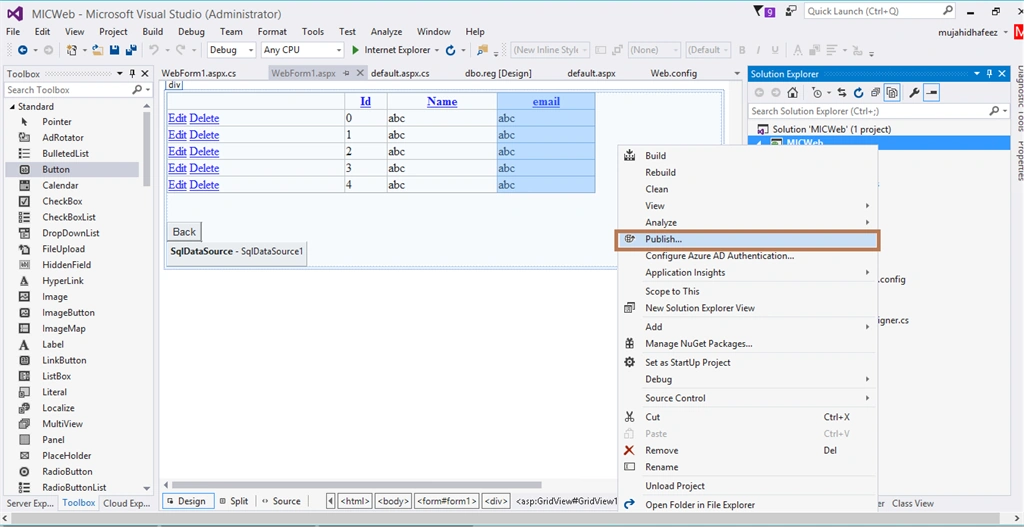
3. Setup profile.


Santhakumar MunuswamyPosted Jan 29, 2016, 2:02 AM
Thanks for nice share
Vignesh ManiPosted Jan 28, 2016, 7:33 AM
Good one
Nanddeep NachanPosted Jan 28, 2016, 5:48 AM
Nice share
Jaipal ReddyPosted Jan 28, 2016, 4:20 AM
Thanks for sharing . .