

In this article, we’ll learn about Restore Point. We’ll learn what it is, how to create a user defined restore point for a Dedicated SQL Pool Data Warehouse and then continue to learn how to restore from the user-defined restore point.
Azure Synapse Analytics
Azure Synapse is a limitless enterprise analytics service that enables us to get insight from data analytics and data warehousing. Using dedicated resources or serverless architecture, data can be queried and provides scalability as per the increase in the size of the data. You can learn more about it in the previous article, Azure Synapse Analytics.
SQL Pool
In order to create data warehouses, Dedicated SQL Pool is created in Azure Synapse Analytics. Formerly known as SQL DW, the SQL Pool is created with a set compute resources that are well defined. And then in the Logical SQL server and Azure resource group, the database is then created.
This article is a part of the Azure Synapse Analytics Articles Series. You can check out other articles in the series from the following links.
- Azure Synapse Analytics
- Azure Synapse Analytics - Create Dedicated SQL Pool
- Azure Synapse Analytics - Creating Firewall at Server-level
- Azure Synapse Analytics - Connect, Query and Delete Data Warehouse SQL Pool
- Azure Synapse Analytics – Load Dataset to Warehouse from Azure Blob Storage
- Azure Synapse Analytics - Best Practices to Load Data into SQL Pool Data Warehouse
- Azure Synapse Analytics – Restore Point
Restore Point
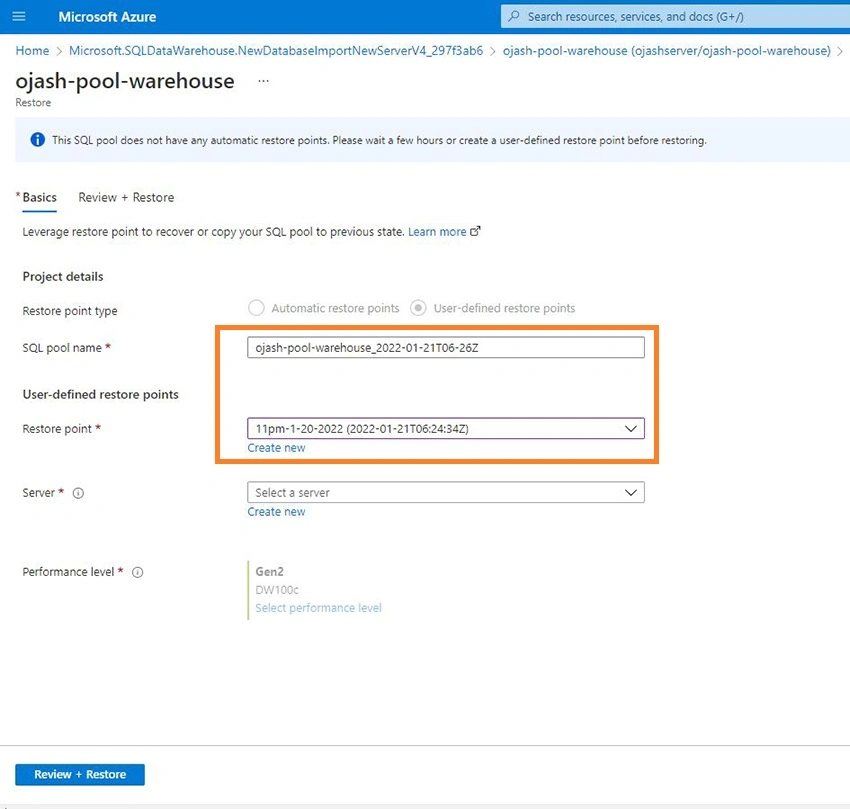
Restore Point can be understood as a backup copy for any system. Here in our case of SQL Pool, it is the copy of the data warehouse at the specific time we set the restore point for. This restore point comes greatly handy when we need to restore the system to an earlier point of time in case of any instability, unwanted deletion or corruption of data or any form of failures.
There are basically two types of restore points for SQL Pool Data Warehouse in Azure Synapse Analytics. One of it is the Automatic Restore Point which Azure itself creates while other is the user-defined restore point which is a restore point that we can create manually at any time. Let us dive into learning how we can create and use the user-defined restore points ahead.
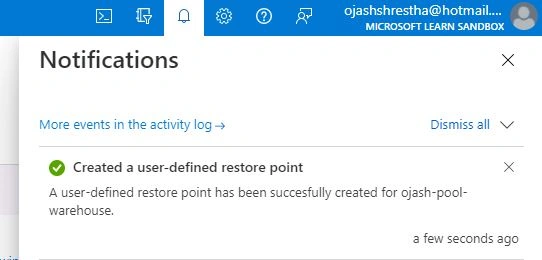
Creating User-Defined Restore Point
Step 1
As we create our Dedicated SQL Pool resource, visit the SQL pool warehouse page.
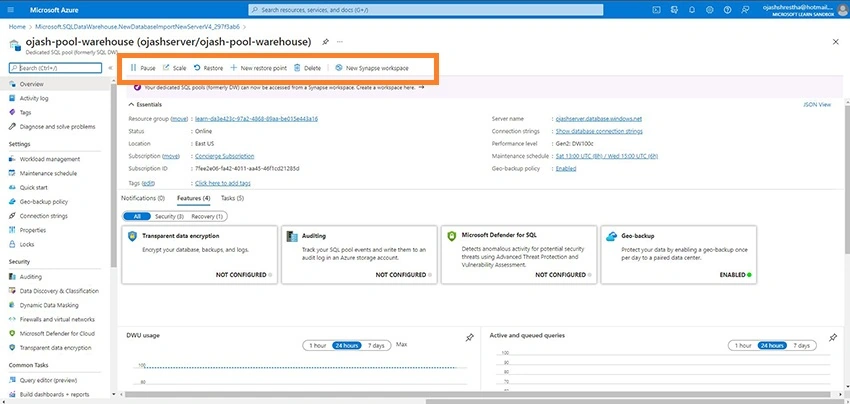
Here on top we can see the New Restore Point option. Click on that.

Step 2
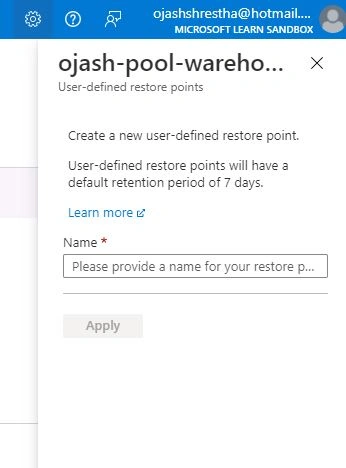
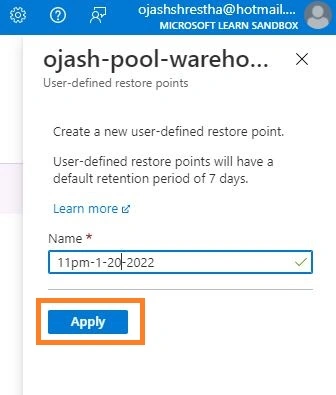
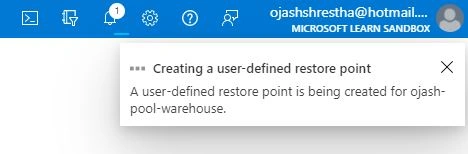


Join the conversation! Your thoughts help the community grow.