

Introduction
Today, the need for statistical, data analysis and scientific research skills is on the rise. Organizations are generating huge volumes of data on a daily basis. The data has hidden trends, patterns, and relationships that can help the organization make sound decisions as far as operations are concerned. Through statistics, organizations can calculate various measures from their data. R is a computer programming language that comes with features good for performing such tasks.
What is R?
R programming language is an interpreted programming language, which signifies the availability of an R interpreter. It was developed by Ross Ihaka and Robert Gentle-man from the University of Auckland, New Zealand. R is available for free under the GNU General Public License, and its pre-compiled binaries are available for various operating systems including Windows, Linux, and Mac OS.
R is used by:
- Researchers
- Data analysts
- Statisticians
- Marketers
R is used to:
- Retrieve data
- Clean data
- Analyze data
- Visualize data
Installing R
Before you can begin to write and run your R programs, you need to install the R. I will guide you on how to install R in Windows.
Installation on Windows
First, you need to download R and store it in one of your local directories. The R software for Windows can be downloaded from the following URL:https://cran.r-project.org/bin/windows/base/.
The download will come in an executable form (.exe), so you just have to double click it to launch the installation. During the installation, you can choose the default settings so that the process may be easy for you.
For those using Windows 32-bit, only the 32-bit version will be installed, but for those using the 64-bit version, both the 32-bit and 64-bit versions will be installed.
Once the installation is completed, launch R from the Start button and then All Programs. You will be presented with the R console, as shown below:
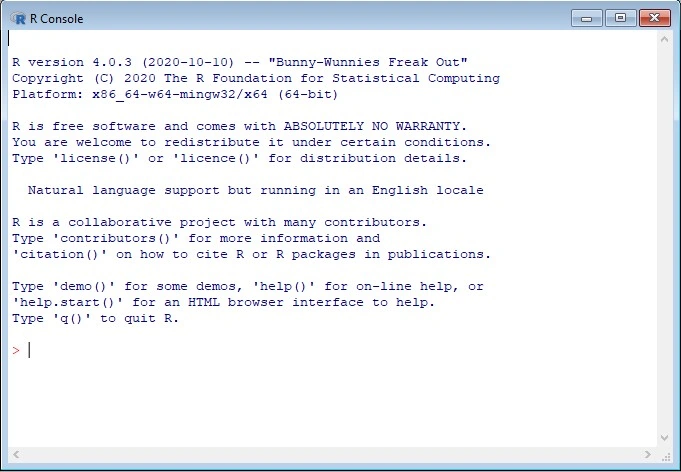
R commands can run on the console as well.
Installing R packages
Once you have R installed on your system, you may need to perform tasks using special packages. This is the case when you are performing data analysis tasks. Suppose you need to visualize your data. You need to install packages that are specialized in data visualization.
The installation can be done by running the following command on the R console:
- install.packages("package_name")
For example, to install a package named plotrix, we can run the following command:
- install.packages("plotrix")
The package will then be installed and integrated within your R environment.
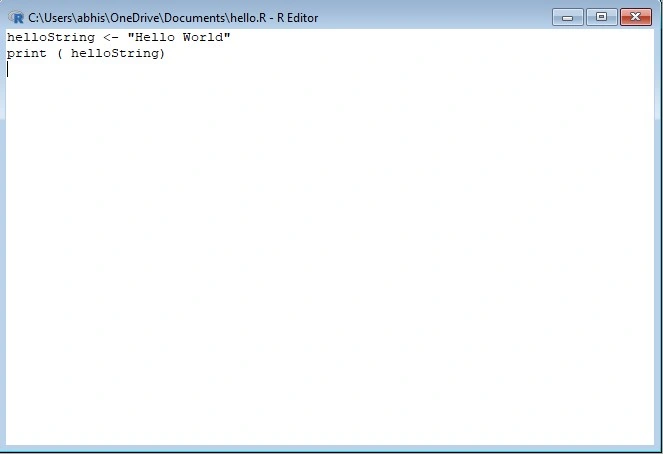
There are two ways through which you can write and run your r programs:
- Using the R command prompt
- Using the R script file.
Let us discuss them in detail.
R Command Prompt
After R has been installed on your system, it is easy for you to start its command prompt from All Programs on windows. For Linux users, run the R command on the Linux terminal. Once the r command prompt > is launched, you can begin to type your program.
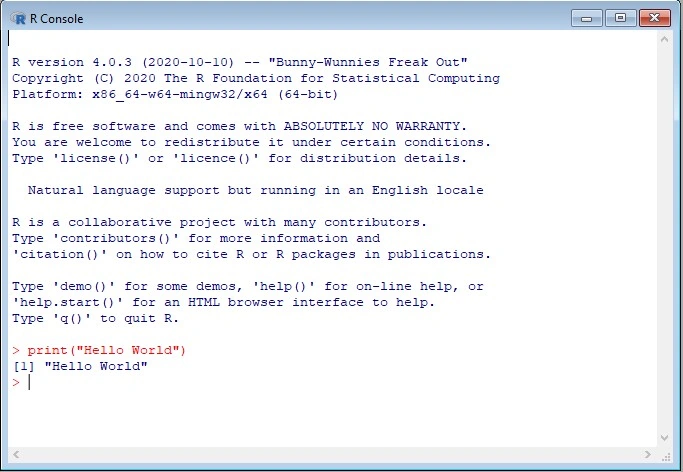
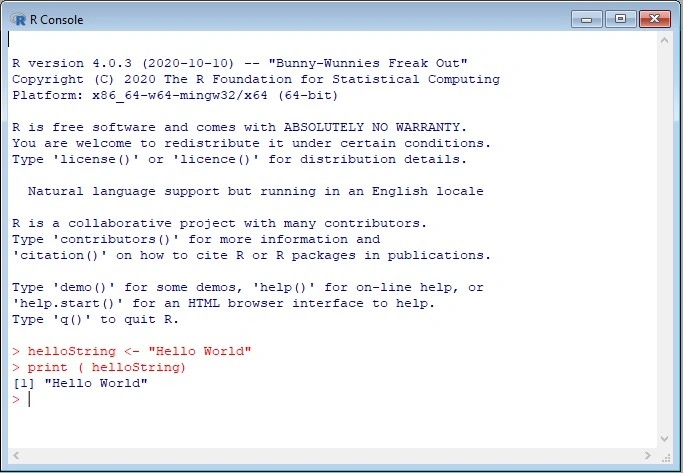
For example, you can invoke the print() function to print the Hello World text on the prompt as shown below,
- print("Hello World")
Join the conversation! Your thoughts help the community grow.