

Searching
Searching is the process of attempting to find a particular object in a collection. There are two possible results of searching. First, the object exists in the collection and second, the object does not exist in the collection. We can search anywhere, as in any file, any page, any webpage, etc. There are two types of searching:
- Linear Search
- Binary Search
Binary Search
In a Binary Search, the Key element is matched to the middle element of an array, if it matches then the value and index is returned; on other hand, if the Key element is less than the middle element of the array then it searches again in the left portion of the array and if the Key element is greater then it searches in the right portion of the array.
Example
The following example describes how to use a Binary Search in TypeScript. The following code implements a Binary Search which is used to determine whether a given element is present in an array and if it is present then at what location it occurs. It is very simple and works as follows.
Step 1
Open Visual Studio 2012 and click on "File" menu -> "New" -> "Project". A window is opened. Provide the name of your application, like "Binary_Search", then click on the Ok button.
Step 2
After Step 1 your project has been created. Solution Explorer, which is at the right side of Visual Studio, contains the js file, ts file, CSS file, and HTML files.
Step 3
Binary_Search.ts
- class Binary_Search
- {
- search()
- {
- var c, first, last, middle, n, search;
- var x;
- var array: number[] = [30];
- n = parseInt(prompt("Enter how many elements you want: \n"));
- for (c = 0; c < n; c++)
- array[c] = parseInt(prompt("Enter " + n + " integers"));
- for (x = 0; x < n; x++)
- {
- var span = document.createElement("span");
- span.style.color = "Green";
- span.innerText = "Enter " + x + " Element -> " + array[x] + "\n";
- document.body.appendChild(span);
- }
- search = parseInt(prompt("Enter value to search\n"));
- first = n;
- last = 1;
- do
- {
- middle = Math.floor((last + first) / 2);
- if (search < array[middle])
- first = middle - 1;
- elseif(search > array[middle])
- last = middle + 1;
- }
- while (search != array[middle] && last <= first)
- if (search == array[middle])
- {
- var x = middle + 1;
- var span = document.createElement("span");
- span.style.color = "Blue";
- span.innerText = "\nBinary search successfull!!\n" + search + " Found in at Position: " + x + "\n";
- document.body.appendChild(span);
- } else
- {
- alert("\n Search failed" + search + " not found\n" + search);
- }
- }
- }
- window.onload = () =>
- {
- var greeter = new Binary_Search();
- greeter.search();
- };
BinarySearch.html
- <!DOCTYPEhtml>
- <htmllang="en"
- xmlns="http://www.w3.org/1999/xhtml">
- <head>
- <metacharset="utf-8"/>
- <title>Binary Search</title>
- <linkrel="stylesheet"href="app.css"type="text/css"/>
- <scriptsrc="app.js">
- </script>
- </head>
- <body>
- <h2>Binary Search in TypeScript</h2>
- <divid="content"/>
- </body>
- </html>
app.js
- var Binary_Search = (function() {
- function Binary_Search() {}
- Binary_Search.prototype.search = function() {
- var c;
- var first;
- var last;
- var middle;
- var n;
- var search;
- var x;
- var array = [
- 30
- ];
- n = parseInt(prompt("Enter how many elements you want: \n"));
- for (c = 0; c < n; c++) {
- array[c] = parseInt(prompt("Enter " + n + " integers"));
- }
- for (x = 0; x < n; x++) {
- var span = document.createElement("span");
- span.style.color = "Green";
- span.innerText = "Enter " + x + " Element -> " + array[x] + "\n";
- document.body.appendChild(span);
- }
- search = parseInt(prompt("Enter value to search\n"));
- first = n;
- last = 1;
- do {
- middle = Math.floor((last + first) / 2);
- if (search < array[middle]) {
- first = middle - 1;
- } else {
- if (search > array[middle]) {
- last = middle + 1;
- }
- }
- } while (search != array[middle] && last <= first)
- {
- }
- if (search == array[middle]) {
- var x = middle + 1;
- var span = document.createElement("span");
- span.style.color = "Blue";
- span.innerText = "\nBinary search successfull!!\n" + search + " Found in at Position: " + x + "\n";
- document.body.appendChild(span);
- } else {
- alert("\n Search failed" + search + " not found\n" + search);
- }
- };
- return Binary_Search;
- })();
- window.onload = function() {
- var greeter = new Binary_Search();
- greeter.search();
- };
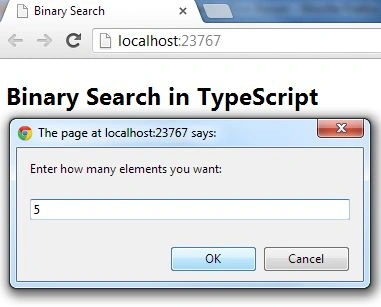
Output 1
Enter how many elements in the array you want and then click on ok:
Output 2
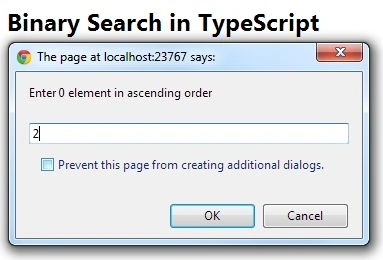
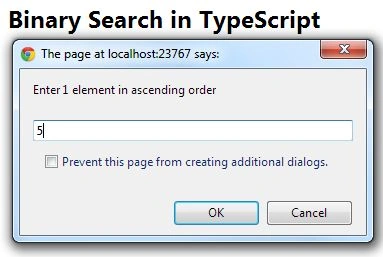
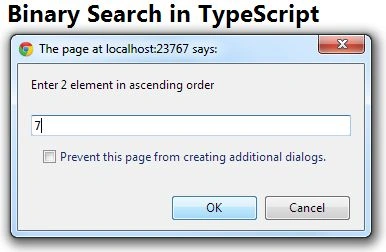
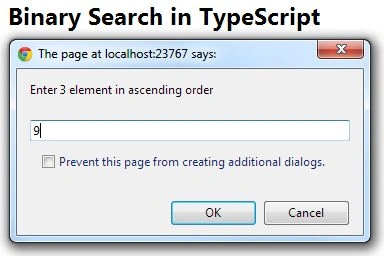
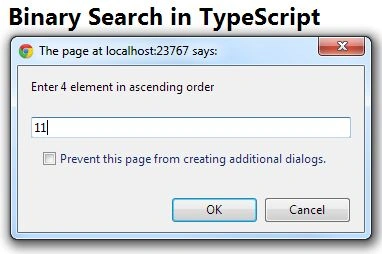
Enter the elements in ascending order:
Output 3
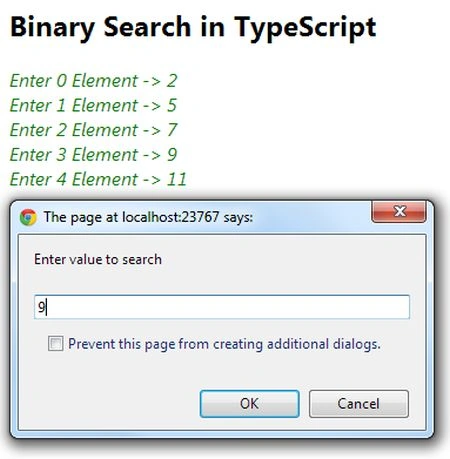
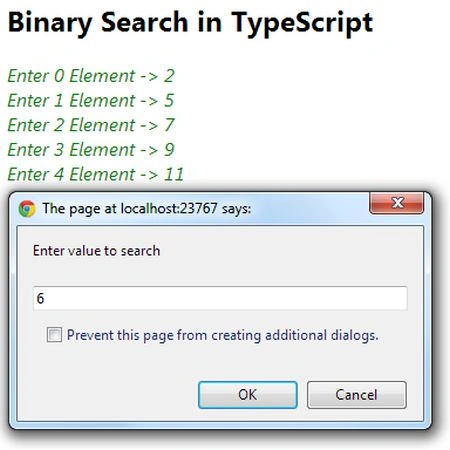
Then enter a value to be searched for:
Output 4
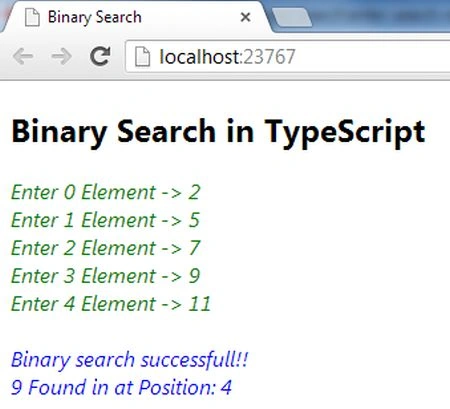
If the specified number is present in the array then at what location does it occur?
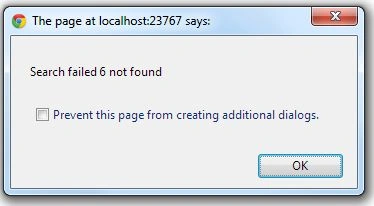
Output 5
And if the specified number does not exist in the array then:
Nitin BhardwajeditedPosted Nov 28, 2012, 5:55 AMEdited Nov 28, 2012, 5:56 AM
Thank u Sir
Sam HobbseditedPosted Nov 27, 2012, 12:38 PMEdited Nov 27, 2012, 12:39 PM
Looks good. I think many developers will appreciate this and I hope many use it. There is one improvement I want to suggest. When entering the numbers for the array, search the existing array to determine if it exists. Assuming it does not exist, add it at the location it should be put at so that the array is sorted. That way, the numbrs do not need to be input in sorted order and you do not need to have all the numbers before processing them. I did the equivalent of doing that using the COBOL language about fourty years ago. I modified a COBOL program (for the United States Army) that did a linear search to use a binary search and the data to be searched for was not known prior to processing.