

Break Statement in TypeScript
The break statement can be used to influence the flow of execution during the execution of the loop statement, or say in other words the break statement can be used to terminate an iteration statement and will, when executed, cause the control flow to jump out to the next statement immediately following the iteration statement. In switch-case statements, break causes the remaining cases to be skipped and it prevents "falling through" to other cases.
The Break statement is only used within the loop and switch-case statements.
Syntax:
- break;
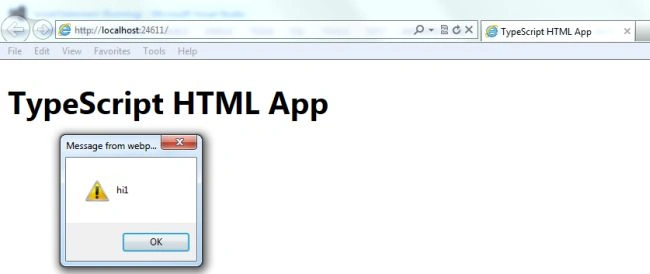
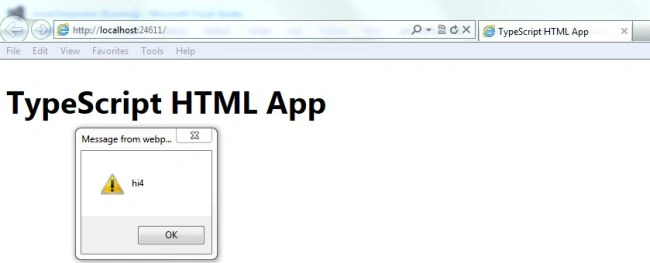
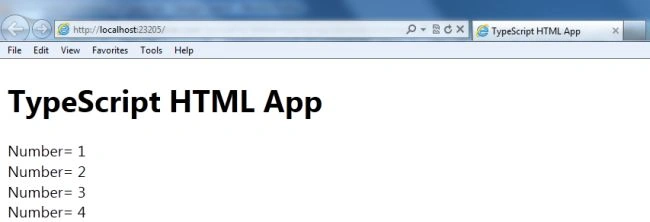
The following example tells you, how to use a break statement in TypeScript. You can use an existing TypeScript file or create a new project using the following steps to create a program that uses the TypeScript break keyword.
Step 1
Open Visual Studio and click on "File" menu -> "New" -> "Project". A window will be opened. Provide the name of your application like "break statement", then click on the Ok button.
Step 2
After Step 1 your project has been created. The Solution Explorer, which usually is in the right side of Visual Studio, contains the js file, ts file, CSS file, and HTML files.
Step 3
The code of the break statement program is:
breakStatement.ts
- class breakStatement {
- BreakFunction() {
- for (var n = 1; n <= 5; n++) {
- var y = document.createElement("y");
- y.innerText = n.toString();
- alert("hi" + n);
- y.innerText = "Number= " + n + "\n";
- document.body.appendChild(y);
- if (n == 4) {
- break;
- }
- }
- }
- };
- window.onload = () => {
- var value = new breakStatement();
- value.BreakFunction();
- }
default.html
Join the conversation! Your thoughts help the community grow.