

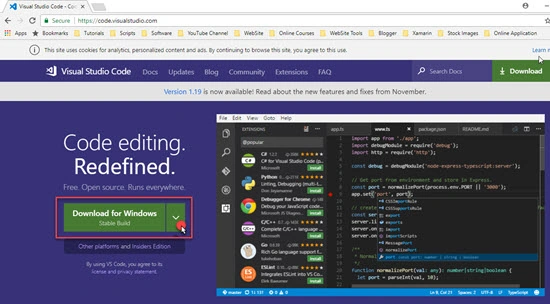
In this article, we will learn how to set up an environment for building your first Angular app (with Visual Studio Code). I also recommend reading my articles about TypeScript.
Let’s Start.
Go to https://nodejs.org/en/download/ and download Node.js (which is a JavaScript runtime built on Chrome’s V8 runtime engine).
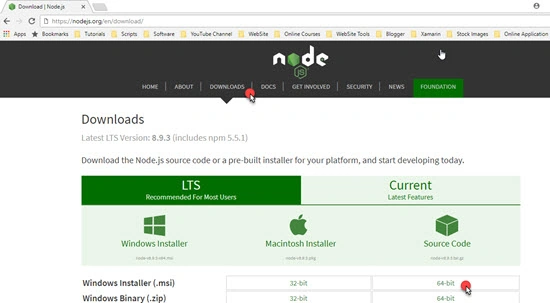
Go to https://nodejs.org/en/download/ and download Node.js (which is a JavaScript runtime built on Chrome’s V8 runtime engine).
After downloading and installing, you can check the version of Node and Node Package Manager using these commands.
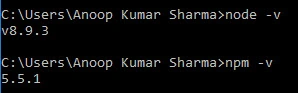
Now, open CMD prompt in order to install TypeScript. We will use NPM (Node Package Manager) to install TypeScript.
npm install -g typescript
In the above command, -g denotes the stable version of the TypeScript. After successful installation, run the below command to confirm the version.

In the above command, -g denotes the stable version of the TypeScript. After successful installation, run the below command to confirm the version.
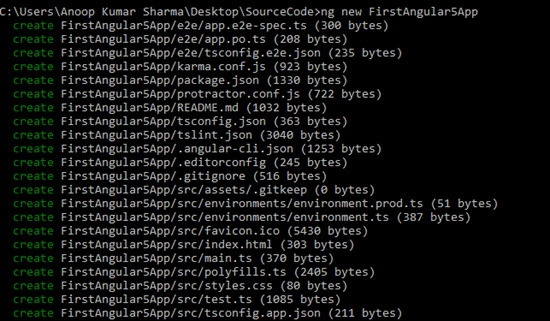
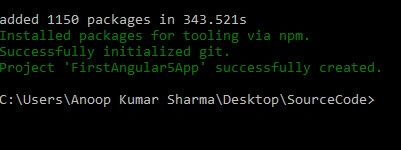
Let’s install Angular CLI. The Angular CLI is a command line interface tool that can create a project, add files, and perform a variety of ongoing development tasks such as testing, bundling, and deployment.
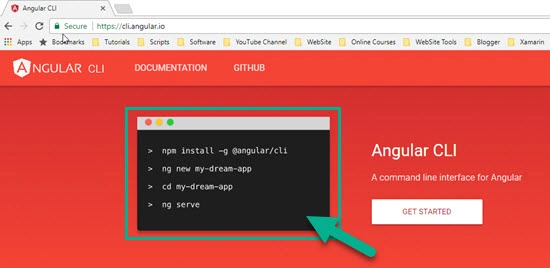
Run the below command in order to install Angular CLI.

You can also check the version of Angular CLI using the below command in command prompt/terminal.
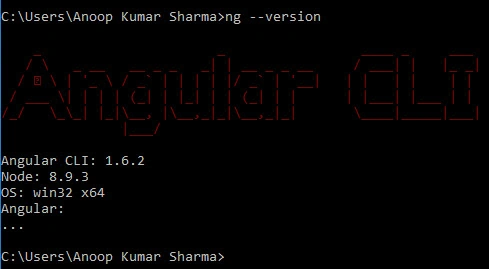
Murali KrishnaPosted Dec 28, 2017, 11:29 AM
Good article and helped me a lot thanqq
Sagar Pandurang KapPosted Dec 28, 2017, 12:09 AM
Superb article.Very well Explained..
Manav PandyaPosted Dec 27, 2017, 11:25 PM
Nice ..................