

Abstract / Overview
When you run one AI agent, life feels easy. When you run many, it gets messy fast. Agents can get stuck. They can loop. They can spam tools. They can burn money. And when something breaks, you need answers right away.
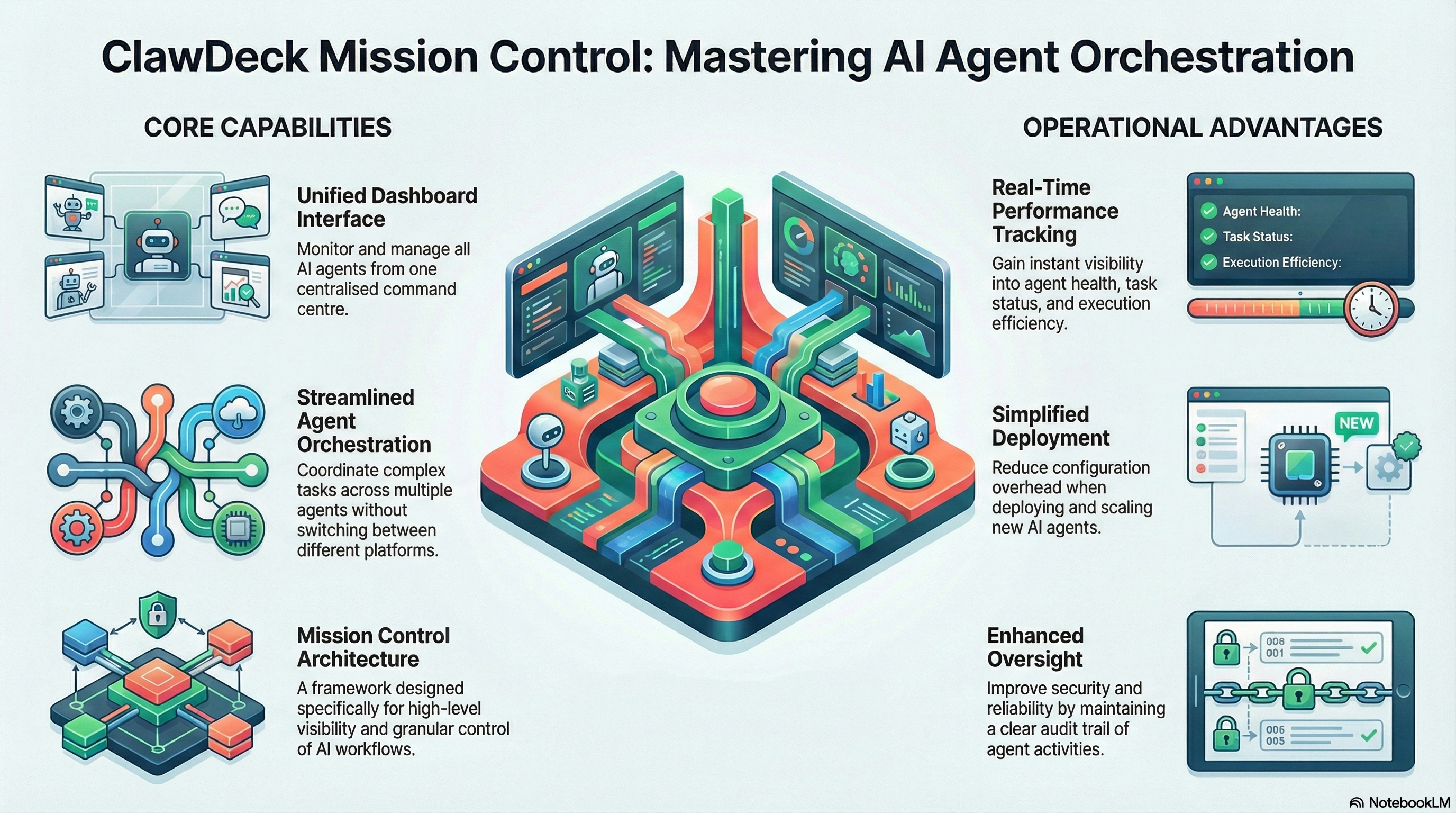
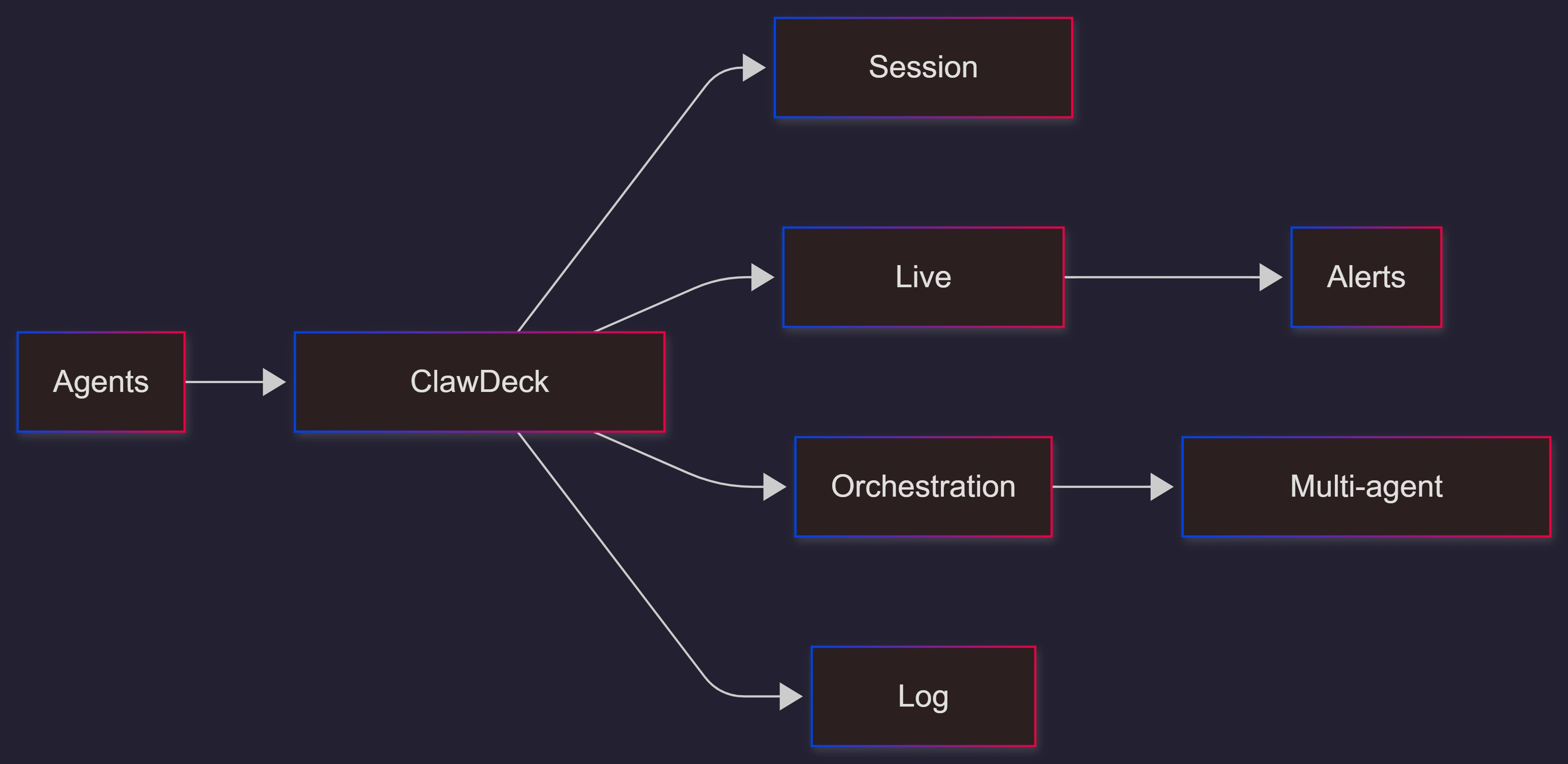
ClawDeck is built for that moment. It is a “mission control” view for your agent fleet. It focuses on four practical jobs:
Session tracking, you can search later
Live monitoring for what is happening right now
Orchestration so agents can hand work to each other
Log aggregation so you stop digging through scattered systems
This matters more now because agent use is rising. Gartner says, “By 2028, 60% of brands will use agentic AI to deliver streamlined one-to-one interactions.” That means more teams will need strong controls, not just smarter models.
Conceptual Background
What “agent management” means
Agent management is the layer that helps you run agents safely in real environments. It covers:
Visibility: what agents did, and why
Control: start, stop, and route work
Governance: logs, audits, and who can do what
Reliability: catching failures before users do
Why dashboards become “must-have” tools
This is a normal pattern in tech. Tools start as experiments. Then they become production. Then operations become the main problem.
ClawDeck makes this point directly when it says:
“Running one AI agent is straightforward. Running ten is manageable. Running a hundred… is where things start to fall apart.”
Step-by-Step Walkthrough
How to roll out ClawDeck in a practical, low-risk way
Assumption: you already have agents running on OpenClaw or another agent setup.
Start with one team and one environment
Pick a small set of agents that do real work
Turn on session tracking first
Make sure every run is searchable and easy to review
Add live monitoring and basic alerts
Focus on “stuck,” “looping,” and “unexpected tool use”
Connect log aggregation
Make logs searchable in one place
Introduce orchestration only after you trust visibility
Orchestration is powerful, so add it after you can clearly observe behavior
Write a simple “agent runbook”
What to do when an agent fails
Who owns the incident
How to pause risky tools fast
If you want to implement ClawDeck-like operations the right way, you often need help across DevOps, security, and product governance. That is exactly the kind of work C# Corner Consulting supports, from setup to guardrails to launch checklists.
Use Cases / Scenarios
When ClawDeck is a good fit
You have multiple agents across teams and environments
You need audits for “what happened” after incidents
You want faster debugging without jumping between servers
You have multi-agent workflows that need handoffs and dependencies
Common real-world moments, it helps
An agent starts taking too long, and burns compute resources
A tool call fails, and the agent retries forever
A new prompt change causes a new risky pattern
A customer asks, “Why did the agent do that?” and you need proof
Fixes
Simple fixes that reduce agent chaos fast
Make every session logged by default
Use least-privilege permissions for tools
Add alerting for:
unusual run time
repeated errors
unusual resource use
Keep a “kill switch” playbook
Review agent behavior weekly using session search
A useful warning from the wider security world: the average cost of a data breach has been measured in the millions. IBM reported a global average breach cost of USD 4.88 million in 2024. That is why logs, audits, and controls are not “nice to have” once agents touch real systems.
FAQs
1. Is ClawDeck only for OpenClaw agents?
ClawDeck is designed to work smoothly with OpenClaw agents, but the post says the architecture is flexible enough to support other agent platforms too.
2. What are the main features in plain words?
A searchable history of every agent run
A live view of what agents are doing right now
A way to coordinate agents across steps
One place to search logs instead of hunting around
3. Why does open source matter here?
Because trust matters. Teams want to audit what data gets collected, how it is stored, and who can access it.
4. Do I need orchestration on day one?
Usually no. Most teams get value first from session history, live monitoring, and log search. Add orchestration after you trust your visibility.
5. What should I track as success metrics?
Keep it simple:
fewer incidents where “nobody knows what happened”
faster time-to-debug
fewer runaway sessions
clearer audit trails for compliance
References
OpenClaw Blog: “ClawDeck: Mission Control for Your AI Agents” (February 13, 2026) — https://openclaws.io/blog/clawdeck-mission-control
Gartner Press Release: “Gartner Predicts 60% of Brands Will Use Agentic AI … by 2028” (January 15, 2026) — https://www.gartner.com/en/newsroom/press-releases/2026-01-15-gartner-predicts-60-percent-of-brands-will-use-agentic-ai-to-deliver-streamlined-one-to-one-interactions-by-2028
CNCF Annual Cloud Native Survey Report (PDF) — https://www.cncf.io/wp-content/uploads/2026/01/CNCF_Annual_Survey_Report_final.pdf
IBM: Cost of a Data Breach Report 2024 (USD 4.88M global average) — https://www.ibm.com/think/insights/whats-new-2024-cost-of-a-data-breach-report
Conclusion
ClawDeck is a clear sign that AI agents are moving from demos to real operations. Once you have many agents, you need visibility and control more than new prompts.
If you are serious about running agents in production, treat “mission control” as part of the product. Set up tracking, monitoring, orchestration, and searchable logs early. And if you want a guided, safe rollout with strong governance, bring in C# Corner Consulting to help you design and ship it with confidence.
Future enhancements worth adding
Policy-as-code for agent tool permissions
Built-in “risk scoring” for sessions (looping, retries, unusual actions)
One-click replay and safe simulation before production runs
Stronger redaction for secrets inside logs
Standard compliance reports (who did what, when, and why)
Join the conversation! Your thoughts help the community grow.