

Introduction
Cloud computing often feels like a maze of technical jargon - VNets, Subnets, Firewalls, NSGs, VMs, Service Principals, IPs. For a non-technical reader, these terms can sound intimidating. For a technical professional, they are the building blocks of secure, scalable infrastructure.
This article breaks down each concept step by step, using real-world analogies and project scenarios. By the end, you’ll see how these pieces fit together to form a secure cloud environment.
Virtual Network (VNet)
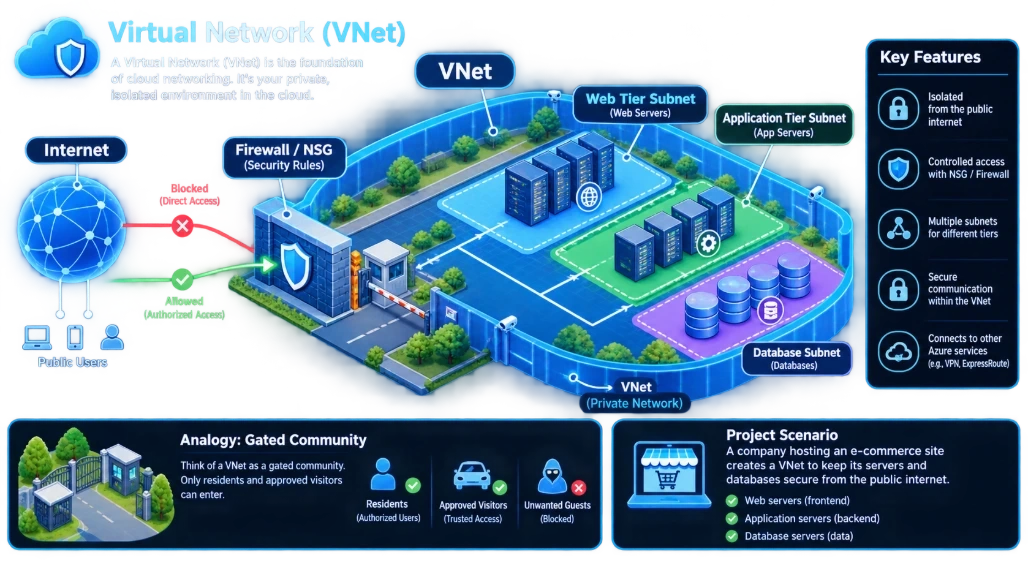
A Virtual Network (VNet) is the foundation of cloud networking. It’s your private, isolated environment in the cloud.A Virtual Network (VNet) is basically your own private network inside the cloud.
If you have used computers in an office, you may have seen that all computers are connected to the same office network. Employees can communicate with each other, access internal servers, printers, databases, etc., while outsiders on the internet cannot directly access those internal systems.
A VNet does the same thing in the cloud.
Think of it as creating a private office network inside Microsoft Azure.
VNet is like creating your own private office network inside Azure. You decide which resources are connected, how they communicate, and which traffic is allowed or blocked.
Analogy: Think of a VNet as a gated community. Only residents and approved visitors can enter.
Project Scenario: A company hosting an e-commerce site creates a VNet to keep its servers and databases secure from the public internet.
Simple Real-Life Example of VNet
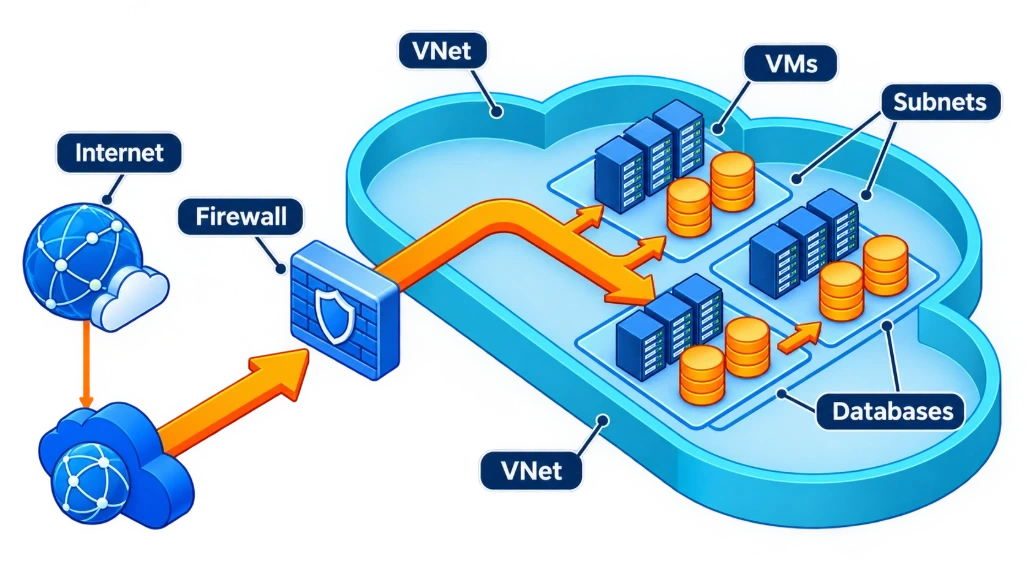
Imagine you are building a gated residential society.The society has:
🏠 Houses ,🏢 Apartments,🚗 Parking,🛡️ Security gate,🚪 Different internal roads,👮 Security guards,🌐 A controlled entrance from outside
Anyone from the public cannot simply walk into the society.
There is a main gate, and security decides: "Who is allowed to enter?"
A VNet works in a similar way.
Your Azure resources—such as: Virtual Machines,Databases,Web servers,Application servers,APIs can live inside your VNet.
You decide how these resources communicate with each other and what can communicate with the internet.
VNet in Azure
Suppose your company is building an e-commerce website.
For example: MyShop.com Your application may have:
Customer
   ↓
Internet
   ↓
Web Server
   ↓
Application Server
   ↓
Database
You don't want your database sitting openly on the internet.
Instead, you can create:
                    INTERNET
                       │
                       ▼
                ┌──────────────┐
                │    VNet      │
                │              │
                │  Web Server  │
                │      ↓       │
                │ App Server   │
                │      ↓       │
                │   Database   │
                └──────────────┘
The VNet becomes the private network boundary around your cloud resources.
Subnet
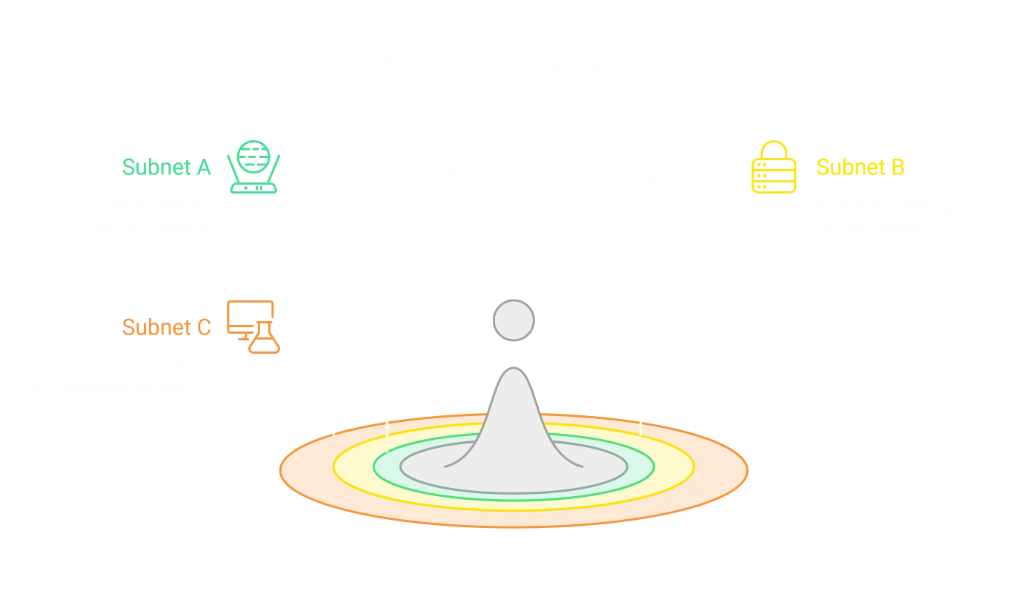
A Subnet (Subnetwork) is a smaller section created inside a Virtual Network (VNet).If a VNet is your entire office building, then a Subnet is one particular floor or department inside that building.The main purpose of a subnet is to organize your resources and control how they communicate with each other.
A Subnet divides your VNet into smaller, manageable sections.
Analogy: In an office building, each floor is reserved for a department — HR, Finance, IT.
Project Scenario: One subnet hosts web servers, another hosts databases, and a third is reserved for testing.
Simple Real-Life Example
Imagine you have a large 5-floor office building.The building belongs to one company.But you don't put everybody on the same floor.You divide the building:
🏢 COMPANY OFFICE
FLOOR 1 ( HR)
FLOOR 2 ( FINANCE)
FLOOR 3 ( IT)
FLOOR 4 (SALES)
FLOOR 5 (TESTING)
The entire building is like your VNet.Each floor is like a Subnet.
Subnet in Azure
Suppose you create an Azure VNet:
MyCompany-VNetInside that VNet, you can create multiple subnets:
                  MyCompany VNet
                       │
        ┌──────────────┼──────────────┐
        │              │              │
        ▼              ▼              ▼
   Web Subnet      App Subnet      DB Subnet
Why do we need Subnets?
You may ask:
"If I already have a VNet, why do I need Subnets?"
Because putting everything into one big network can become difficult to manage.
Imagine a company with:
100 employees
50 servers
20 databases
Testing systems
Development systems
Production systems
If everything is in one area, managing access becomes complicated.Instead, you can organize resources.
Firewalls
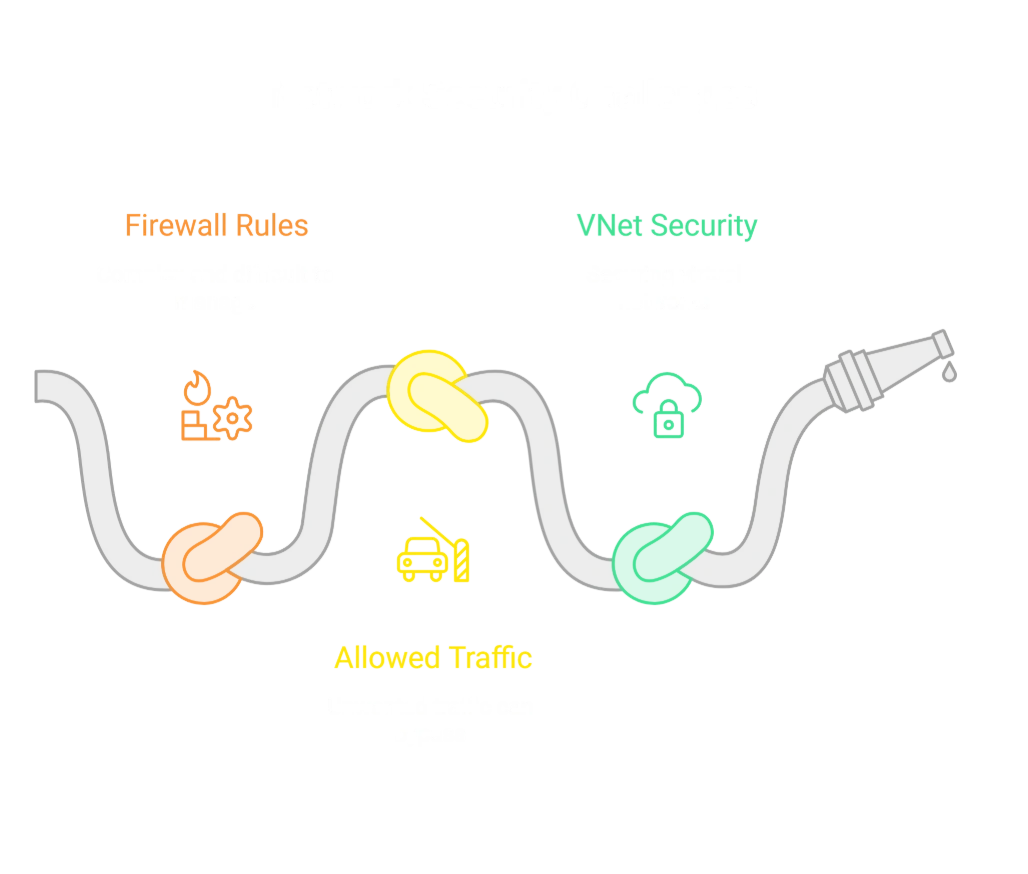
A Firewall is the security guard at the gate. It inspects traffic and decides whether to allow or block it.
A Firewall is a security system that checks network traffic coming into or going out of your network and decides whether that traffic should be allowed or blocked.
In very simple language:
A Firewall is like a security guard standing at the entrance of your company's network. It checks who is coming in, where they are coming from, where they want to go, and whether they are allowed to enter.
The main purpose of a firewall is to protect your applications, servers, databases, and other resources from unwanted or suspicious network traffic.
Analogy: A mall security guard checks bags before entry.
Project Scenario: Azure Firewall blocks suspicious traffic while allowing only trusted IPs to access sensitive systems.
Simple Real-Life Example - Mall Security
At the entrance, there is a security guard.
The guard may check:
👤 Who are you?
🎒 Do you have anything suspicious?
🚪 Where are you going?
⚠️ Are you allowed to enter?
🚫 Is there any reason to stop you?
The guard then makes a decision:
                  Visitor
                     │
                     ▼
              🛡️ Security Guard
                     │
              ┌──────┴──────┐
              │             │
            ALLOW          BLOCK
              │             │
              ▼             ▼
           Enter Mall    Stop Here
A firewall works in a similar way for network traffic.Instead of people, it checks network requests and packets.
Why Do We Need a Firewall?
Imagine you have an online shopping company.
Your infrastructure contains:
Website
APIs
Application servers
Databases
Payment systems
Internal systems
You don't want every person on the internet to be able to access everything.
For example:
                    INTERNET
                       │
              ┌────────┴────────┐
              │                 │
           Customer          Hacker
              │                 │
              ▼                 ▼
         Legitimate          Suspicious
           Request             Request
              │                 │
              └────────┬────────┘
                       ▼
                  🛡️ FIREWALL
                       │
                 Check Rules
                  /        \
                 /          \
              ALLOW         BLOCK
The firewall provides a security control point where traffic can be examined against your rules.
Firewall as a Traffic Controller
Another easy way to understand a firewall is to think of it as a traffic police officer.
Imagine a busy road.
Hundreds of vehicles are trying to enter a restricted area.
The traffic officer checks:
Vehicle
   │
   ▼
🚦 Traffic Police
   │
   ├── Allowed → Go
   │
   └── Not Allowed → Stop
Similarly:
Network Traffic
       │
       ▼
   🛡️ Firewall
       │
       ├── Allowed → Continue
       │
       └── Blocked → Stop
What Does a Firewall Check?
A firewall can make decisions based on different characteristics of network traffic.
For example:
1️⃣ Source IP Address
Who is sending the request?
Example:
Source IP:
203.0.113.50
You might have a rule saying:
Allow traffic from this trusted source.
Or:
Block traffic from this source.
2️⃣ Destination
Where is the traffic trying to go?
For example:
Internet
   ↓
Web Server
versus:
Internet
   ↓
Database
You may want the web server to be publicly reachable while preventing direct internet access to the database.
3️⃣ Port
A server can listen on different network ports.
For example:
80   → HTTP
443  → HTTPS
22   → SSH
You can create rules around which traffic should be allowed.
For example:
Allow HTTPS traffic.
Internet
    │
    │ HTTPS / 443
    ▼
🛡️ Firewall
    │
    ▼
Web Server
But direct access to an administrative service might be restricted.
4️⃣ Protocol
Network traffic can use different protocols.
For example:
TCP
UDP
ICMP
A firewall can use protocol information as part of its traffic-control rules.
Allow vs Block
The basic idea is very simple.
Suppose you create these rules:
Rule 1:
Allow HTTPS traffic
Then:
Customer
   │
   │ HTTPS
   ▼
Firewall
   │
   │ ✅ Allowed
   ▼
Website
But suppose:
Rule 2:
Block direct database access from Internet
Then:
Internet
   │
   │ Database Request
   ▼
Firewall
   │
   │ ❌ Blocked
   X
Database
This is the basic principle of firewall protection.
Virtual Machines (VMs)
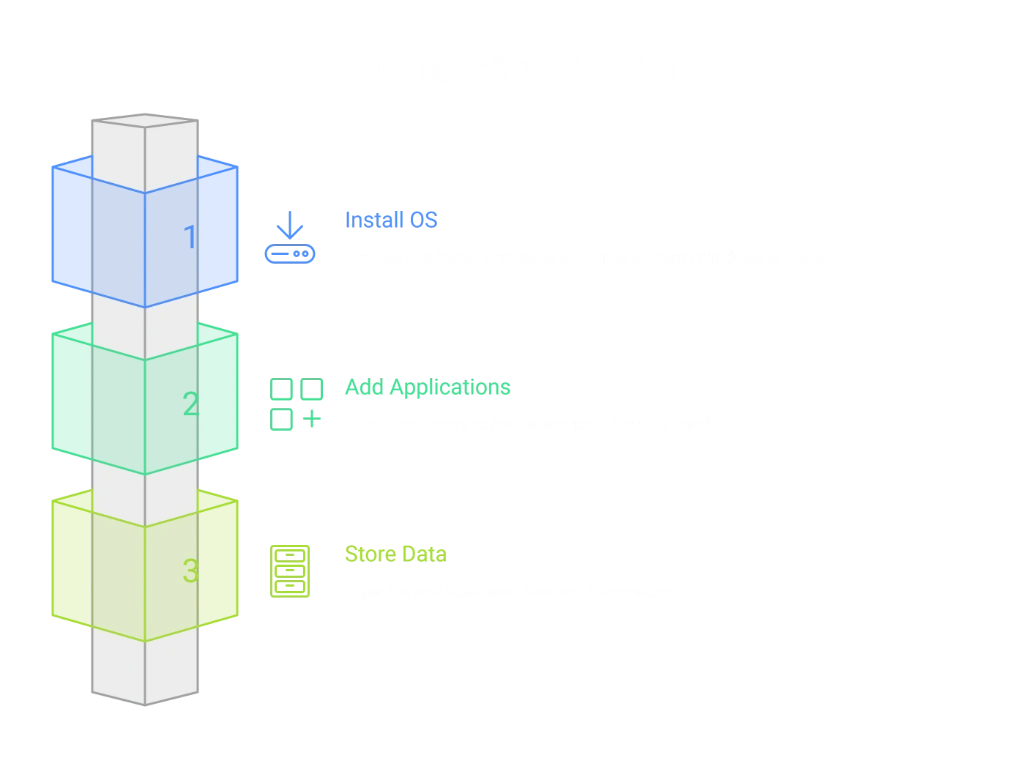
A Virtual Machine (VM) is a computer you rent in the cloud.A Virtual Machine (VM) is basically a computer created inside the cloud.
Instead of buying a physical computer/server, installing an operating system, adding RAM, CPU, storage, etc., you can rent a virtual computer from Azure.
You can install:
Windows or Linux
.NET / Java / PHP
IIS / Apache / Nginx
SQL Server or other software
Your application
Monitoring and security tools
You can then connect to the VM and use it almost like a normal physical computer.
Analogy: Instead of buying a laptop, you rent one online that you can access anytime.
Project Scenario: A payroll system runs on a VM. If demand spikes, the VM can be scaled up instantly.
Real-Life Analogy
Imagine you need a powerful computer for your business.
You have two choices:
Option 1 - Buy a physical server
You need to:
Buy the hardware
Purchase CPU/RAM/storage
Keep it in a server room
Maintain it
Handle electricity
Handle cooling
Replace damaged hardware
Upgrade hardware when requirements increase
Option 2 - Rent a computer from Azure
Azure says:
"Tell me how much CPU, RAM and storage you need. I'll create a computer for you in my data center."
That's essentially a Virtual Machine.
             YOUR COMPANY
                  │
                  │ Internet
                  ▼
          ☁️ MICROSOFT AZURE
                  │
                  ▼
          ┌─────────────────┐
          │   Virtual VM    │
          │                 │
          │  CPU            │
          │  RAM            │
          │  Storage        │
          │  Operating Sys. │
          └─────────────────┘
You don't physically see the machine.
But you can use it like a computer.
2. What Does a VM Actually Contain?
A VM isn't just an empty computer.It typically has several important components:
💻 Azure Virtual Machine
│
├── Operating System
│      ├── Windows
│      └── Linux
│
├── CPU
│
├── RAM
│
├── Disk / Storage
│
├── Network Interface
│
├── Private IP
│
├── Optional Public IP
│
└── Security Rules
       └── NSG
For example:
VM Name:
DripScents-Web-VM

OS:
Windows Server

CPU:
4 vCPU

RAM:
16 GB

Disk:
128 GB

Private IP:
10.0.1.10
This behaves like a normal server.
3. Why Do We Need Virtual Machines?
Suppose your company has an application.You need somewhere to run it.Traditionally:
Application
     ↓
Physical Server
     ↓
Company Data Center
You have to purchase and maintain that physical server.With Azure:
Application
     ↓
Azure VM
     ↓
Microsoft Data Center
Azure manages the underlying physical infrastructure, while you manage the VM and the software running inside it.
Network Security Groups (NSGs)
An NSG is a set of rules that control traffic at the subnet or VM level.
A Network Security Group (NSG) is basically a set of security rules in Azure that controls which network traffic is allowed or blocked for your Azure resources.
In very simple language:
An NSG is like an access-control list for your network. It decides who can enter, who can leave, and which type of traffic is allowed.
If a VNet is your office building and a Subnet is a particular floor, then an NSG is like the security/access rules for that floor or the people working in it.
Analogy: HR staff can enter the HR floor but not Finance.
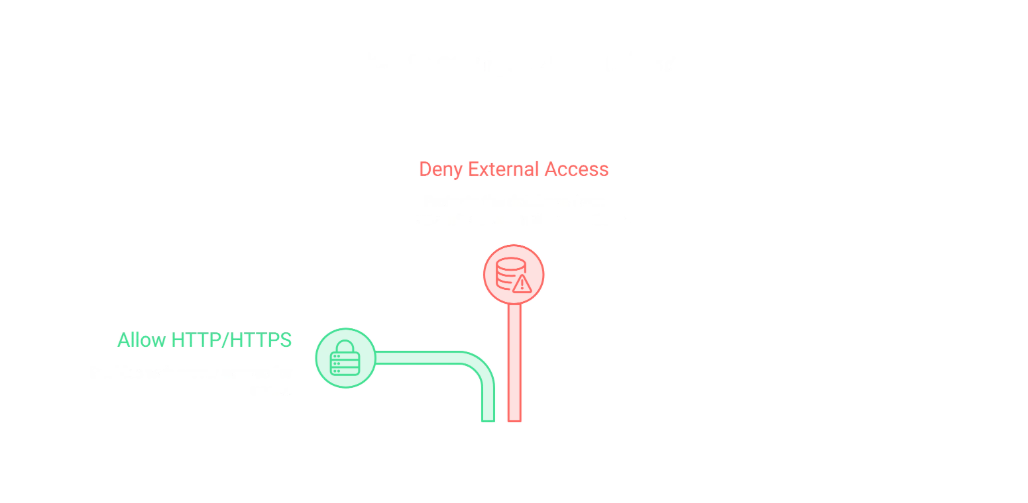
Project Scenario: NSG rules allow only HTTP/HTTPS traffic to web servers, while databases accept only internal traffic.
Simple Real-Life Example
Imagine a large company office.
The building has different departments:
              🏢 COMPANY BUILDING
                     │
       ┌─────────────┼─────────────┐
       │             │             │
       ▼             ▼             ▼
      HR           FINANCE         IT
     Floor          Floor         Floor
Now imagine an employee from HR tries to enter the Finance floor.
The security system checks:
"Is this person allowed to enter Finance?"
If the rule says No:
HR Employee
     │
     ▼
🔐 Access Rules
     │
     ▼
Finance Floor
     │
     ❌ BLOCKED
But if the same employee enters the HR floor:
HR Employee
     │
     ▼
🔐 Access Rules
     │
     ▼
HR Floor
     │
     ✅ ALLOWED
This is the basic idea behind an NSG.
NSG in Azure
Suppose you have an Azure VNet:
                    MyCompany VNet
                         │
             ┌───────────┼───────────┐
             │           │           │
             ▼           ▼           ▼
         Web Subnet   App Subnet   DB Subnet
You can apply NSG rules to control traffic.
For example:
Web Subnet
     │
     └── NSG
          │
          ├── Allow HTTPS
          ├── Allow HTTP
          └── Block unwanted traffic
And:
Database Subnet
       │
       └── NSG
            │
            ├── Allow App Server
            └── Block Internet
So the NSG acts like a rule book for network traffic.
Think of NSG as a Traffic Police Officer
Imagine a traffic police officer standing at a restricted road.
Different vehicles arrive.
The officer checks the rules:
                 Vehicle
                    │
                    ▼
              🚦 Traffic Rules
                    │
             ┌──────┴──────┐
             │             │
          Allowed        Blocked
             │             │
             ▼             X
           Go 🚗         Stop 🛑
An NSG does something similar with network traffic:
             Network Traffic
                    │
                    ▼
                  🛡️ NSG
                    │
             ┌──────┴──────┐
             │             │
          ALLOW          DENY
             │             │
             ▼             X
          Continue       Block
Service Principals
A Service Principal is an identity used by applications or services to access resources securely.
A Service Principal is basically a digital identity for an application, automation process, or service.
In simple words:
A Service Principal allows a program or automated system to log in to Azure and access only the resources it has been given permission to use.
The important point is:
A Service Principal is not a human user.
It is an identity created specifically for applications, scripts, automation, CI/CD pipelines, and services.
Analogy: A contractor gets a badge that allows entry only to the construction site.
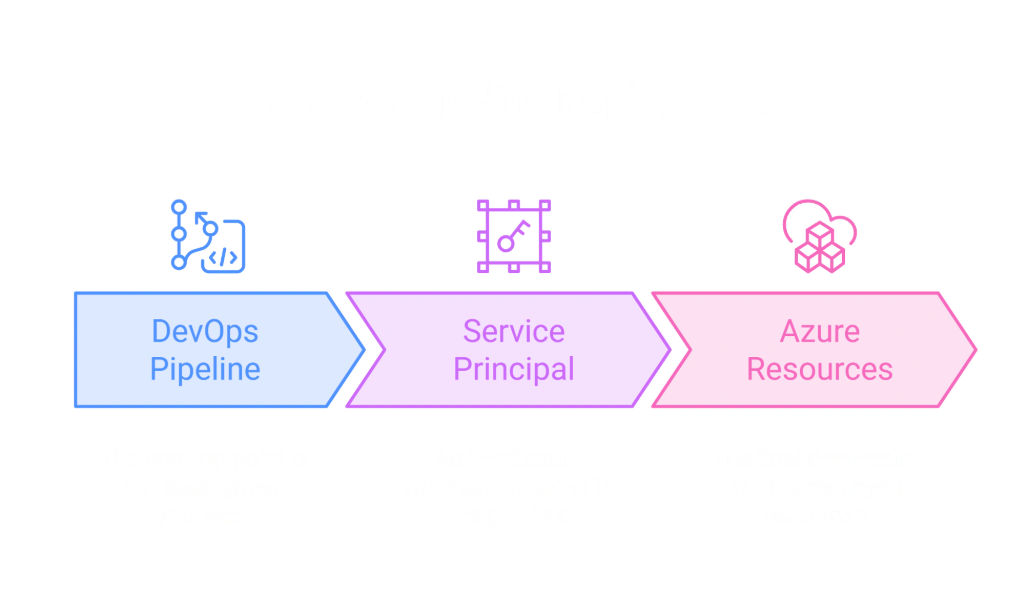
Project Scenario: A DevOps pipeline uses a service principal to deploy code without requiring a developer’s personal login.
Simple Real-Life Example - Contractor Badge
Imagine you are constructing a new office building.
You hire an outside contractor.The contractor needs to enter your construction site to do their work.But you don't want to give them your personal office keys.Instead, you give the contractor a special access badge.
The badge might allow:
                 🏢 COMPANY
                     │
                     ▼
               🔐 Security Gate
                     │
              Contractor Badge
                     │
            ┌────────┴────────┐
            │                 │
         Allowed            Not Allowed
            │                 │
            ▼                 X
       Construction        Finance Room
          Site
The contractor can enter the areas they need.
But they don't automatically get access to everything in the company.
That special badge is like a Service Principal.
Service Principal in Azure
Imagine you have an application:
My E-Commerce ApplicationThe application needs to access Azure resources.
For example:
Azure Storage
Azure Key Vault
Azure SQL
Azure App Service
Azure Container Registry
Azure resources through deployment automation
The application needs an identity.
Instead of saying:
"Use Rajeev's personal Azure account."
you create a dedicated identity:
        Service Principal
               │
       ┌───────┼────────┐
       │       │        │
       ▼       ▼        ▼
    Storage   KeyVault  App Service
You then give that Service Principal only the permissions it needs.
Why do we need Service Principals?
Let's take a very simple example.
Suppose you have a developer:
Developer
   │
   ▼
Azure
The developer can log in using their own account.That's fine when a human is working.
But now imagine you have an automated deployment pipeline.
Developer
    │
    │ Push Code
    ▼
Git Repository
    │
    ▼
DevOps Pipeline
    │
    ▼
Azure
The pipeline needs to log in to Azure.But there is no human sitting there typing a username and password every time.So instead:
DevOps Pipeline
       │
       ▼
Service Principal
       │
       ▼
Azure
The Service Principal acts as the pipeline's Azure identity.
IP Addresses
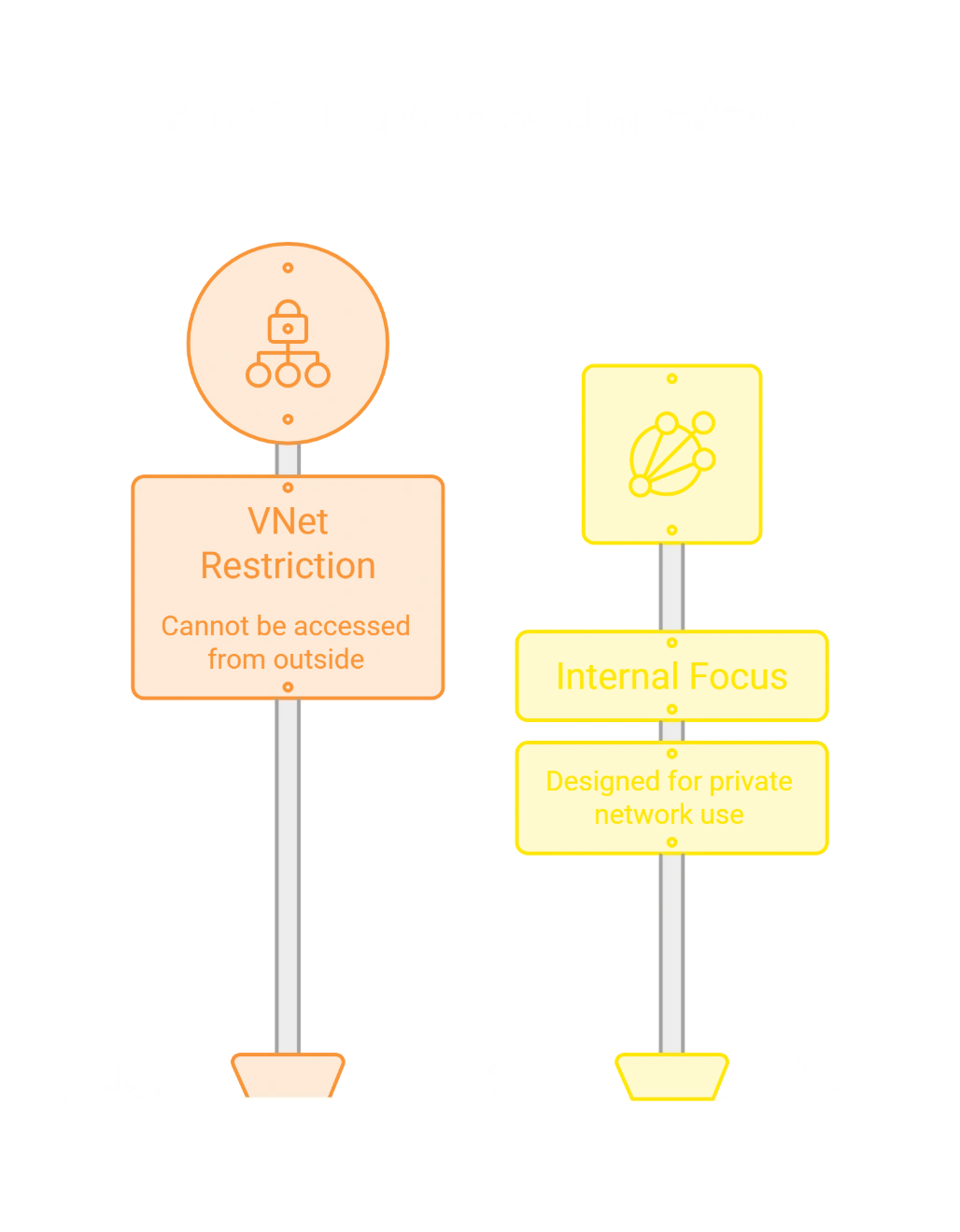
An IP Address is the unique identifier for a resource.An IP Address (Internet Protocol Address) is a unique network address assigned to a device or resource so that other devices know where to send and receive network traffic.
Analogy: Your home address helps couriers deliver packages.
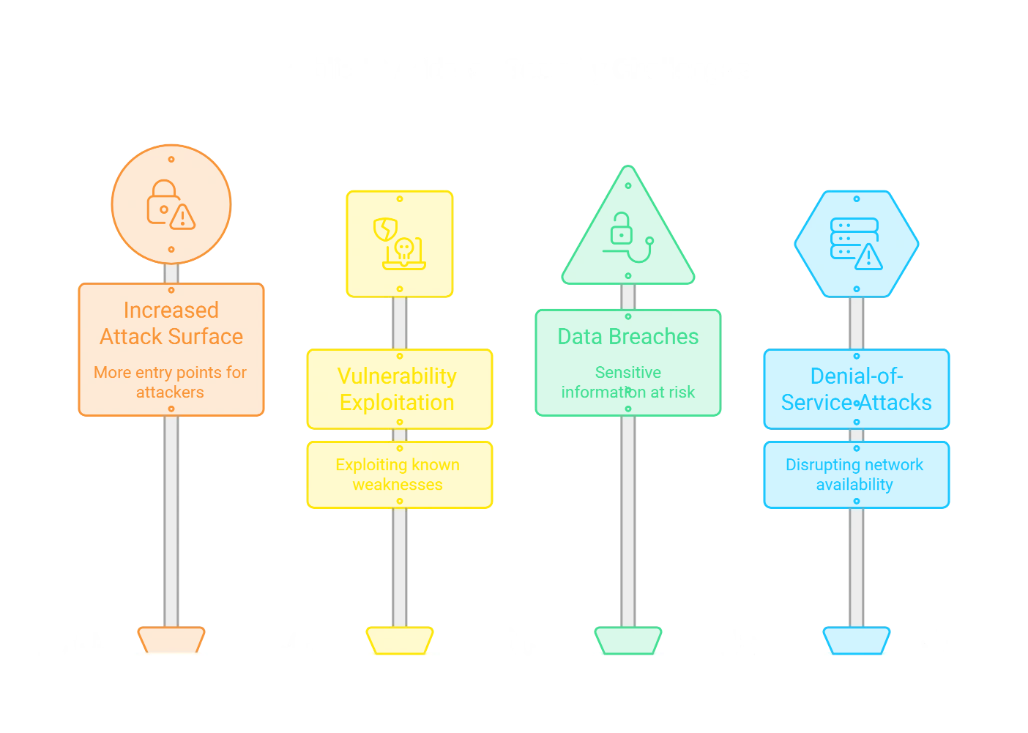
Project Scenario: A web app gets a public IP for customer access, while internal apps use private IPs for secure communication.

Real-Life Analogy
Think about your home address.
If someone wants to send you a package:
Name: Rajeev
Address: 123, ABC Street, Bhopal
The courier uses the address to find your house.
Similarly, in a network:
Server → IP Address → Other systems know where to send data
So, you can think of an IP address as the address of a device/resource on a network.
Why Do We Need IP Addresses?
Imagine your e-commerce website has:
Customer
   ↓
Website
   ↓
Application/API
   ↓
Database
All these components need to communicate with each other.The network needs to know:
Where is the website?
Where is the API?
Where is the database?
Where should this request be sent?
Which server should send the response?
IP addresses provide those network locations.
For example:
Web Server       → 10.0.1.10
Application API  → 10.0.2.10
Database         → 10.0.3.10
The API can communicate with the database using the database's network address.
Two Important Types of IP Addresses
In Azure, you will commonly hear about:
Public IP Address
Used when a resource needs to communicate with the Internet.
Example:
Internet
   ↓
Public IP
   ↓
Azure Web Application
Customers on the Internet can reach your application through its public-facing endpoint.
Private IP Address
Used for communication inside a private network, such as an Azure VNet.
Example:
VNet
│
├── Web Subnet
│      └── 10.0.1.10
│
├── App Subnet
│      └── 10.0.2.10
│
└── DB Subnet
       └── 10.0.3.10
The application server can communicate with the database using its private network address.
Public IP vs Private IP
Feature | Public IP | Private IP |
|---|---|---|
Used for | Internet communication | Internal communication |
Internet reachable | Potentially yes | No, not directly |
Example |
|
|
Typical use | Public website/API | Database/internal server |
Security exposure | Higher | Lower when properly isolated |
Use Cases & Scenarios
E-commerce Website
VNet hosts the entire application.
Subnets separate web servers, databases, and testing environments.
Firewall blocks malicious traffic.
NSGs enforce strict access rules.
VMs run the application.
Service Principals automate deployments.
Public IP allows customers to access the site.
Corporate Intranet
VNet isolates internal systems.
Subnets separate HR, Finance, and IT applications.
NSGs ensure only employees can access sensitive apps.
Private IPs keep systems invisible to outsiders.
Remember the responsibilities
VNet → Creates the private network.
Subnet → Divides the VNet.
IP Address → Identifies a network location.
Public IP → Provides Internet-facing connectivity when needed.
Private IP → Provides internal network connectivity.
Firewall → Controls/filters network traffic at a security boundary.
NSG → Applies granular inbound/outbound traffic rules to subnets/NICs.
VM → The virtual computer
Easy Way to Remember
Use this analogy:
🏢 VNet = Building
🏬 Subnet = Floor
🚪 IP Address = Room/house address
🛡️ NSG = Access rules for the room/floor
🔥 Firewall = Main security checkpoint
Conclusion
Cloud networking isn’t just about technology — it’s about building a secure, organized, and scalable digital neighborhood.
For non-technical readers: Think of it as designing a safe community with houses, guards, and rules.
For technical readers: These are the essential Azure components that ensure enterprise-grade security and performance.
Join the conversation! Your thoughts help the community grow.