

We can create native mobile apps using JavaScript and React. It uses React in order to create a rich mobile UI interface. As stated on the React Native official website,
“With React Native, you don’t build a “mobile web app”, an “HTML 5 app” or a “Hybrid App”. You build a real mobile app that’s indistinguishable from the app developed using Java or Objective-C. Native use the same fundamental blocks as in IOS and Android.”
Now, the question comes to your mind, who’s using React Native? As per the official website, thousands of apps are using React Native from established fortune 500 to hot new startups. Some of the popular apps that are using React Native include Facebook, Instagram, Bloomberg, Pinterest, Uber, Skype etc.
Before getting started, it’s recommended that you have the basic knowledge of JavaScript and React so that you can understand the React Native apps.
Setting up the Environment
In order to start, we need the below application installed in the system.
- NodeJS and NPM
- Python and Java SE Development Kit (JDK)
- Android SDK, Android Virtual Devices
- Visual Studio Code (Editor)
Installing and setting up the environment for React Native apps is easy. You have to download the packages from the respective site and click on Next and Next buttons:-). Be sure that you have installed all the mentioned applications needed for the React app.
You can find more details of the process of setting up the environment on the React Native official website. Now, open the command prompt, and run the below command.

It will download the packages required in order to create a React Native app. Type create-react-native-app <name-of-the-app> and hit Enter.


It will take a few minutes to extract the project files and install the dependencies.
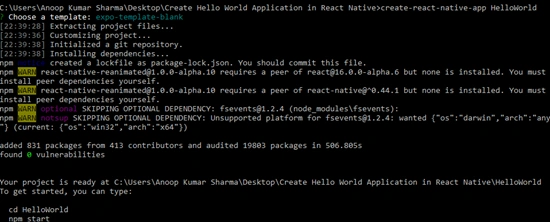
Once the project is created successfully, change the directory to the app name provided by you during application creation (in my case, it is HelloWorld).
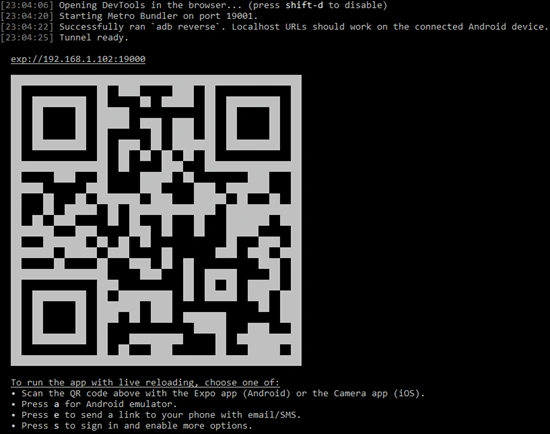
Run the npm start command so as to start the application.

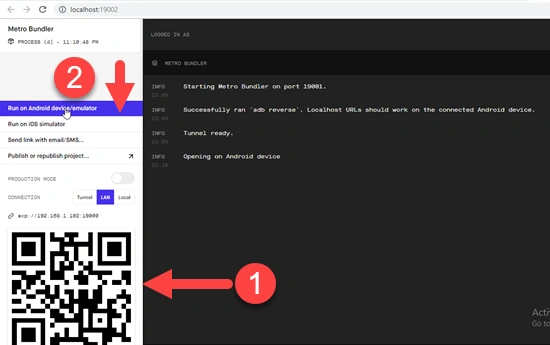
It will start the Expo and show a QR code which can be scanned using Expo in Android devices to start a metro bundler as a server on the localhost.
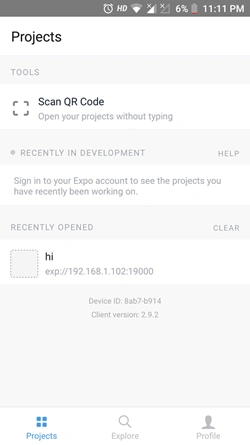
You can directly run the application on a physical device with the Expo App. Open Play Store on your Android Device.
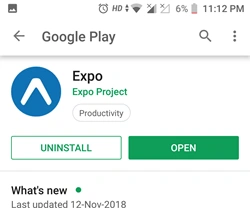
After installing the Expo app, you need to scan the QR Code.
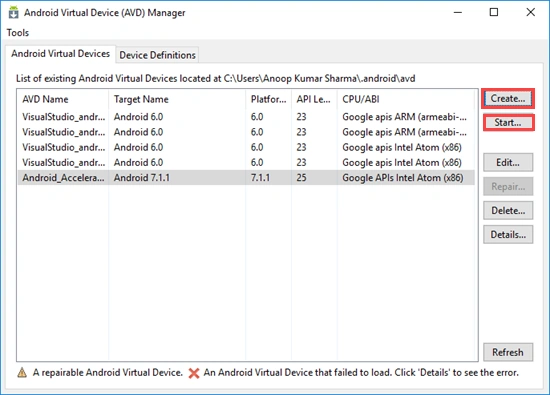
Or, you can run it on the Android Virtual Machines. Open the AVD Manager in your system, create an Android Machine by clicking on the "Create" button. It will ask for a few details to provide the Device Name, select Image, Memory Size, and other options in the virtual machine.
Once everything is done, click on "Start". It will take some time to start the Virtual Machine.
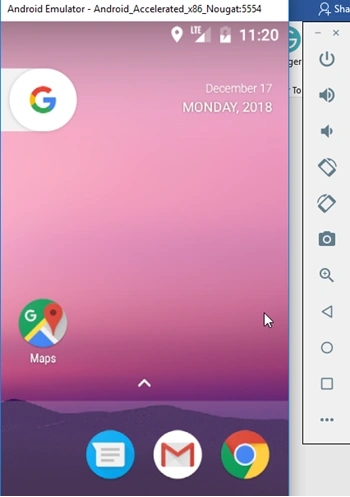
After the virtual device starts, you will see something like below.
In Metro Bundler, click "Run on Android device/emulator" and the application will be loaded in the Android Virtual Device.
An application will be loaded or started in the Android Virtual Device.
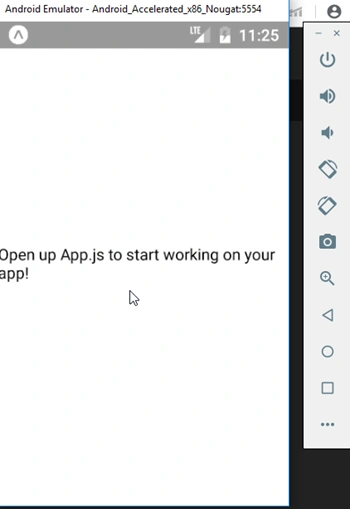
Let’s open the application in Visual Studio Code and click on App.js file to edit.
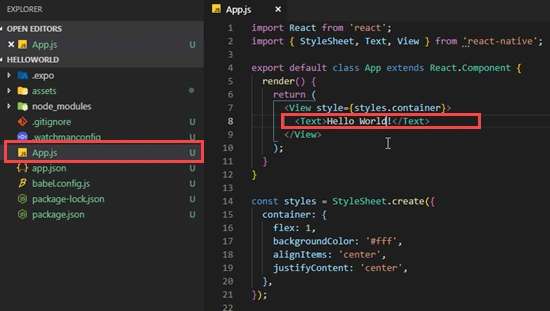
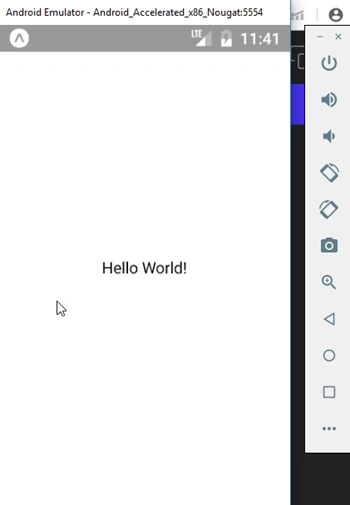
To show a simple message, like “Hello World”, we need to change the text between the Text tags. Change the text to "Hello World" and run the application again. You will see Hello World on the application.
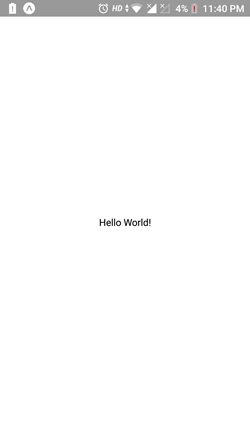
On scanning the QR Code with the Android device, you will see the desired output as well.
In my next article, we will understand the project structure of React Native. Hope this will help you.
Thanks.
Vignesh UPosted Jul 1, 2019, 1:39 AM
Hi, Can you please provide the download link of Android SDK and Android Virtual Device Manager? I do not want to install entire Android Studio. I cannot test my WebRtc program in Expo app, it doesn't allow to access camera and other features. Hoping that I can test the same in Android virtual device.