

Introduction
If you are a professional or a photographer you will probably want to protect your photos from being stolen and used for free. So using PHP you can create a different type of watermark on all of your images. So this article describes how to place an image or text as a watermark on another image. In other words, the script will watermark an image using another image. A simple approach is to put your company logo or copyright notice on the image, thus protecting it from theft.
Water mark image
Main image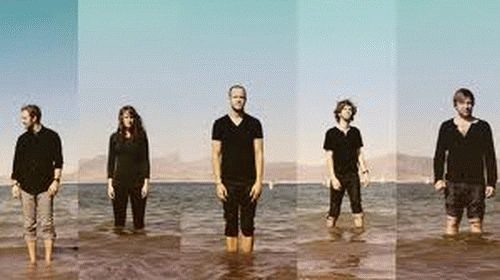
Function use to set watermark
The following functions help for using a watermark in PHP:
- imagecreatefromgif()
- magecreatefromjpeg()
- getimagesize()
- imagecopymerge()
- header()
- imagejpeg()
- imagedestroy()
Example
<?php
$main_img = "Photo.jpg"; // main big photo / picture
$watermark_img = "watermarkcsharp.gif"; // use GIF or PNG, JPEG has no tranparency support//
$padding = 80; // distance to border in pixels for watermark image
$opacity = 100; // image opacity for transparent watermark
$watermark = imagecreatefromgif($watermark_img); // create watermark


Join the conversation! Your thoughts help the community grow.