

Creating Cubes in SSAS
It was the 1980s when the first relational database management system was created, and data scientists across the globe began talking about tables and their relationships with one another. The word "table" has been described as a collection of related data held in a structural format within a database. Every piece of meaningful information has been treated as data.
We should thank E.F. Codd for introducing such a concept that revolutionized the industry. Flat files and network file storages are no more. It was history after 1980. If you wonder why I am talking about this in this article, here is the answer! The total article revolves around data. Everything is data from storing your personal information during account creation in Amazon (or any e-marketing or e-commerce website) to purchase and delivery.
Suppose you are a .Net developer and are developing your applications for a large company handling millions or even trillions of records like mine, or your application is manipulating data every day. In that case, this article will be an eye-opener. How the world manipulated data during the 1980s was different from how it is manipulated now. This article is a collection of many reference materials used when working on a real-world application.
Table of Contents
- Introduction
- What a Data Warehouse is, and why is it used
- Single Version of Truth
- Performance
- Simplicity
- Data Persistence
- Creating your first SSAS project
- Data Source
- Data Source Views
- Cubes
- Dimension
- Mining Structures
- Roles
- Assemblies
- Miscellaneous
- Data Source
- Data Source Views
- Dimensions
- Cubes
- What are Measures
- What are Measure Groups
- Conclusion
Introduction
As real-world product developers, our everyday activity involves connections to the database. It is how user information is stored or we retrieve it from the database. Most applications naturally perform the four operations in the common insert, update, delete, and select. We do these four operations from various providers: SQL Server, Azure, MongoDB, etc. These are from various data sources. But to the end-user, this will be an easy experience when using this product (application).
For example, when logging into Amazon, the authentication is verified by a web service connected to a data source from its servers located in Australia (just saying, for example). While you search products (mobiles, furniture, or whatever), the data is retrieved from a data source located in a local server in the USA. We surf Amazon as a single product. If our product is running in production, the number of users who do these preceding four operations from the first day of our launch until the date will not be constant. As our product gains popularity, we gain more users. The solid reason to write this article is performance. The greater the number of users, the slower the performance.
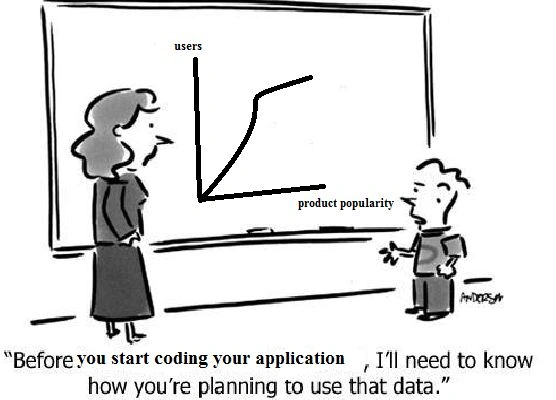
Here are the ways elaborated on how a Data Warehouse helps us solve complex query processing problems. Again, Suppose you are a .Net developer and developing your application for a large company handling millions or trillions of records daily (as does mine), or your application is manipulating data daily. In that case, this article will be an eye-opener.
What a Data Warehouse is, and why is it used?
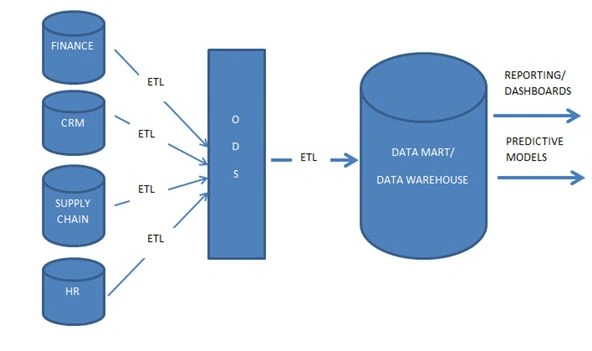
A Data Warehouse is a database, as the name implies, but it is much more than that in terms of functionality. First of all, data does not originate from a Data Warehouse. Instead, it originates from source systems, such as a Customer Relationship Management (CRM) system, HR System, Financial Management system, and so on, in the form of SQL tables, CSV files, etc. The data from these source systems are brought to a Data Warehouse so that Data Warehouse becomes a central repository with all of the company's relevant information.
That makes the question of why we would do such a thing. Why do we need to copy data when it already exists in the system and place it into the central repository? To answer that question, we need to talk about how decisions are made in organizations and the impact of a decision or a cumulative decision in an organization. We could agree that an organization's success is defined by the cumulative ability to make good decisions for successful outcomes. How are we going to make the decision-makers make their decisions? We are not only talking about the decisions made by top executives but also the operational decisions to be taken on a day-to-day basis.
To make decisions, we need to provide decision-makers with proper information. We have our internal data, such as data from the data sources. We may also require external information such as physical and financial (such as whether it is physical and financial is stock market) information. All of these must be brought together for decision-making to provide meaningful information. This is where a Data Warehouse is essential. It combines all the internal and external data from various data sources and keeps it in a single place called a warehouse. This helps decision-makers compare the environments and make proper decisions. So, why can't we query those from each source separately? There are four solid reasons for that.
Single Version of Truth
We may have user information in our database of the financial system and weather information system. Querying each of them differently for user information adds redundancy, and Data Warehouse solves this problem by having all the data in a single repository.
Performance
Querying millions of data from various data sources is much more complex and gains less performance than querying a single centralized data source.
Simplicity
Our normal database architecture suggests we use normalized data. When the user wants information, it takes time for us to join user information split across tables or data sources. Data Warehouses avoid these problems.
Data Persistence
Organizations want to align their data in a way that sometimes is not the way our data sources align the data. For example, suppose the user or the decision-maker wants to update information about the user when the temperature is above 10 degrees. In that case, it does not persist when we have different data sources. A Data Warehouse helps you avoid this problem.
A Data Warehouse is not a product or technology but a concept. Let's build a Data Warehouse in this article.
SQL Server Analysis Services (SSAS) in MSBI
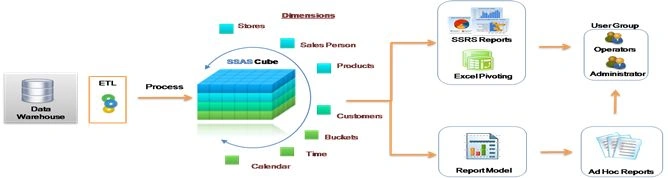
This will create a multidimensional database from a single-dimensional database.
Had we installed Visual Studio, we would have had Business Intelligence Development Studio (BIDS) that does all these activities.
Creating your first SSAS application
I installed the SQL Server, and the business intelligence suite of vs. suits me. Even though MSBI consists of three main parts, in this article, we will have an introduction to what SSAS is.
Step 1. Open Visual Studio and click on the new project. There is an option named Business intelligence to select a BI-related project on the left pane of the opened window. Click on the Analysis Services Project, name it, and click OK.
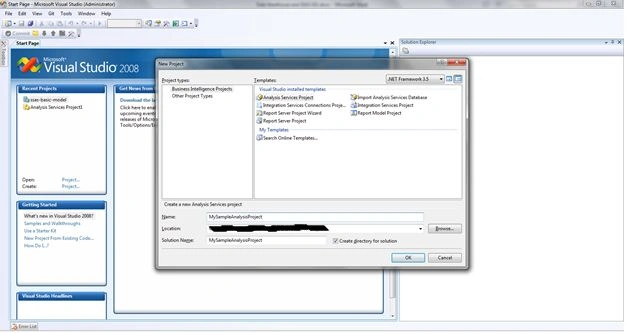
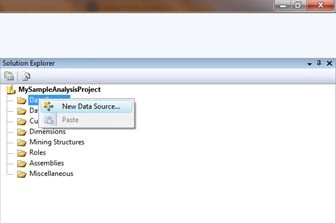
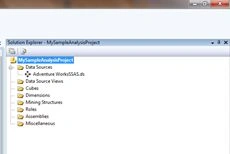
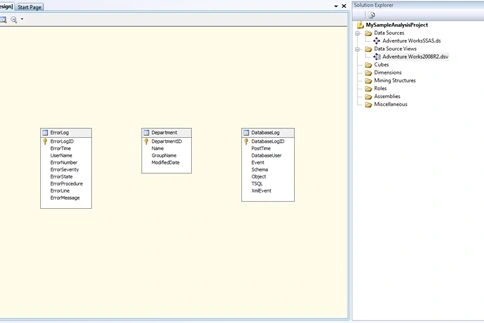
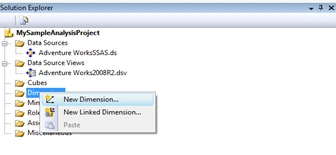
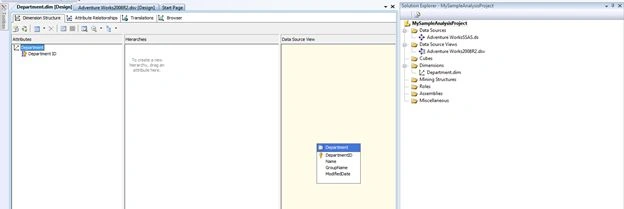
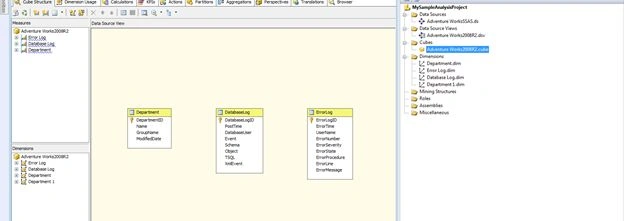
Step 2. This project is an SSAS project, and it will create a Data Warehouse for us. We can see eight folders, and let us know what they are. These folders are the layers to create our SSAS Data Warehouse.
Data Sources
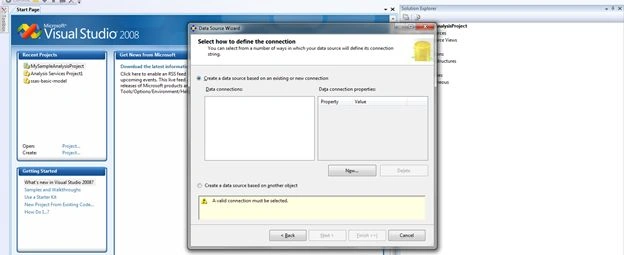
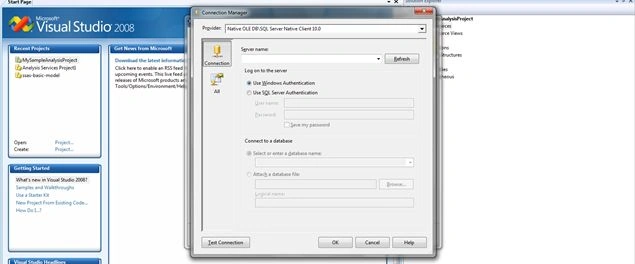
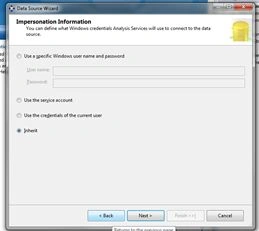
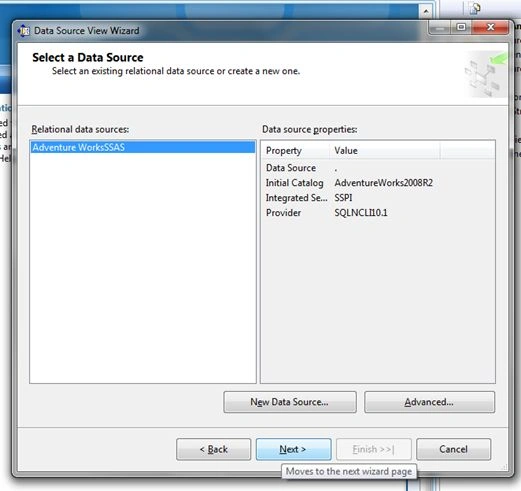
Contains a set of data sources from the Oracle or SQL Server databases. SSAS supports a set of data providers that can be chosen when adding data sources.
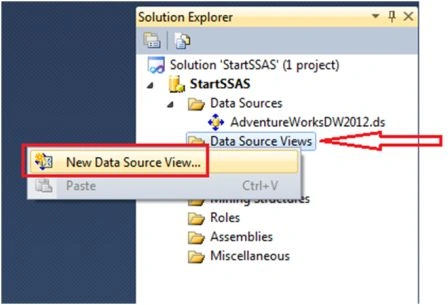
Data Source Views
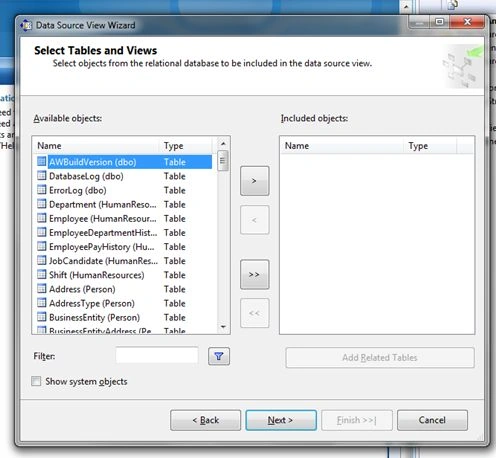
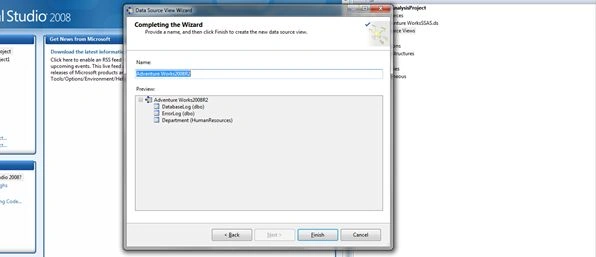
A data source view contains a logical model of the schema used by analysis services' multidimensional database objects. They can be built over one or more data sources, allowing you to define multidimensional and data-mining objects that integrate data from multiple sources.
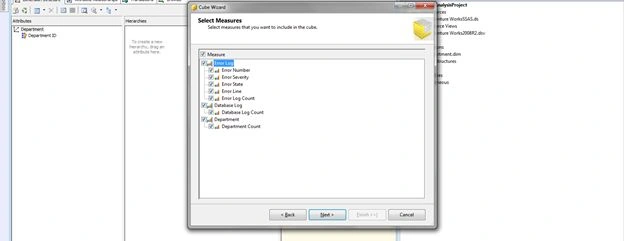
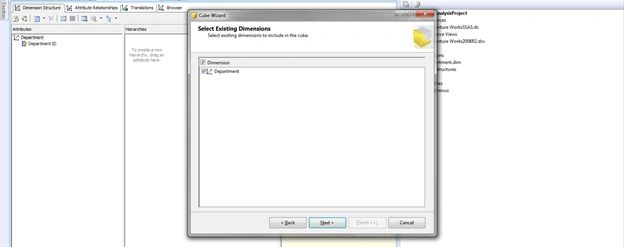
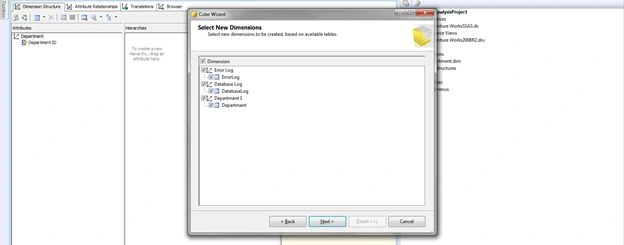
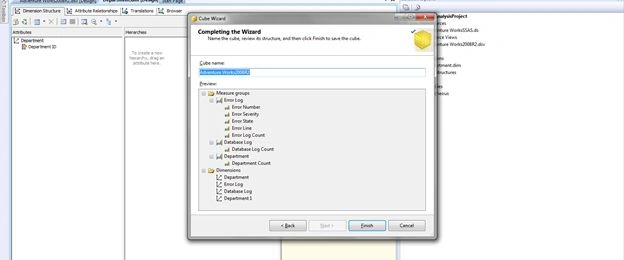
Cubes
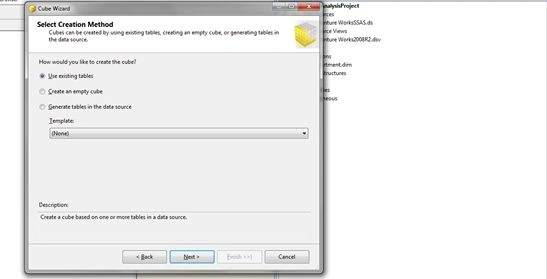
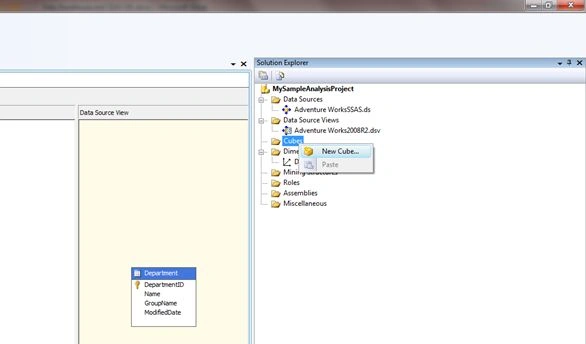
SQL Server stores data in the form of tables, but in SSAS, the same happens in the form of cubes. Without creating it, we cannot query a Data Warehouse. We will explain this shortly.
Dimensions
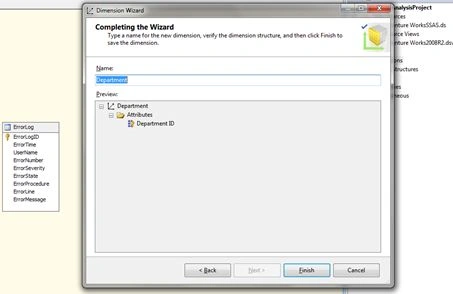
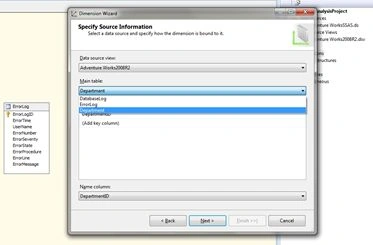
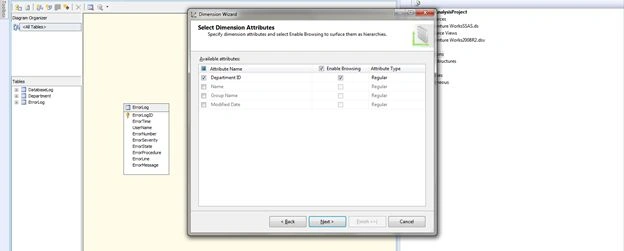
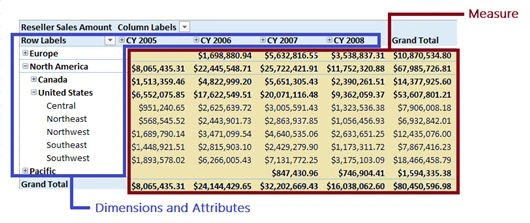
Dimensions contain the necessary information to query the cubes. They contain information about the fact tables to contain measure values to query the cubes.
Mining Structures
This is the least-used function in MSBI nowadays. This feature was not developed much after SQL Server 2005. SSAS has included 9 data mining algorithms. We will see them shortly.
Karthik Muthu KaruppanPosted Apr 27, 2015, 10:45 AM
Good
Shubham KumarPosted Apr 26, 2015, 12:35 PM
good description
Santhakumar MunuswamyPosted Apr 26, 2015, 1:39 AM
Good Work
NitinPosted Apr 26, 2015, 12:00 AM
Very well explained
Krishnanand SivarajPosted Apr 25, 2015, 5:05 PM
Thanks for publishing. I have to collect so many information before writing everything in one single article. Required some more work. Thanks again. :)