

Demystifying the resultant objects from Service Fabric Cluster Creation
In this article, I will be going through all objects that result from the "Create Service Fabric Cluster" template, the default template used by Visual Studio Publish wizard and Azure Portal.
From Visual Studio,
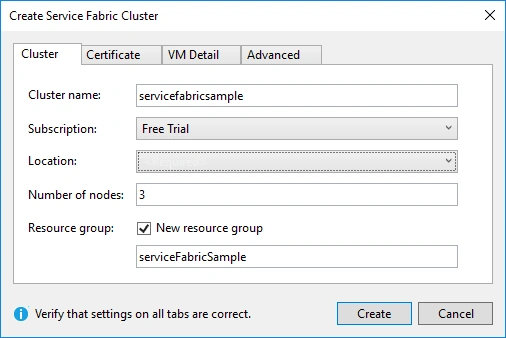
From Azure Templates,
Resources created
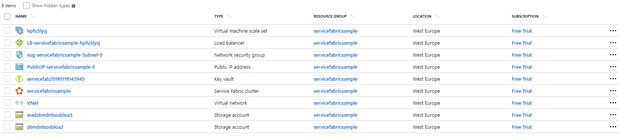
Article Base
Even though you may use any existent project created with this template, in the following article, I am explaining how to create and publish a Service Fabric application.
Related Articles
- Demystifying the resultant objects from Service Fabric Cluster Creation Part I
(Network Security Group, Azure Load Balancer, Azure Key Vault)
- Demystifying the resultant objects from Service Fabric Cluster Creation Part II
(The two storage accounts and the Service Fabric Cluster)
- Demystifying the resultant objects from Service Fabric Cluster Creation Part III
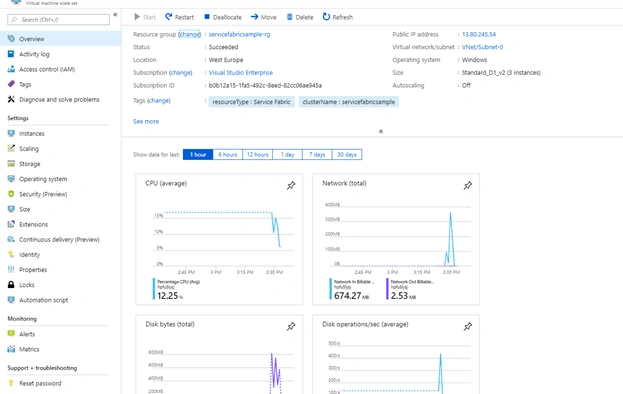
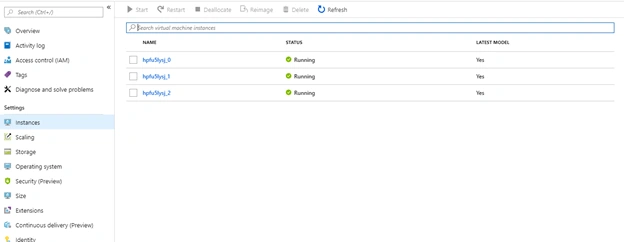
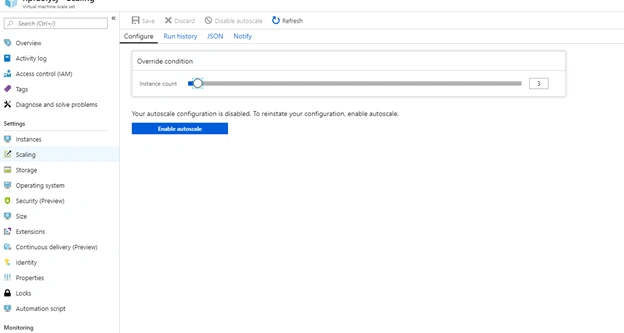
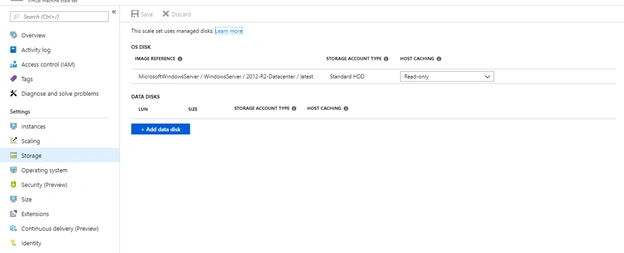
(Azure Virtual Network, Virtual Machine Scale Set, Public IP Address)
What is Azure Virtual Network?
As its name says, Azure Virtual Network is a virtual network service offered by Azure. It offers:
- Safety: Traffic among Azure resources stays in the intra-Azure network, not being exposed over the internet;
- Controllability: Treat Azure Virtual Network as you would your own Datacenter;
- Extensibility: Extends your on-premises Datacenter to the cloud;
- Customization: Use pre-built solutions from Azure Marketplace to customize your Virtual Network;
- Global reach: You may extend and/or scale your Virtual Network on different regions in the world.
Read more about Azure Virtual Network:
What is the usage of Azure Virtual Network with Service Fabric?
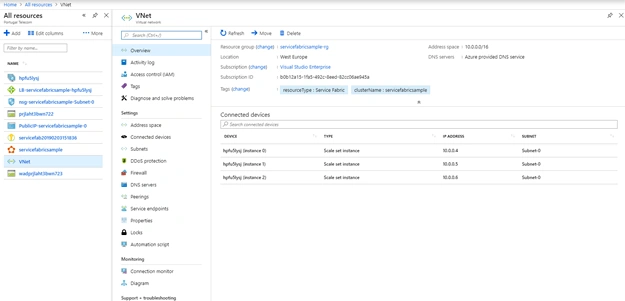
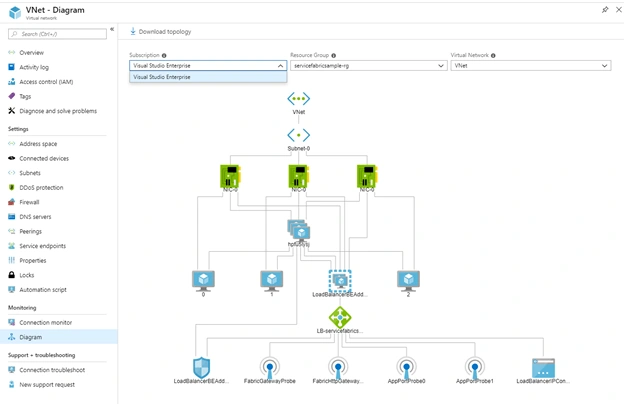
Works as the network for the cluster and its dependencies.
Connection with,
- Virtual Machine Scale Set;
- Storage Account.
Virtual Network Diagram
Join the conversation! Your thoughts help the community grow.