

Introduction
So basically, what are design patterns? We can define design patterns as proven techniques to achieve certain tasks. They give us a basic template to design our application using templates that have been proven to meet the requirements of performance, maintainability, extensibility, scalability and security. Object oriented programming is the backbone of software development these days and this holds true for C# development as well. Design Patterns: Elements of Reusable Object-Oriented Software (1994) is a software engineering book which describes software design patterns. The book was written by Erich Gamma, Richard Helm, Ralph Johnson, and John Vlissides, with a foreword by Grady Booch. It describes 23 classic software design patterns and is regarded as an important source for object-oriented design theory and practice. The authors are often referred to as the Gang of Four (GoF). This book includes examples in C++ and Smalltalk. These design patterns have been divided into three categories and in this article, I will provide two samples from each category in C#.
The 3 Categories and 23 Design Patterns
For a complete list of all the 23 Design Patterns, you can visit the link (The Gang of Four Design Patterns). In this article I will discuss two design patterns from each category which are below,
Creational Design Patterns
Creational patterns help us with creating objects in a flexible manner according to our requirements
- Singleton pattern – Only allows one instance of a class.
- Factory pattern - Creates objects based on an input parameter.
Structural Design Patterns
Structural patterns help us design interfaces and use inheritance to design functionality in our applications.
- Adapter pattern – Provides a link between classes that have incompatible interfaces
- Facade pattern - Provides a simplified interface to some complex classes
Behavioral Design Patterns
Behavioral patterns are mostly linked to communications between objects in our application.
- Observer pattern – This is a publisher-subscriber pattern which allows the publisher to publish events and subscribers to subscribe and act upon these events
- Template pattern – This provides a layout of a base class which is then used by several classes
We will now look at these six design patterns one by one with examples.
The Singleton Pattern
Below is a class designed using the singleton pattern,
- namespace DesignPatterns
- {
- public class SingletonClass
- {
- private int number = 100;
- private static SingletonClass _instance;
- public static SingletonClass Instance
- {
- get
- {
- _instance = (_instance ?? new SingletonClass());
- return _instance;
- }
- }
- public int GetSingletonValue()
- {
- return ++number;
- }
- }
- }
We can call the class using the below code,
- // Singleton Pattern testing
- var singletonClassValueOne = SingletonClass.Instance.GetSingletonValue();
- Console.WriteLine($"First Read value is {singletonClassValueOne}");
- var singletonClassValueTwo = SingletonClass.Instance.GetSingletonValue();
- Console.WriteLine($"First Read value is {singletonClassValueTwo}");
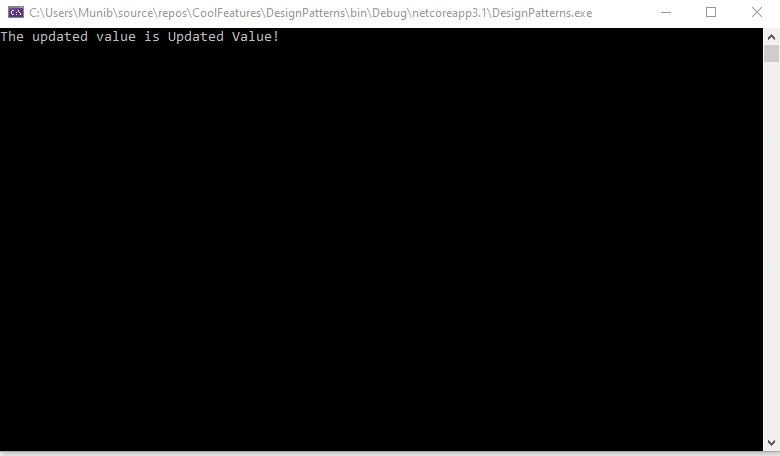
When we run this application, we see the below results,
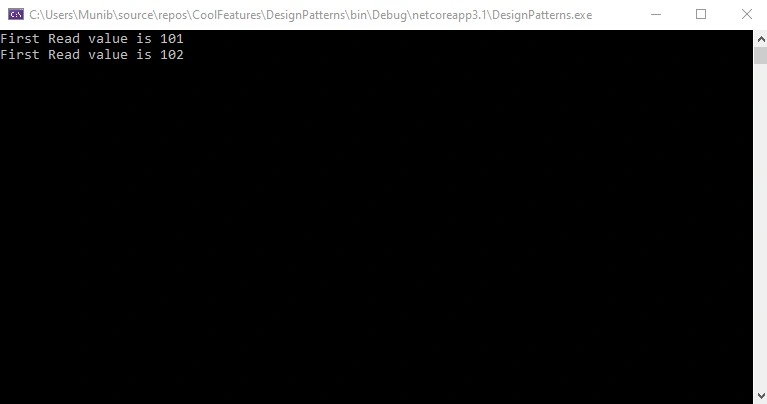
Hence, we see that only one instance of the class is created and that is the first time this class is called. After that, the existing instance is used.
The Factory Pattern
Below is a class designed using the Factory pattern,
- using System;
- using System.Collections.Generic;
- using System.Text;
- namespace DesignPatterns
- {
- // The main classes interface
- public interface IThermostat
- {
- void Control();
- }
- // The Cooling Thermostat class
- public class CoolingThermostat : IThermostat
- {
- private readonly double _temp;
- public CoolingThermostat(double temp)
- {
- _temp = temp;
- }
- public void Control()
- {
- Console.WriteLine($"Cooling the house to {_temp} degrees");
- }
- }
- // The Warming Thermostat class
- public class WarmingThermostat : IThermostat
- {
- private readonly double _temp;
- public WarmingThermostat(double temp)
- {
- _temp = temp;
- }
- public void Control()
- {
- Console.WriteLine($"Warming the house to {_temp} degrees");
- }
- }
- // The Factory classes
- public abstract class ThemostatFactory
- {
- public abstract IThermostat Create(double temp);
- }
- public class CoolingThermostatFactory : ThemostatFactory
- {
- public override IThermostat Create(double temp) => new CoolingThermostat(temp);
- }
- public class WarmingThermostatFactory : ThemostatFactory
- {
- public override IThermostat Create(double temp) => new WarmingThermostat(temp);
- }
- // Implementing the Factory
- public enum Actions
- {
- Cooling,
- Warming
- }
- public class Thermostat
- {
- private readonly Dictionary<Actions, ThemostatFactory> _factories;
- public Thermostat()
- {
- _factories = new Dictionary<Actions, ThemostatFactory>();
- foreach(Actions action in Enum.GetValues(typeof(Actions)))
- {
- var factory = (ThemostatFactory)Activator.CreateInstance(Type.GetType("DesignPatterns." + Enum.GetName(typeof(Actions),action) + "ThermostatFactory"));
- _factories.Add(action, factory);
- }
- }
- public IThermostat ExecuteCreate(Actions action, double temp) => _factories[action].Create(temp);
- }
- }
We can call the class using the below code,
- //// Factory Pattern testing
- var factory = new Thermostat().ExecuteCreate(Actions.Cooling, 17.5);
- factory.Control();
- factory = new Thermostat().ExecuteCreate(Actions.Warming, 21.5);
- factory.Control();
When we run this application, we see the below results,
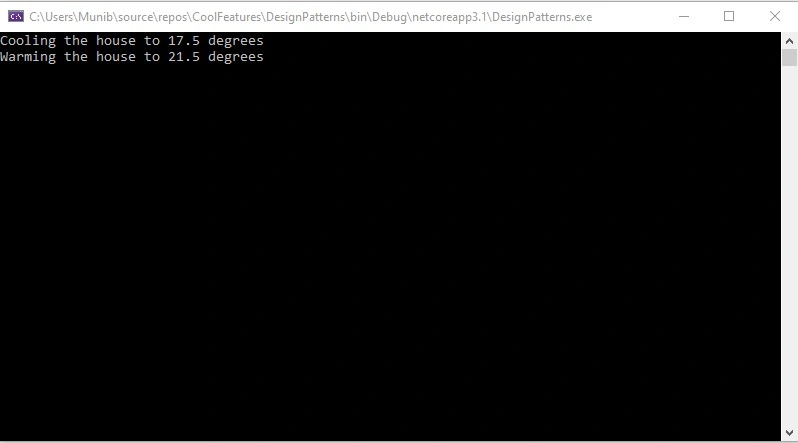
Here we see that we pass the Enum value of the class and get back an instance of the class instead of explicitly creating a class.
The Adapter Pattern
Below is a class designed using the Adapter pattern,
- using System;
- using System.Collections.Generic;
- namespace DesignPatterns
- {
- public class LocalEmployeeSystem
- {
- private ISource _employeeAdapter;
- public LocalEmployeeSystem(ISource employeeAdapter)
- {
- this._employeeAdapter = employeeAdapter;
- }
- public void ShowEmployeeList()
- {
- List<string> employees = _employeeAdapter.GetEmployeeList();
- // Modify list and apply business logic
- foreach (var employee in employees)
- {
- Console.Write(employee);
- }
- }
- }
- public interface ISource
- {
- List<string> GetEmployeeList();
- }
- public class BIEmployeeSystem
- {
- public string[][] GetEmployees()
- {
- string[][] employees = new string[2][];
- employees[0] = new string[] { "100", "John Doe", "Director" };
- employees[1] = new string[] { "101", "Jane Doe", "Manager" };
- return employees;
- }
- }
- public class EmployeeAdapter : ISource
- {
- public List<string> GetEmployeeList()
- {
- List<string> employeeList = new List<string>();
- var BiEmployeeSystem = new BIEmployeeSystem();
- string[][] employees = BiEmployeeSystem.GetEmployees();
- foreach (string[] employee in employees)
- {
- employeeList.Add($"{employee[0]},{employee[1]},{employee[2]} \n");
- }
- return employeeList;
- }
- }
- }
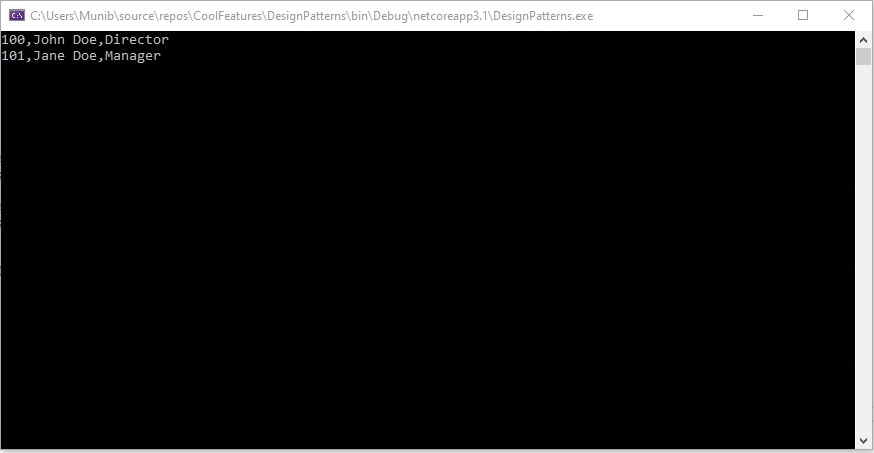
Bruno PétersonPosted Jun 26, 2015, 4:05 PM
Cool, thanks for sharing
Rahul Kumar SaxenaPosted May 17, 2015, 7:25 AM
Thanks Santhakumar Munuswamy...
Santhakumar MunuswamyPosted May 17, 2015, 12:58 AM
Thanks for sharing