Introduction
Machine learning uses computers to run predictive models that learn from existing data to forecast future behaviors, outcomes, and trends.
Azure Machine Learning is a powerful cloud-based predictive analytics service that makes it possible to quickly create and deploy predictive models as analytics solutions. Azure Machine Learning not only provides tools to model predictive analytics but also provides a fully-managed service you can use to publish your predictive models as ready-to-consume web services.
Read
Predictive Analytics with Microsoft Azure Machine Learning for more details on the mechanisms of Azure Machine Learning.
Scope
This article shows how Azure Machine Learning can be used to develop a Recommender Solution.
Ever wonder how websites like Amazon and eBay provide useful suggestions and recommendations? This article is for you!
Designing the Experiment
The following is the procedure to develop the experiment:
Add the dataset
In Azure Machine Learning, an existing dataset can be used or a new one can be loaded from an Azure Database, Azure Blob Storage, Data Feed Reader, Web Service or a Hive Query.
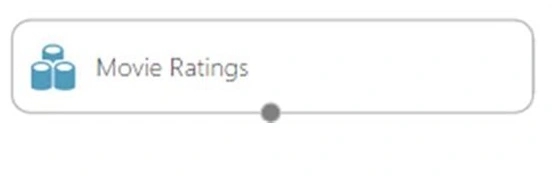
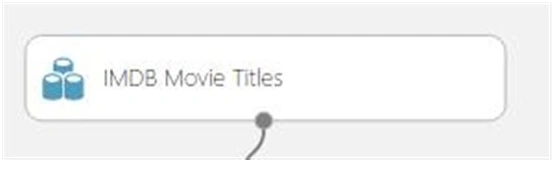
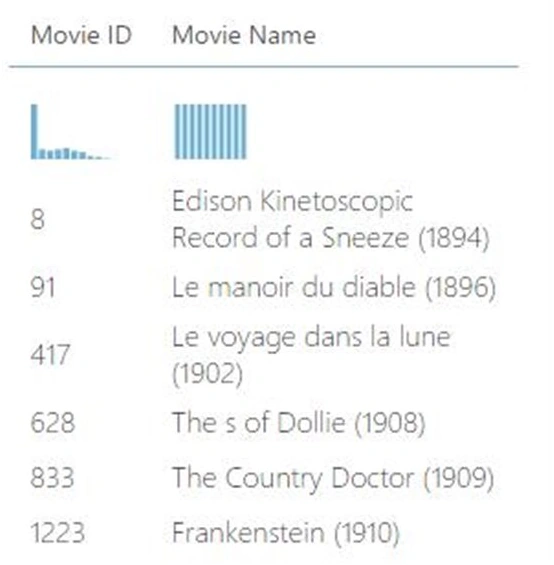
In this example, the Movie Ratings Sample Data shall be used.
Figure 1: Movie Rating
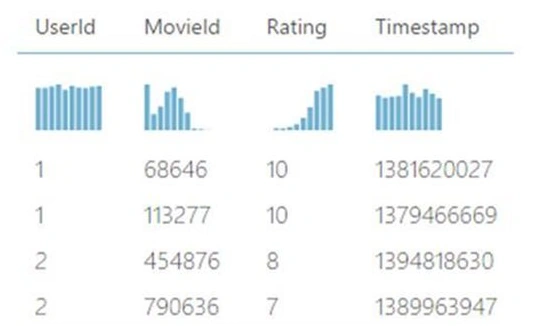
The Movie Rating sample has the following columns:
Figure 2: Movie Rating Sample
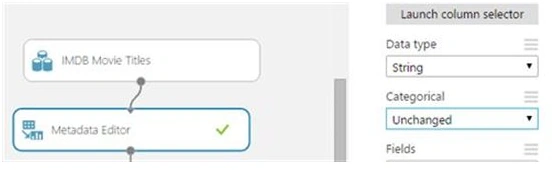
Exclude the columns that shall not be needed
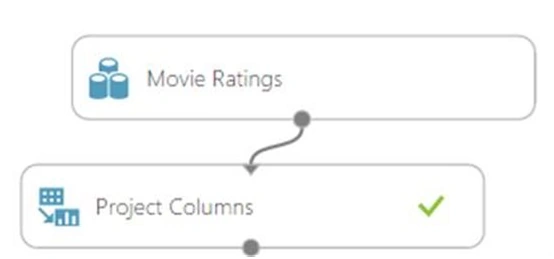
To do so, the project columns tool object can be used. Add it to the experiment.
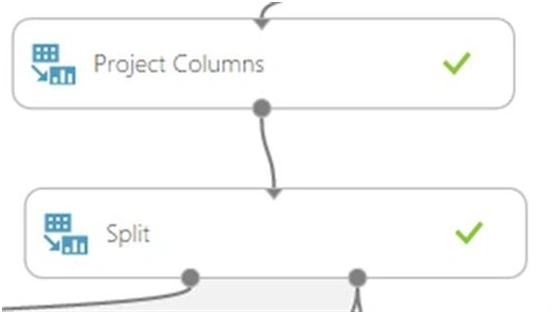
Figure 3: Project Column
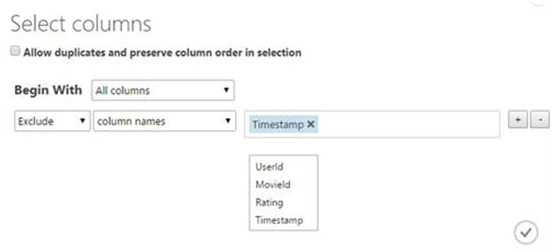
Now, from the right menu, select the "launch column selector" to select the fields that shall be needed. Here, the timestamp column shall be excluded.
Figure 4: Select Column
Split the Data
Now, the data shall be partitioned into 2 distinct sets:
Train Data: Used to “train” the recommender. That is, the algorithm shall use this data to "learn" and make predictions.
Test Data: Used to validate the results of the recommender
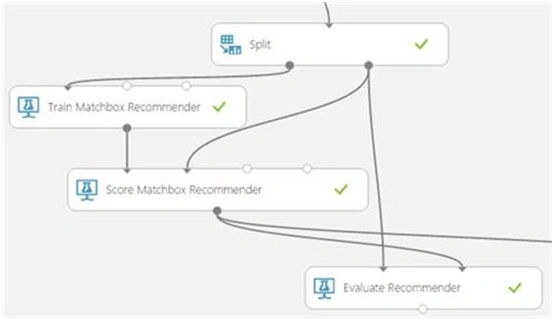
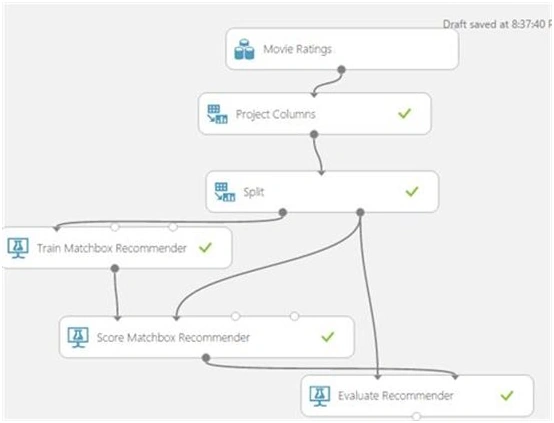
Drag the split tool and connect it as in the following.
Figure 5: Result
Deciding the amount of data to use for training and testing is subjective.
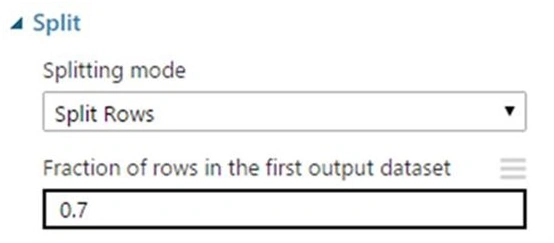
The ratio should be typed as a decimal number between 0 and 1 to represent the percentage of rows sent to the first output dataset.
For example, if you type 0.75 as the value, the dataset would be split using the ratio 75:25, with 75% of the rows sent to the first output dataset, and 25% sent to the second output dataset.
Figure 6: Splitting Mode
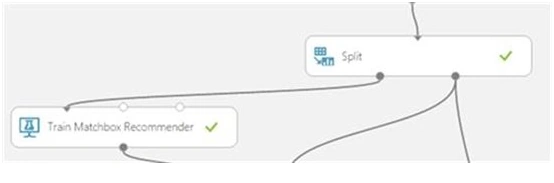
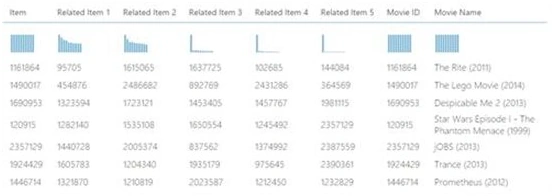
Add the Train Matchbox Recommender
The Train, a recommendation model based on the Matchbox recommender engine. It has the ability to learn about people’s preferences from observing how they rate items such as movies, content or other products.
This is where learning occurs.
Figure 7: Learning occurs
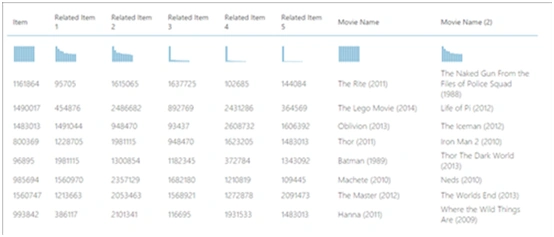
Add the Score Matchbox Recommender
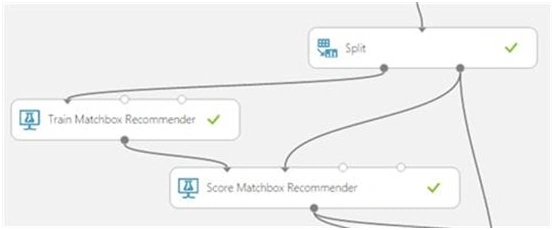
The Score Matchbox Recommender scores predictions for a dataset using the Matchbox recommender.
It generates results based on a trained recommendation model.
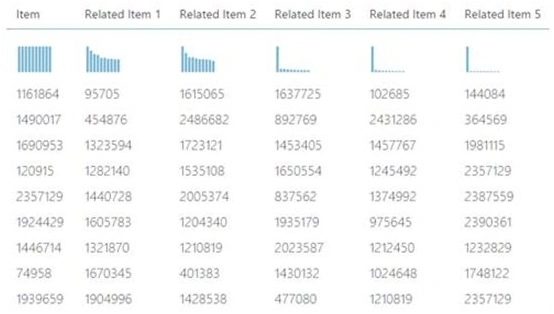
Figure 8: Recommendation model



Ojash ShresthaPosted Jan 30, 2022, 6:08 PM
Loved this article!
Prasanna MuraliPosted Jul 29, 2016, 11:45 AM
Nice one..
Bhuvanesh MohankumarPosted May 3, 2016, 12:47 PM
Good one..
Kuppurasu NagarajPosted Apr 11, 2016, 1:43 PM
Nice Sharing
Sr KarthigaPosted Mar 29, 2016, 8:59 AM
good one
Sr KarthigaPosted Mar 29, 2016, 8:59 AM
nice explanation
Sr KarthigaPosted Mar 29, 2016, 8:59 AM
V
Ajeet MishraPosted Sep 15, 2015, 3:05 AM
Nice
Chervine BhiwooPosted Sep 2, 2015, 12:21 PM
Thanks
Ankit BansalPosted Aug 31, 2015, 4:25 AM
thanks for share..
Rajeesh MenothPosted Aug 31, 2015, 12:39 AM
Nice Share
Hashim ShafiqPosted Aug 30, 2015, 9:42 PM
nice
Sibeesh VenuPosted Aug 30, 2015, 1:13 AM
Nice Share
Gowtham KPosted Aug 29, 2015, 10:37 AM
Good one, Thanks for sharing
Mohammed IbrahimPosted Aug 29, 2015, 8:48 AM
nice
Pankaj Kumar ChoudharyPosted Aug 29, 2015, 8:26 AM
Nice Article Sir thanks to share a nice information......
Yashwanth MuthineniPosted Aug 29, 2015, 4:52 AM
Nice Share
Karthikeyan KPosted Aug 29, 2015, 4:26 AM
Nice one sir..Informative article :)
Santhakumar MunuswamyPosted Aug 29, 2015, 4:25 AM
Good article. Thanks for sharing