

In C#, the switch statement serves as a control structure that enables the execution of distinct code blocks based on the value of a variable. It is frequently utilized when there is a need to compare a variable with multiple constant values and to carry out various actions according to the outcome.
Basic Syntax of switch in C#
switch (expression)
{
    case value1:
        // Code block for value1
        break;

    case value2:
        // Code block for value2
        break;

    case value3:
        // Code block for value3
        break;

    default:
        // Code block if no case matches
        break;
}
- expression: The value or variable you want to check.
- case: Each case label contains a constant value to compare with the expression.
- break: Terminates the switch block. Without a break, the program "falls through" to the next case.
- default: This is optional and is executed if none of the case labels match the expression.
Example 1. A basic example of a switch case with int.
When the parameter inputValue is set to 2.
public void UseOfSingleWithIntTypeSwitchCase(int inputValue)
{
    switch (inputValue)
    {
        case 1:
            Console.WriteLine("Input Value is 1");
            break;

        case 2:
            Console.WriteLine("Input Value is 2");
            break;

        case 3:
            Console.WriteLine("Input Value is 3");
            break;

        default:
            Console.WriteLine("Input Value is something else");
            break;
    }
}
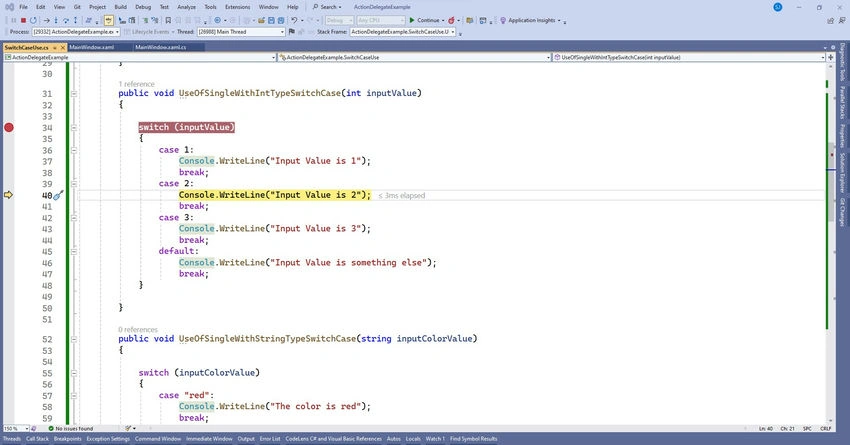
Output is Input value is 2.
Example 2. Example of switch case with string.
When the parameter inputValue is set to "green".
public void UseOfSingleWithStringTypeSwitchCase(string inputColorValue)
{
    switch (inputColorValue)
    {
        case "red":
            Console.WriteLine("The color is red");
            break;

        case "blue":
            Console.WriteLine("The color is blue");
            break;

        case "green":
            Console.WriteLine("The color is green");
            break;

        default:
            Console.WriteLine("Unknown color");
            break;
    }
}
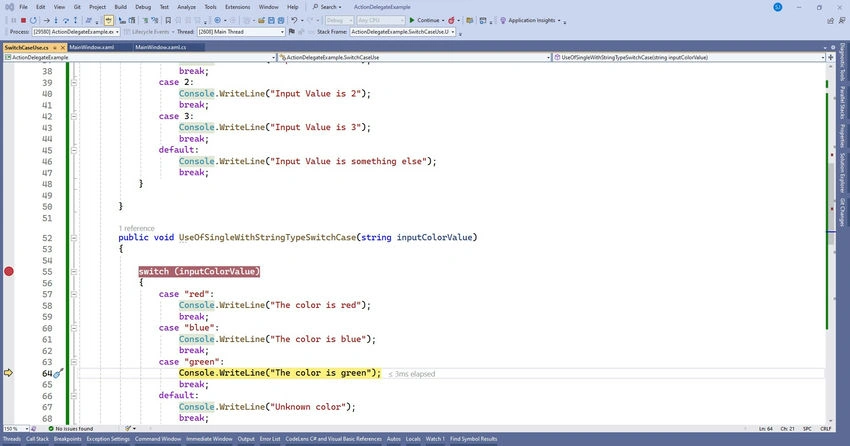
Output. The color is green.
Example 3. Multiple Cases in One Block (Fall-Through)
When the parameter inputValue is set to 'C'.
public void UseOfMultipleSwitchCase(char inputValue)
{
    switch (inputValue)
    {
        case 'A':
        case 'B':
        case 'C':
            Console.WriteLine("You passed!");
            break;

        case 'D':
        case 'F':
            Console.WriteLine("You failed.");
            break;

        default:
            Console.WriteLine("Invalid grade");
            break;
    }
}
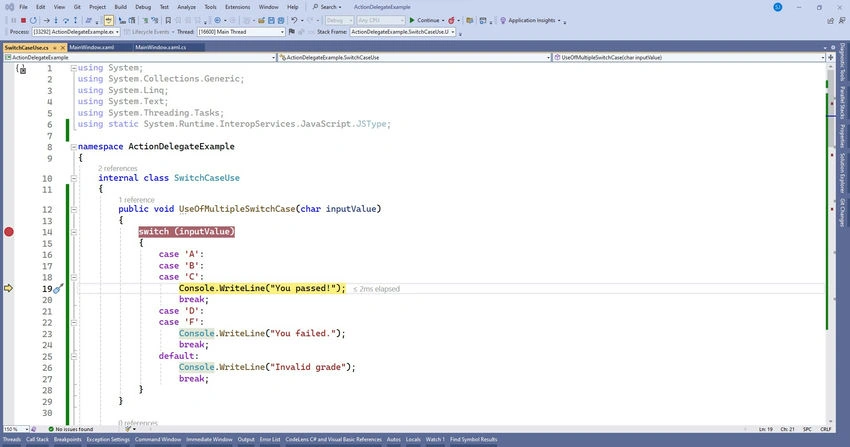
Output. You passed!
Example 4. Switch with when Clause (C# 7.0+)
The introduction of pattern matching in C# 7.0, facilitated by the when keyword, enables the incorporation of more intricate conditions within the switch statement.
When the parameter inputValue is set to 5.
public void UseOfSingleWithWhenClauseSwitchCase(int inputValue)
{
    switch (inputValue)
    {
        case int n when (n >= 1 && n <= 10):
            Console.WriteLine("inputValue is between 1 and 10");
            break;

        case int n when (n > 10):
            Console.WriteLine("inputValue is greater than 10");
            break;

        default:
            Console.WriteLine("inputValue is less than 1");
            break;
    }
}
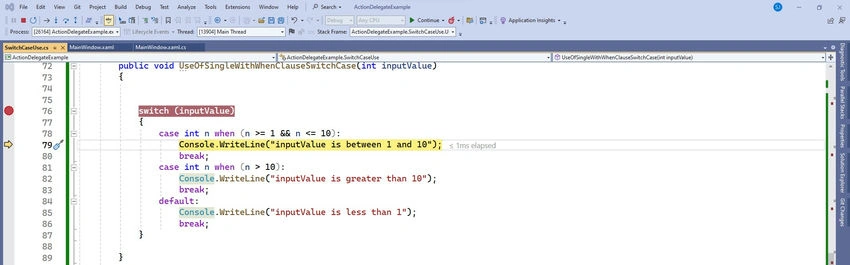
Output. inputValue is between 1 and 10.
Example 5. switch Expression (C# 8.0+)
C# 8.0 introduced switch expressions, which are more concise than traditional switch statements. They allow you to use pattern matching and return a value from the expression.
When the parameter inputValue is set to 4.
public void UseOfSwitchExpressionCase(int inputValue)
{
    string result = inputValue switch
    {
        1 => "inputValue is one",
        2 => "inputValue is two",
        3 => "inputValue is three",
        _ => "inputValue is something else"
    };

    Console.WriteLine(result);
}
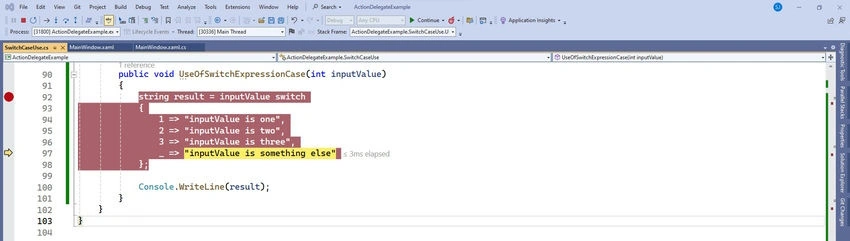
Output. inputValue is something else.
Example 6. enum with switch case.
A switch statement utilizing enums in C# enables the execution of distinct code paths contingent upon the values of the enum. Enums serve as an excellent means of establishing a collection of named constants, and their incorporation within a switch statement enhances the clarity and readability of the code.
When the parameter inputValue is set like UseOfEnumBasedSwitchCase(4,3, Operation.Add)
public enum Operation
{
    Add,
    Subtract,
    Multiply,
    Divide
}

UseOfEnumBasedSwitchCase(4, 3, Operation.Add);

public void UseOfEnumBasedSwitchCase(int num1, int num2, Operation op)
{
    switch (op)
    {
        case Operation.Add:
            Console.WriteLine($"Output Result is: {num1 + num2}");
            break;

        case Operation.Subtract:
            Console.WriteLine($"Output Result is: {num1 - num2}");
            break;

        case Operation.Multiply:
            Console.WriteLine($"Output Result is: {num1 * num2}");
            break;

        case Operation.Divide:
            // Handle division carefully to avoid divide-by-zero
            if (num2 != 0)
            {
                Console.WriteLine($"Output Result is: {num1 / num2}");
            }
            else
            {
                Console.WriteLine("Cannot divide by zero");
            }
            break;

        default:
            Console.WriteLine("Invalid operation");
            break;
    }
}
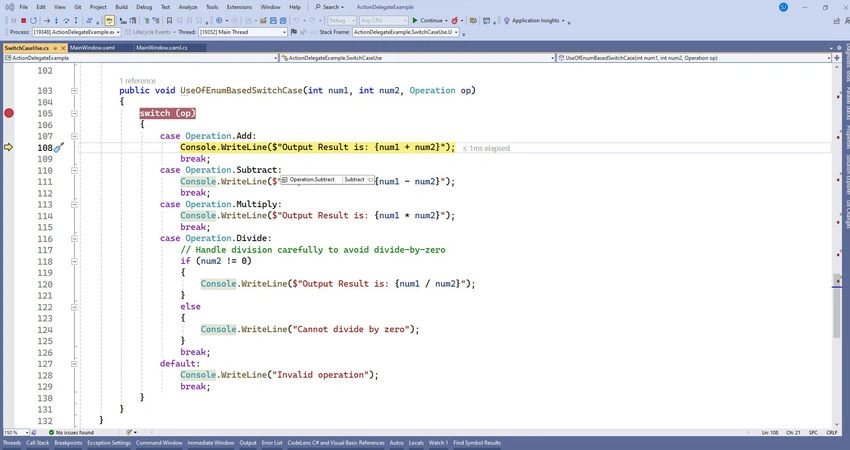
Output. Output Result is 7.
Example 7. Switch with Tuple Patterns (C# 7.0 and later)
You can also use tuples in switch cases to handle multiple variables.
When the parameters firstName="Sanjay" and lastName="Kumar"
public static void UseOfSwithCaseWithTuple(string firstName, string lastName)
{
    (string firstName, string lastName) personDetail = (firstName, lastName);

    switch (personDetail)
    {
        case ("Sanjay", "Kumar"):
            MessageBox.Show($"Hello, {firstName} {lastName}");
            break;

        case ("Sanjay", _):
            MessageBox.Show($"Hello, {firstName}");
            break;

        default:
            MessageBox.Show("Hello, Unknown!");
            break;
    }
}
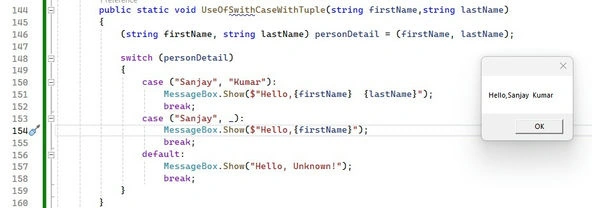
Output. Output Result is: Hello, Sanjay Kumar.
Essential Aspects
- Break Statement: Omitting the break statement results in control passing to the subsequent case, which may not align with your intentions. It is advisable to always incorporate a break unless a deliberate fall-through is intended.
- Default Case: Serves as a safety net when none of the specified cases correspond to the expression. While it is optional, its inclusion is recommended for enhanced reliability.
- Pattern Matching with When: Facilitates the incorporation of intricate conditions within case labels.
- Switch Expression: Introduces a more concise and functional approach to managing multiple conditions in C# 8.0 and later versions.
Recommended Approaches
- Utilize the switch statement when evaluating several distinct values.
- Refrain from employing unnecessary fall-through behavior unless it is a deliberate choice.
- Leverage pattern matching with the when clause for handling more intricate scenarios.
Join the conversation! Your thoughts help the community grow.