

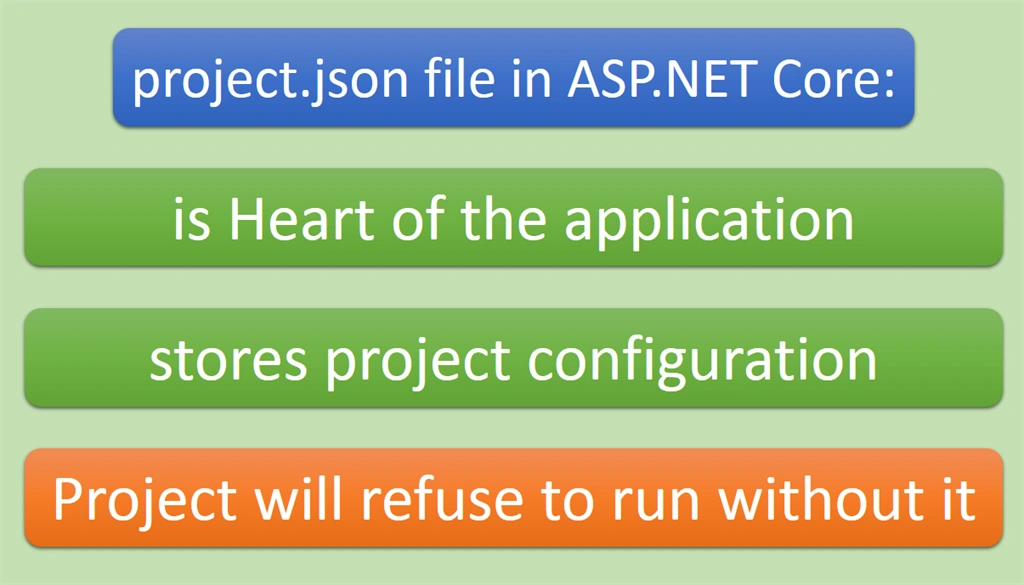
The ".csproj" file we find in earlier versions of ASP.NET projects is gone in ASP.NET Core. Here's what project.json file means to an ASP.NET Core project:
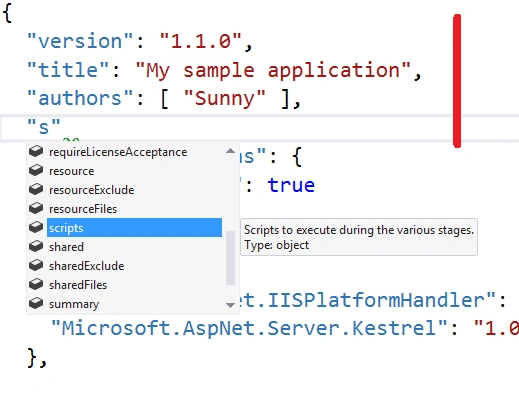
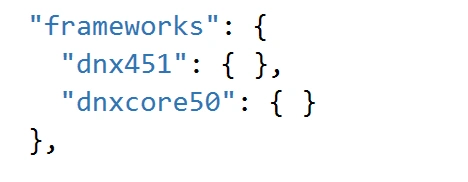
Let's explore project.json file's structure and learn how to use it effectively. Apart from the default debug and release build configurations built into the runtime, we can specify new build configurations or override debug and release in the project.json by just typing in the JSON. And yes, you have the IntelliSense magic available here as well.
That's cool, right! Okay, fair enough. Let's go into details. project.json file together with the project's ".xproj" file is the replacement for the ".csproj" file. I will go one by one. In the below picture, I have numbered them for better identification:
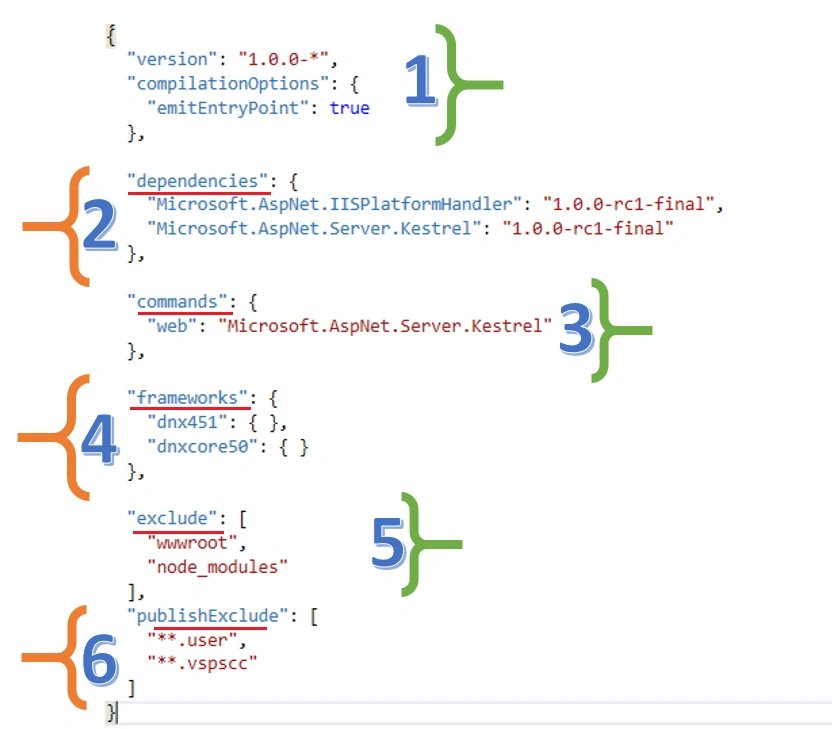
1. The top most part depicts the project information. You can specify the version, the title of the application, and the authors and many more. IntelliSense is your Hero!
With emitEntryPoint under compilationOptions, we are telling the DNX that this project has an entrypoint in the form of a static Main method that has to be executed. That method is present in the Startup class in startup.cs.
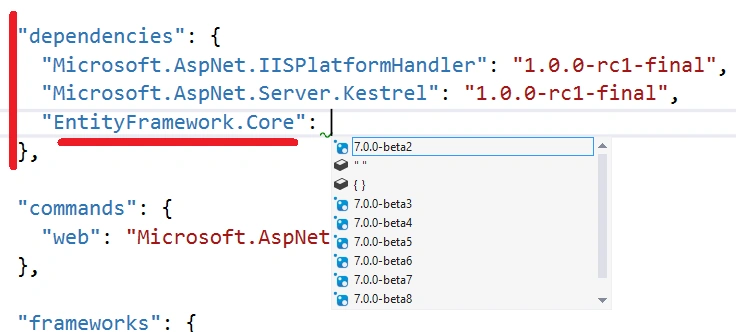
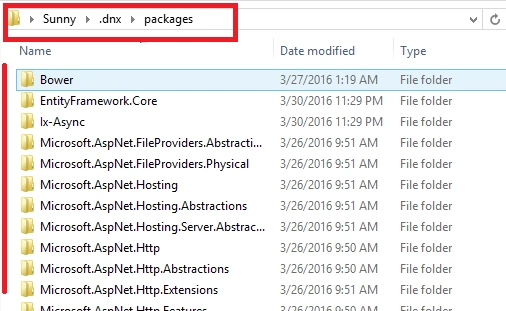
Under dependencies (Section 2), there are the NuGet packages this project uses. Remember that NuGet must now be used for server-side packages only. You can use IntelliSense or you can use the Manage NuGet Packages option by right-clicking on the project. The section will reflect your changes either way! If you open up File Explorer in the project folder, you won't find the installed NuGet packages in there.

Michael GriffithsPosted Apr 10, 2016, 10:15 AM
share
Michael GriffithsPosted Apr 10, 2016, 10:15 AM
Nice
Humayun Kabir MamunPosted Apr 4, 2016, 5:56 AM
Nice...
Ankur MistryPosted Mar 31, 2016, 11:35 PM
Nice
Vignesh ManiPosted Mar 31, 2016, 8:52 AM
nice share
Mohammed IbrahimPosted Mar 31, 2016, 3:42 AM
nice
Sibeesh VenuPosted Mar 31, 2016, 2:27 AM
Nice Share