

In the last post, I told you about adding NSwag Documentation to ASP.NET core web API. In that post, we became aware of the NSwag package and Swagger/OpenAPI documentation. This NSwag package imports some real swag to a web API. All API endpoints can be tested easily without any third-party tools by using NSwag. This generated swagger API UI represents all endpoints as interactive API documentation, that lets you try out the API calls directly in the browser.
After implementing Swagger UI in our current web API, it is time to generate the C# Client code. Now a few questions should come up in your mind.
- Why do we need to generate this C# client code?
- How can we generate this C# client code?
Why do we need to generate this C# client code?
What if I tell you that we don’t have to write a single line of code to consume our API? Yes, this is possible by eliminating repetitive tasks like writing your HttpClient set up to call the REST API endpoint. Autogenerated C# client code streamlines the coordination between the backend development and frontend development. So I think we got our answer.
How can we generate this C# client code?
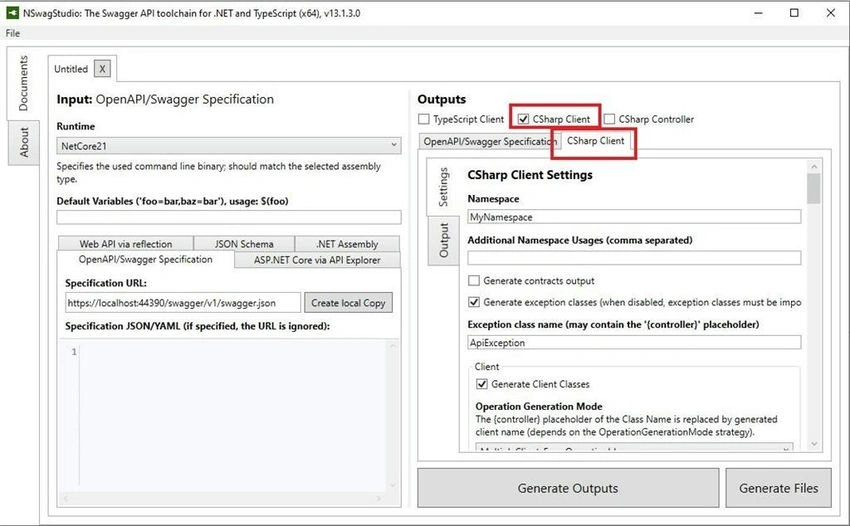
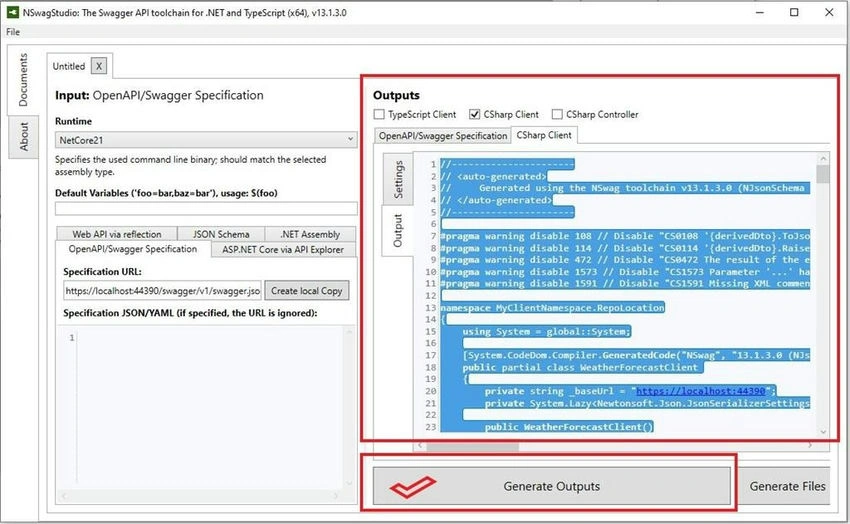
NSwag provides multiple options for client generation including a CLI, code, or a Windows application. In this post, we are going to use NSwagStudio. With this, we can generate various types of code.
- TypeScriptClientGenerator: Generate TypeScript clients
- CSharpClientGenerator: Generate CSharp clients
- CSharpControllerGenerator: Generate CSharp Web API controllers (contract first/schema first development)
In this post, we will be going to generate the C# client code using NSwag Studio. That generated C# client code has features such as:
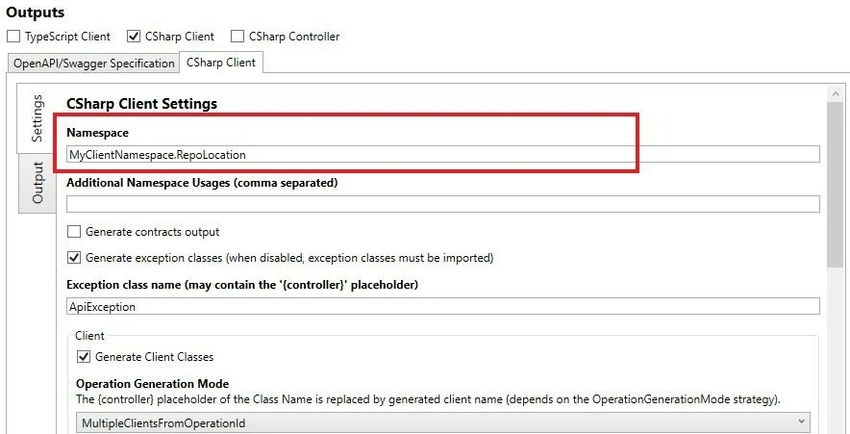
- C# client classes generated from a Swagger/OpenAPI specification of our web API.
- Model classes using a class style like POCOs, Classes implementing INotifyPropertyChanged, or Classes with Prism implementation.
- These generated clients can be used in any .NET Framework, .NET Core, Xamarin, and .NET Standard projects.
Getting started
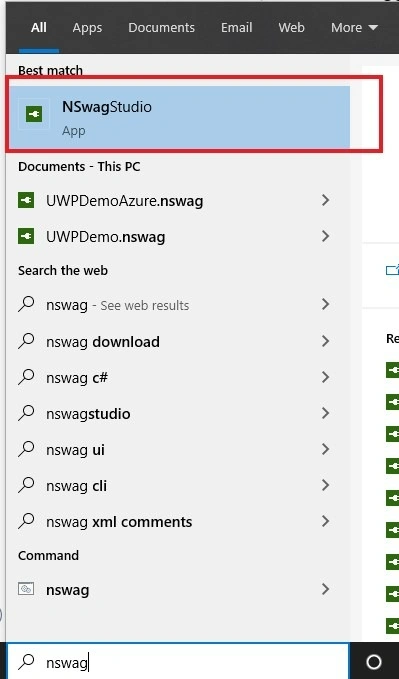
Step 1. First, we need to download NSwagStudio and install it on our PC or Laptop.
Step 2. Now, run your ASP.Net Code Web API in the browser until we reach Swagger Documentation of our web API. If you do not find the Swagger documentation page of the ASP.Net core web API in the browser, please visit my previous post- Add NSwag Documentation to ASP.NET Core Web API.
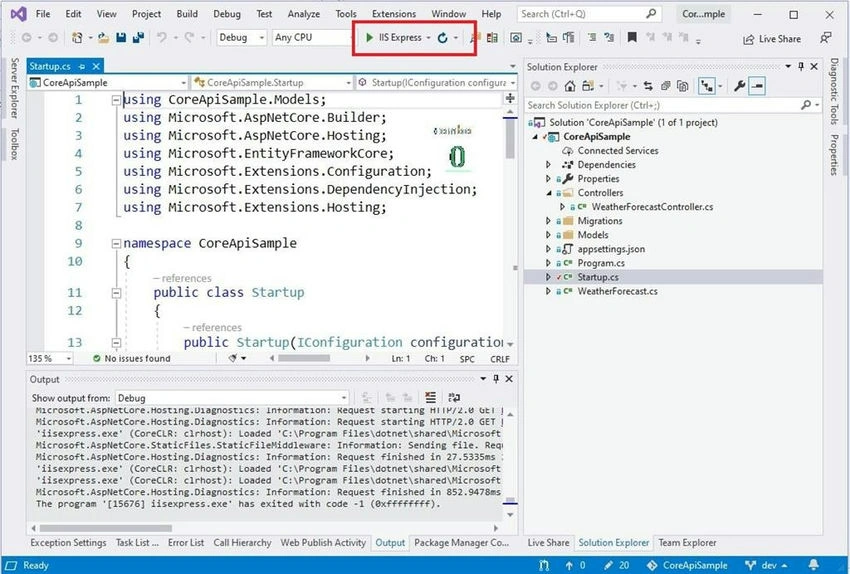
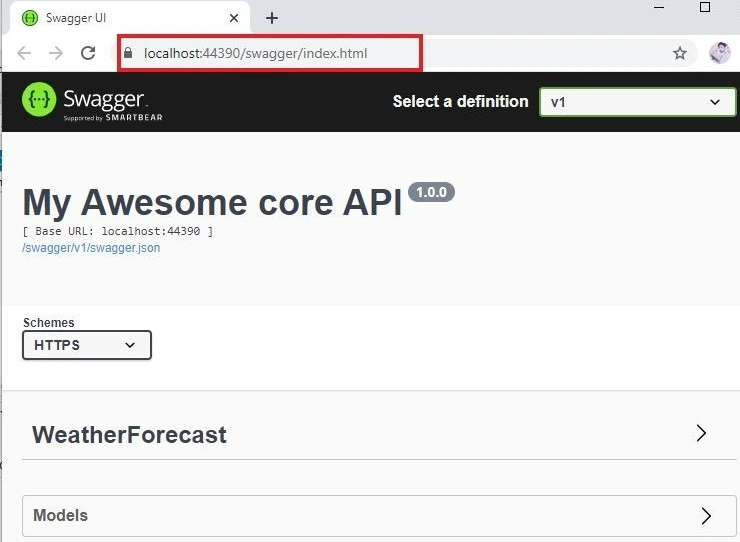
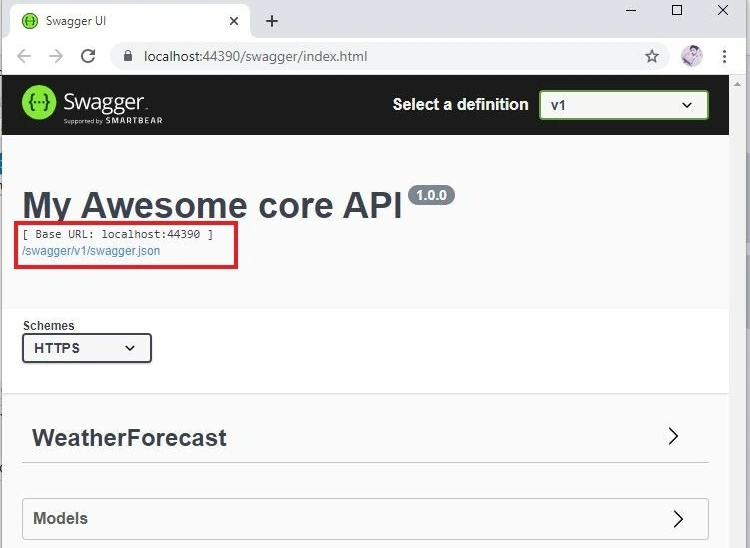
Step 3. Now, click the Swagger.json link in the Swagger documentation page.
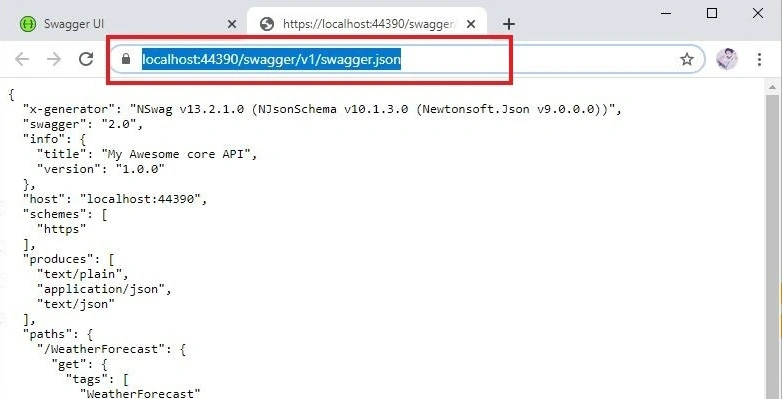
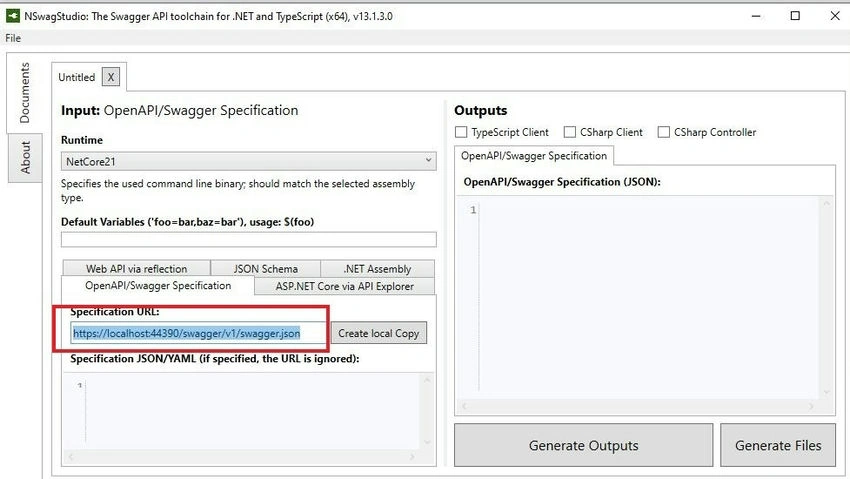
Step 4. Now, Copy that URL, we need this URL to generate the Client code.
Join the conversation! Your thoughts help the community grow.