
Open SQL Server Management Studio.

I have created a dummy database and table with some information.
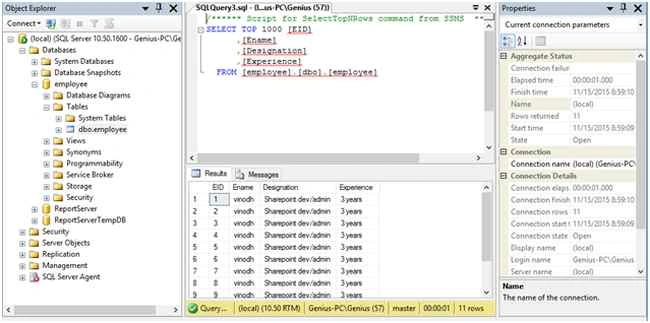
Right click on the database, click tasks and generate scripts.
In this popup click next.
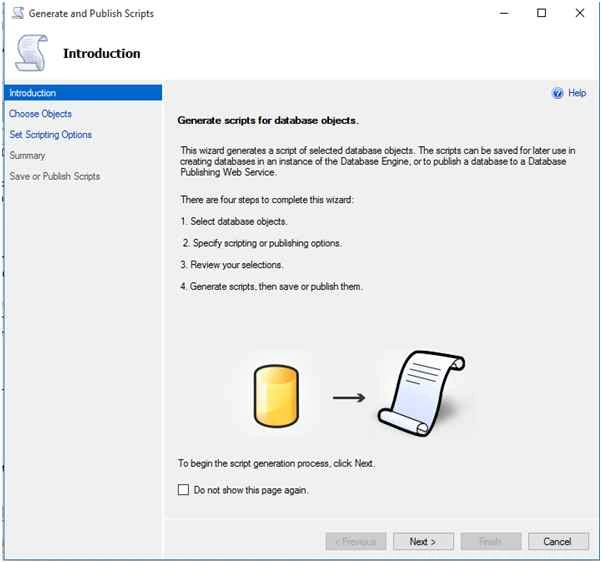
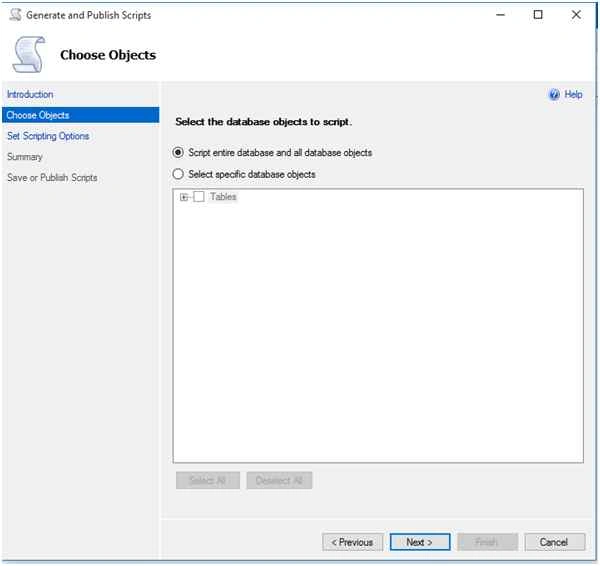
Click Select specific database objects.
Select the table you want to generate scripts.
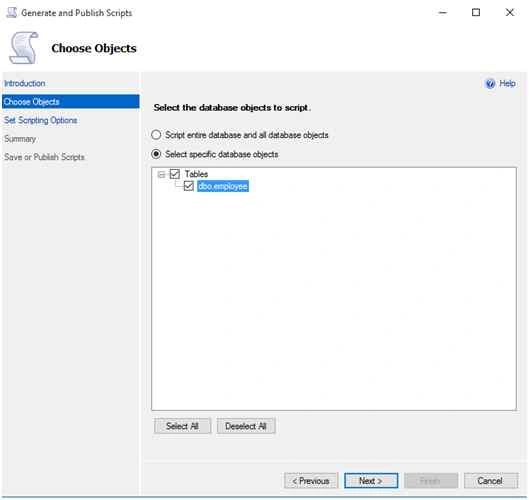
Click next.
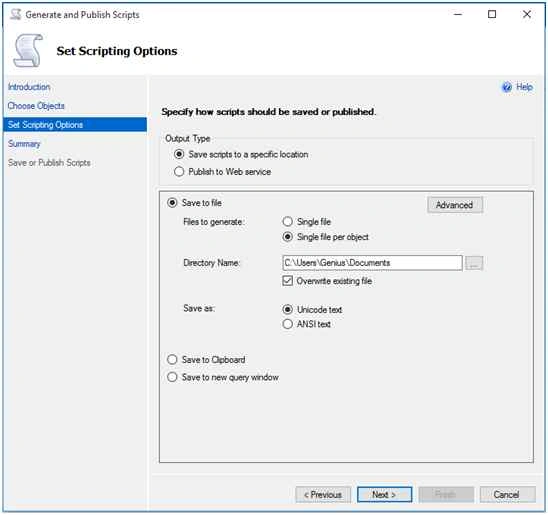
Click single file per object.
Click Advanced tab.
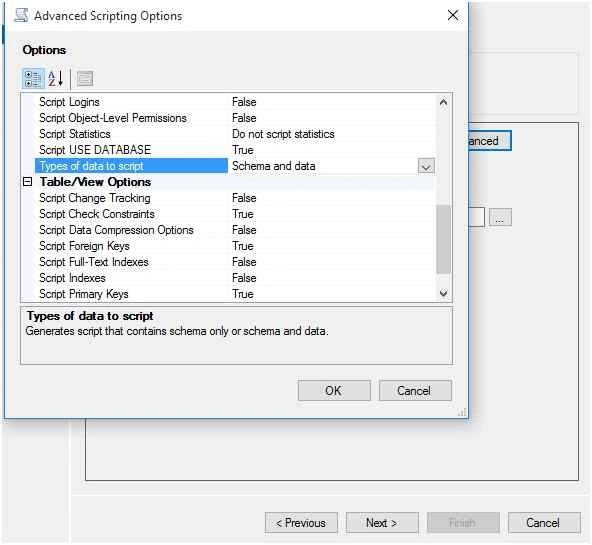
Select Types of data to script will be “Schema and data".
If you need only Schema, then select Schema only.
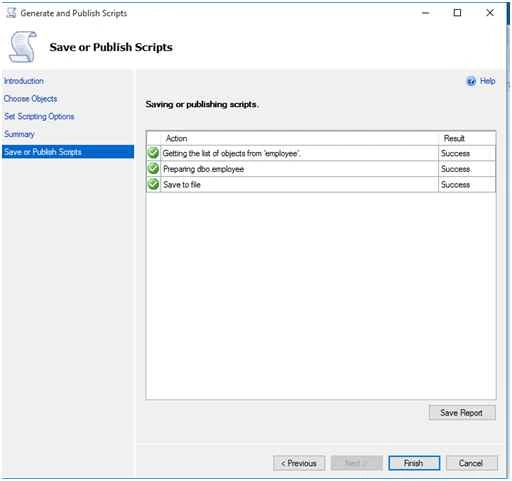
Click ok and next to complete.
Scripts has been generated successfully.
Now create another database to restore the table with records.

Now open the generateD script for the employee table.
Change the database name to test and execute scripts.

Click “F5” to execute.
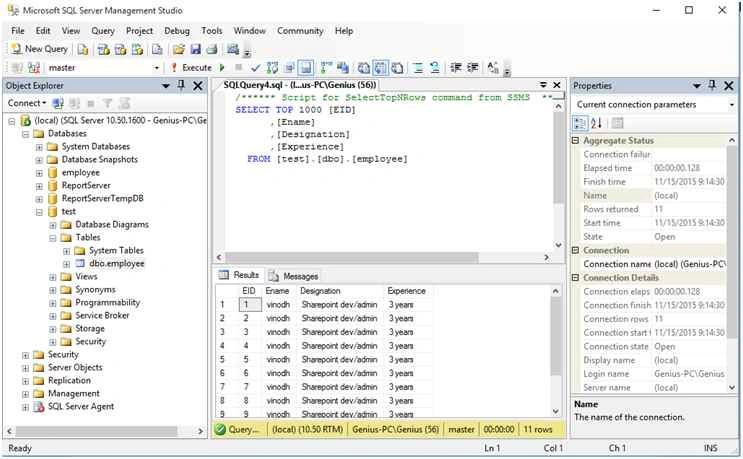
Now the table has been created successfully with records.

Restore Generated SQL Scripts Of Table With Records Into Another Database
Join the conversation! Your thoughts help the community grow.
Sign in to leave a comment
It is the same account you read, post and publish with — and you will come straight back to this page.
Kumar SwamyPosted Jul 8, 2019, 1:22 AM
Its 65gb file and not opening in ssms. How to execute script file along with data when it has many more tables and lacks records.
Vinodh NarayananPosted Nov 18, 2015, 4:25 AM
Thanks
Ravi PatelPosted Nov 18, 2015, 1:04 AM
good one
Vinodh NarayananPosted Nov 17, 2015, 4:06 AM
Sibeesh Venu Thanks
Vinodh NarayananPosted Nov 17, 2015, 4:06 AM
Harshad Pansuriya Thanks
Sibeesh VenuPosted Nov 17, 2015, 3:56 AM
Nice Share
Harshad PansuriyaPosted Nov 17, 2015, 3:29 AM
Nice one
Vinodh NarayananPosted Nov 17, 2015, 12:57 AM
Ankit Bansal Thanks
Ankit BansalPosted Nov 17, 2015, 12:43 AM
nice one..
Vinodh NarayananPosted Nov 17, 2015, 12:15 AM
Humayun Kabir Mamun Thanks
Humayun Kabir MamunPosted Nov 17, 2015, 12:08 AM
Nice...
Vinodh NarayananPosted Nov 16, 2015, 10:54 PM
Thanks sir
Santhakumar MunuswamyPosted Nov 16, 2015, 1:13 PM
Good one