

In this multi part article series, we will see how to setup Hybrid Exchange 2016 with Office 365 by using ADFS and AAD Directory Sync Services.
Now Click on Install to begin the Hybrid Configuration Wizard
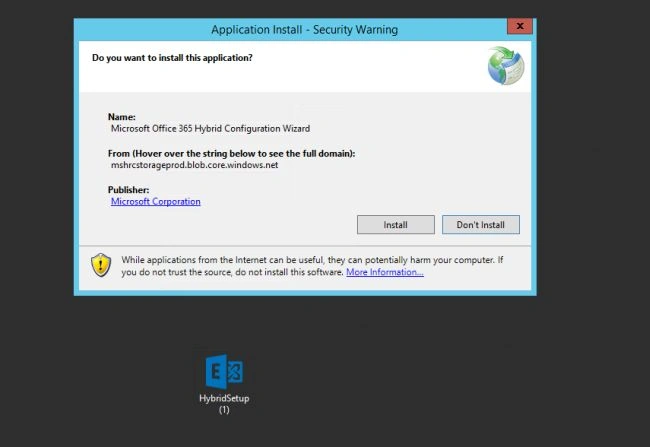
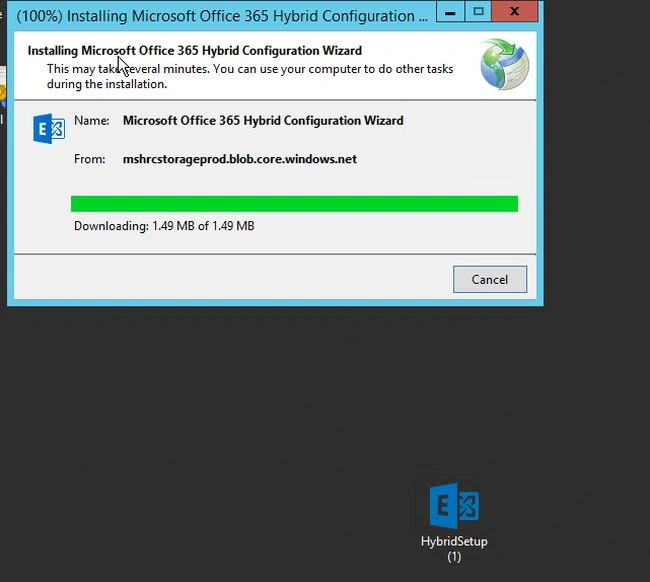
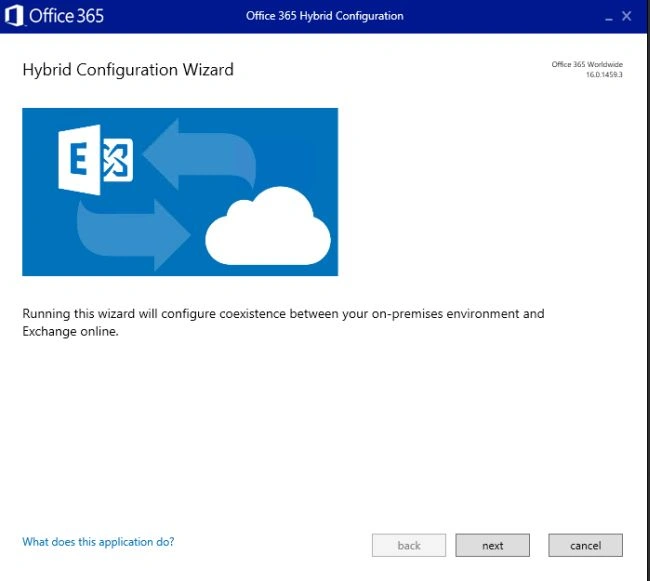
Click on Next
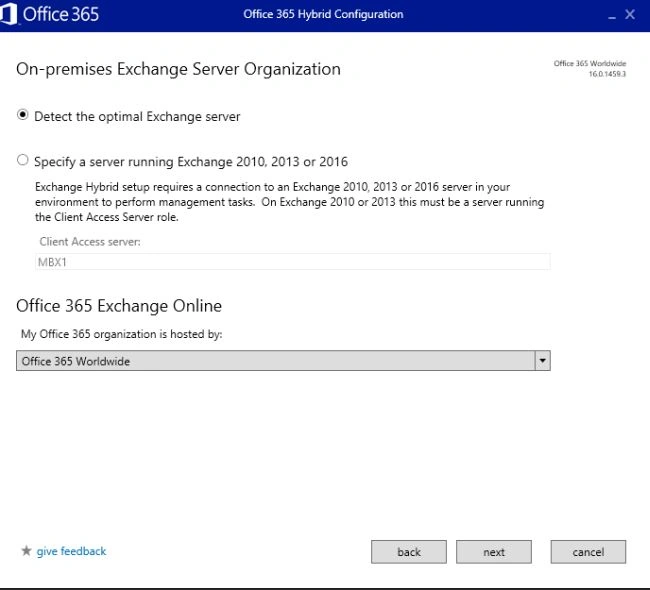
Select Detect the optimal Exchange server and click on Next
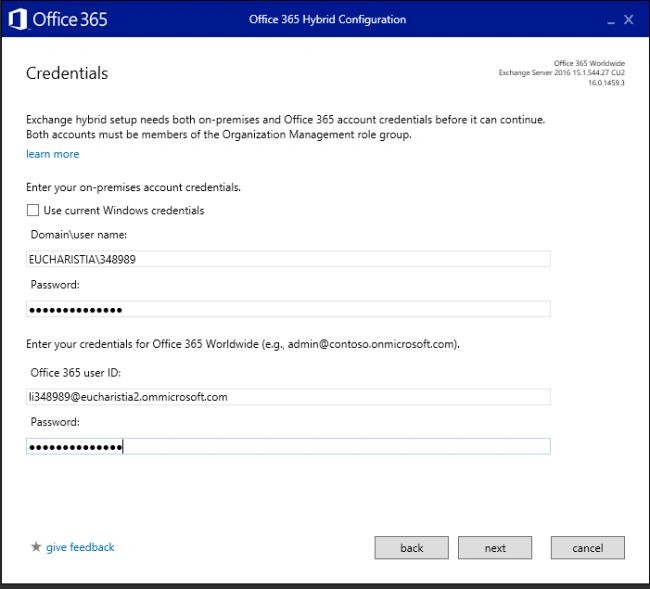
Uncheck Use Current Windows Credentials if the System login and Service account both are different and enter the credentials and Click on Next
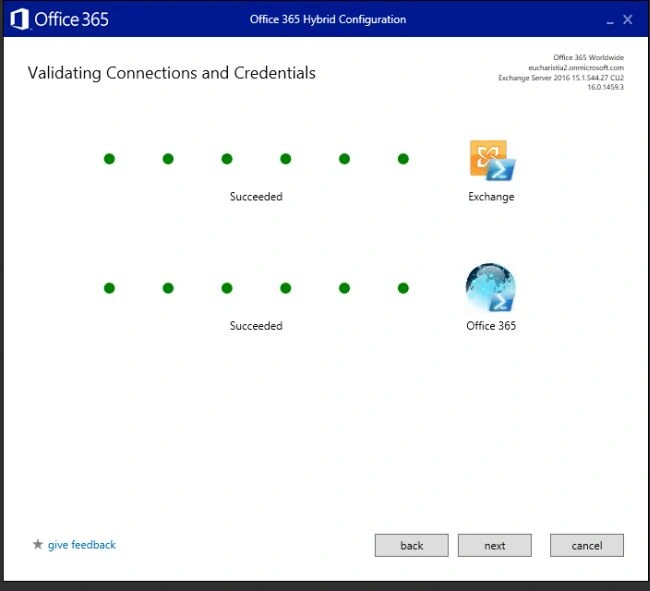
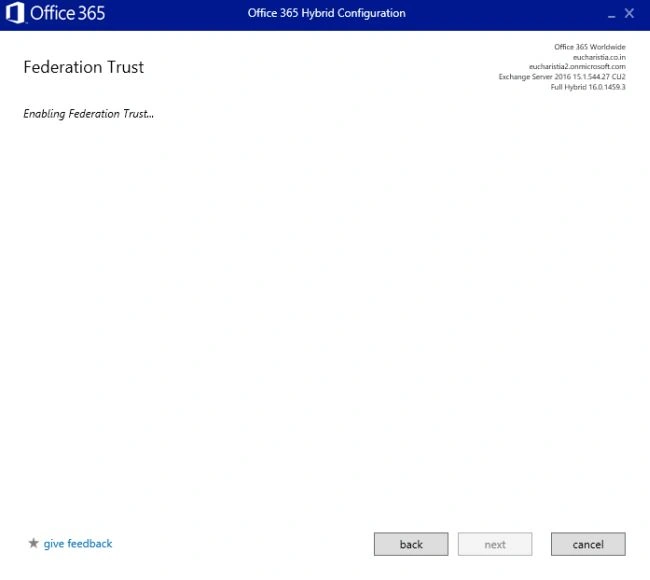
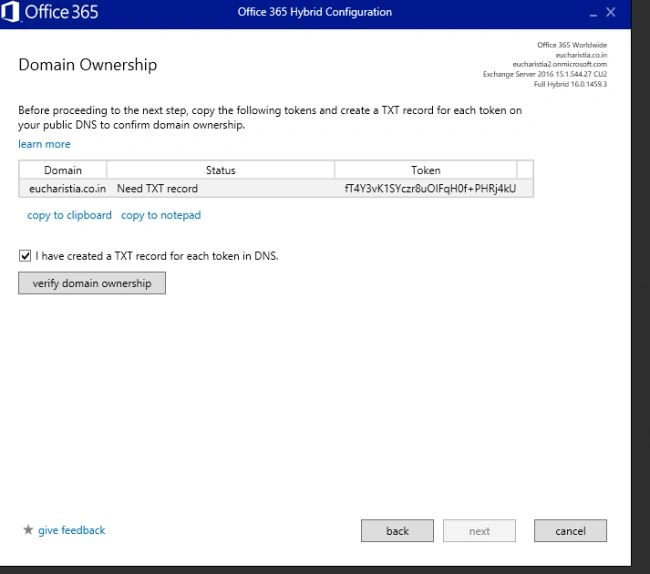
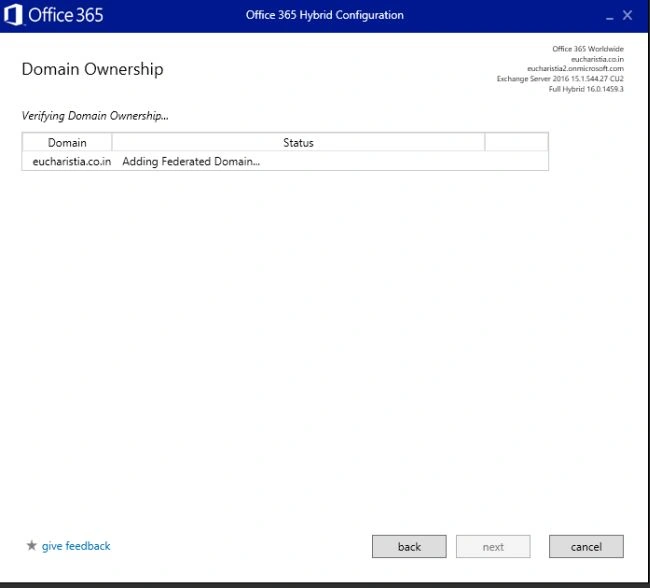
Now, we need to create another TXT record on the Public DNS Provider and Verify the DNS ownership.
Once Domain Ownership is verified, click next
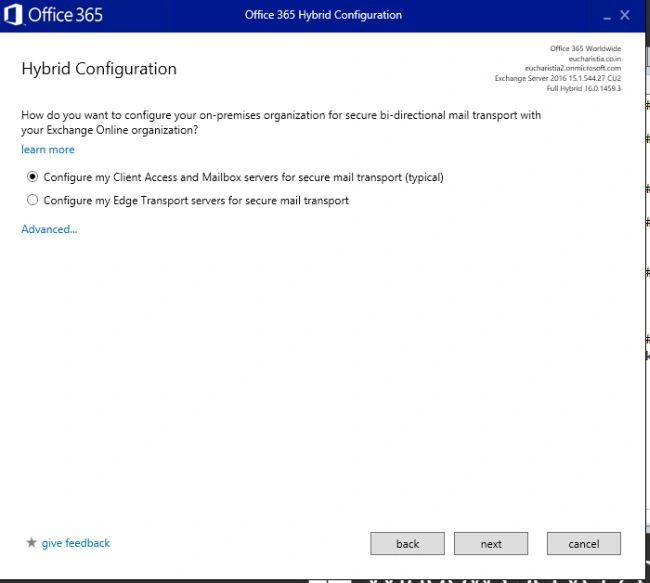
Select Configure my Client Access and Mailbox servers for secure mail Transport (typical) and Click Next
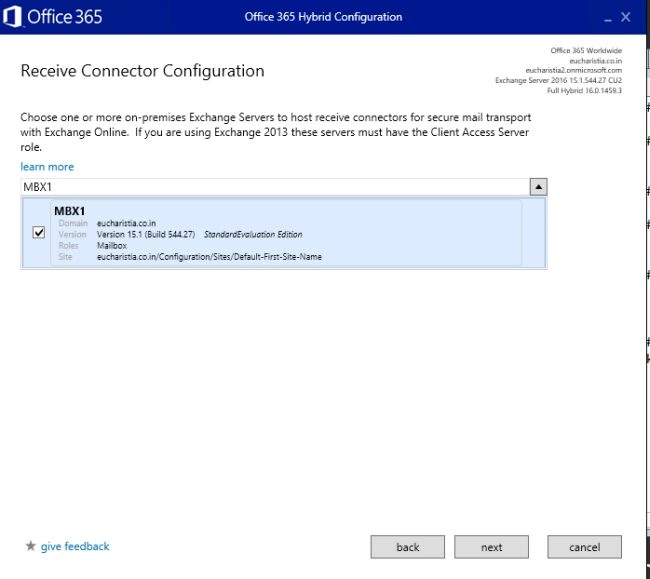
Select Client Access Server to create receive connector for mail flow and click Next
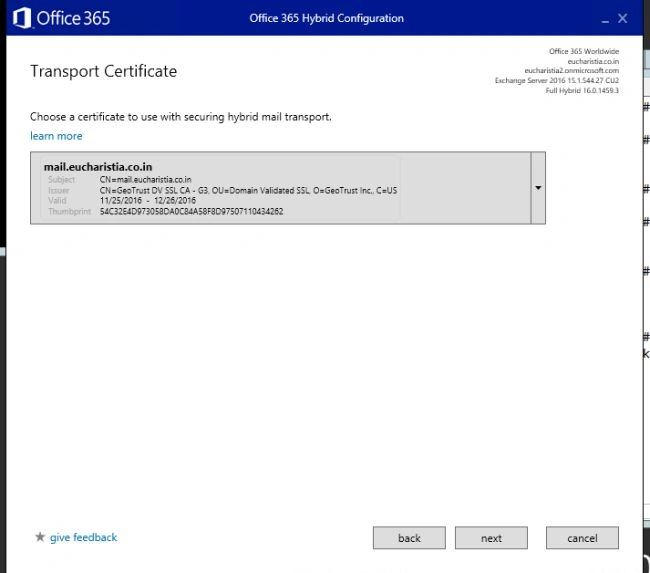
Select SSL Certificate for the TLS Mail Flow between on-premises and Office365
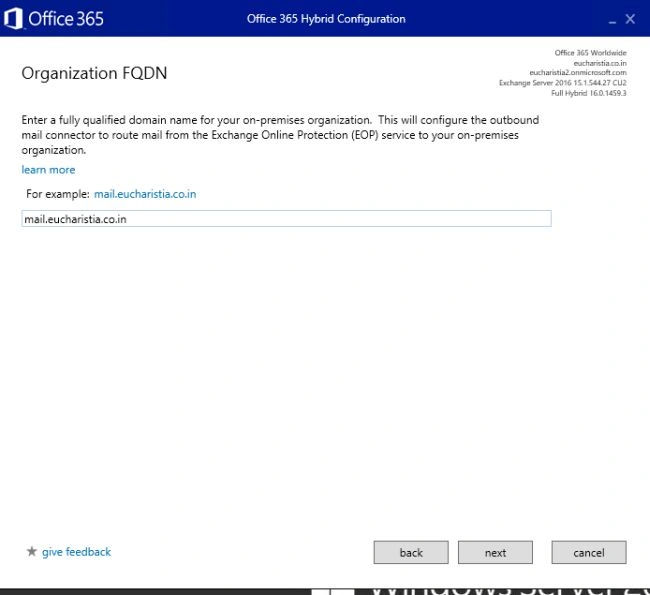
Enter FQDN for On-premises
So far so good. Now it is fun time.. Yes it is..
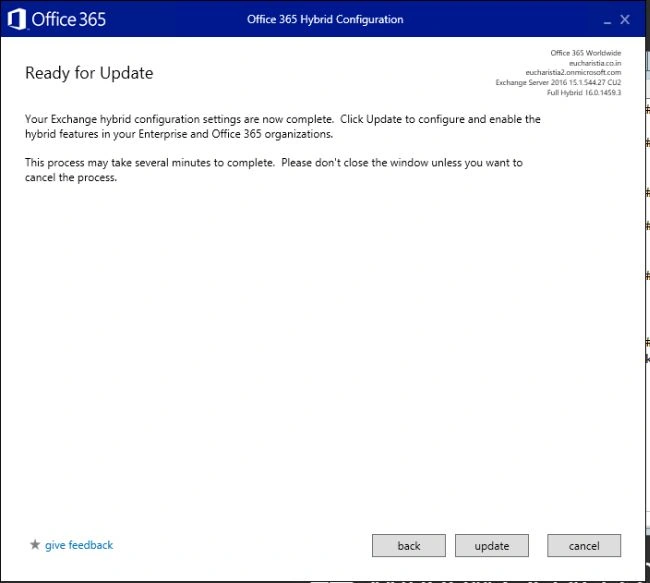
Click on Update to update the Hybdrid configuration. It may take some time to complete it depends on your on premises Exchange and Active Directory.
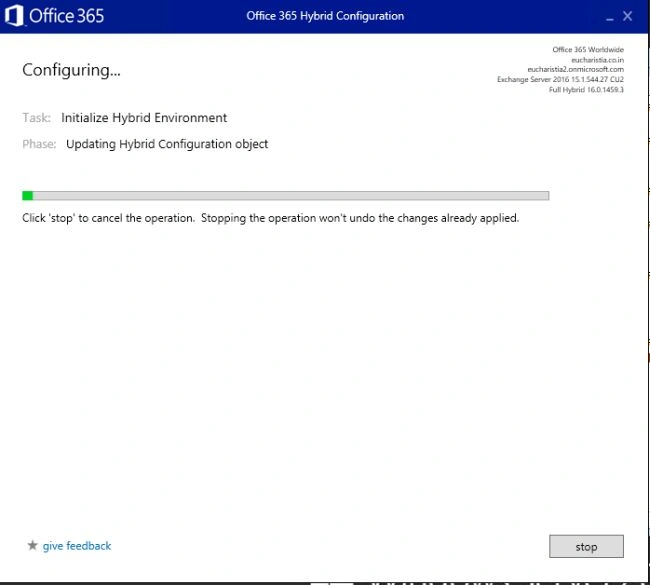
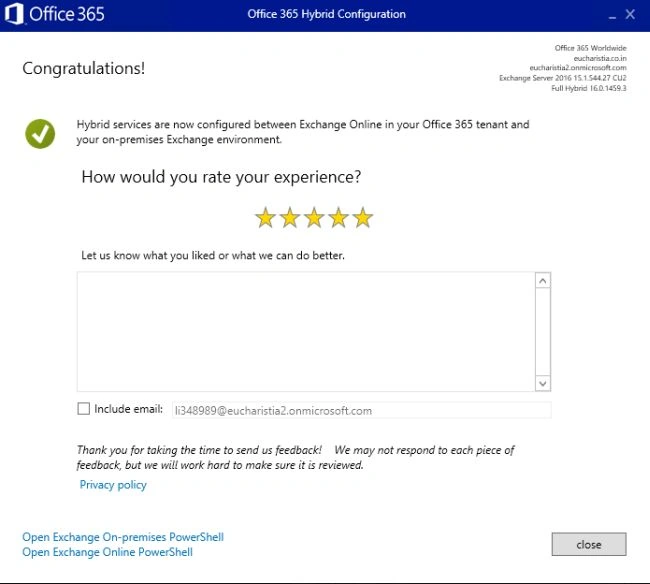
Congratulations.Hybrid deployment has been successfully configured.
Join the conversation! Your thoughts help the community grow.