Today I am going to explain how you can draw a circle shape in WPF using F# through MouseCapture Event. You can also set font, color, position, width, height as well as thickness of the shape. The steps are given below.
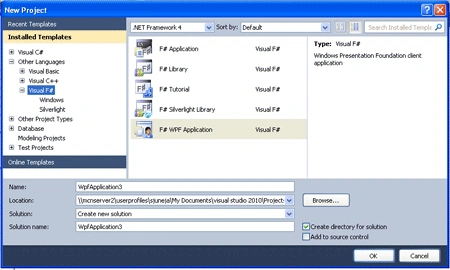
Step 1: First open a new project in F# using Visual Studio 2010. Select the F# WPF Application template and name the project as in the following image.
Step 2: Now add the following given references to your project by right-clicking on your project in the Solution Explorer.
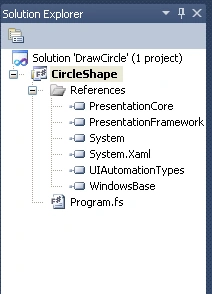
Step 3: Your Solution Explorer will look as in the following after you have added all references.
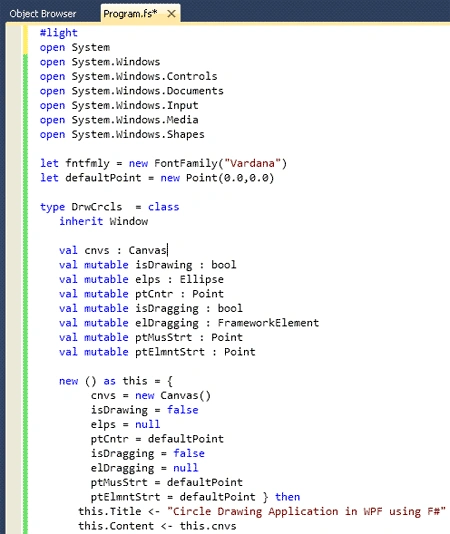
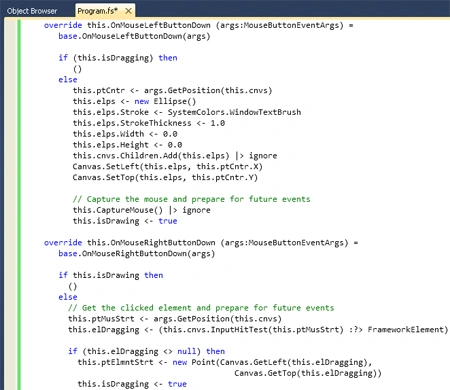
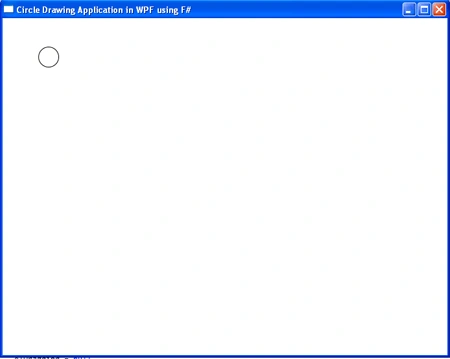
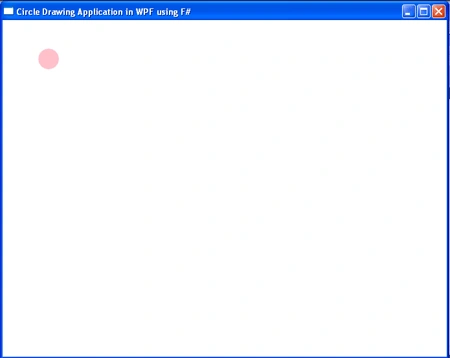
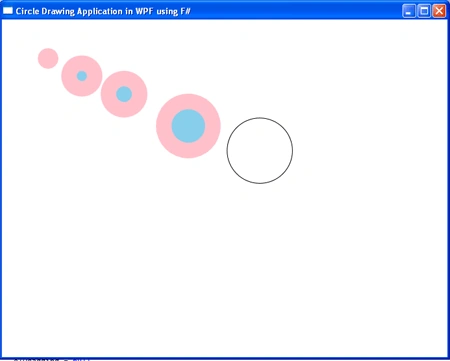
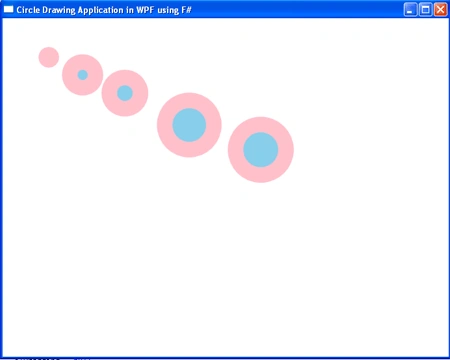
Step 4: Now click on the Program.fs file in the Solution Explorer and write the following given code in it. Your Window will look like the following given images.
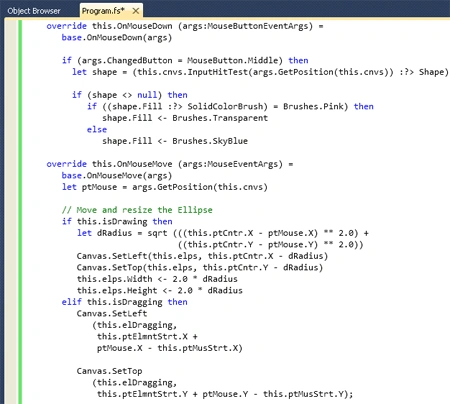
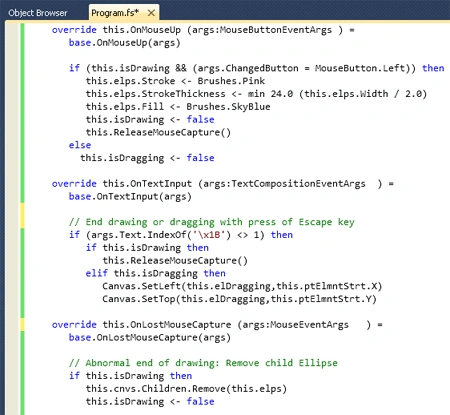
#light
open System
open System.Windows
open System.Windows.Controls
open System.Windows.Documents
open System.Windows.Input
open System.Windows.Media
open System.Windows.Shapes
let fntfam = new FontFamily("Vardana")
let defaultPoint = new Point(0.0,0.0)
type DrwCrcls = class
inherit Window
val cnvs : Canvas
val mutable isDrawing : bool
val mutable elps : Ellipse
val mutable ptCntr : Point
val mutable isDragging : bool
val mutable elDragging : FrameworkElement
val mutable ptMusStrt : Point
val mutable ptElmntStrt : Point
new () as this = {
cnvs = new Canvas()
isDrawing = false
elps = null
ptCntr = defaultPoint
isDragging = false
elDragging = null
ptMusStrt = defaultPoint
ptElmntStrt = defaultPoint } then
this.Title <- "Circle Drawing Application in WPF using F#"
this.Content <- this.cnvs
override this.OnMouseLeftButtonDown (args:MouseButtonEventArgs) =
base.OnMouseLeftButtonDown(args)
if (this.isDragging) then
()
else
this.ptCntr <- args.GetPosition(this.cnvs)
this.elps <- new Ellipse()
this.elps.Stroke <- SystemColors.WindowTextBrush
this.elps.StrokeThickness <- 1.0
this.elps.Width <- 0.0
this.elps.Height <- 0.0
this.cnvs.Children.Add(this.elps) |> ignore
Canvas.SetLeft(this.elps, this.ptCntr.X)
Canvas.SetTop(this.elps, this.ptCntr.Y)
// Capture the mouse and prepare for future events
this.CaptureMouse() |> ignore
this.isDrawing <- true
override this.OnMouseRightButtonDown (args:MouseButtonEventArgs) =
base.OnMouseRightButtonDown(args)
if this.isDrawing then
()
else
// Get the clicked element and prepare for future events
this.ptMusStrt <- args.GetPosition(this.cnvs)
this.elDragging <- (this.cnvs.InputHitTest(this.ptMusStrt) :?> FrameworkElement)
if (this.elDragging <> null) then
this.ptElmntStrt <- new Point(Canvas.GetLeft(this.elDragging),
Canvas.GetTop(this.elDragging))
this.isDragging <- true
override this.OnMouseDown (args:MouseButtonEventArgs) =
base.OnMouseDown(args)
if (args.ChangedButton = MouseButton.Middle) then
let shape = (this.cnvs.InputHitTest(args.GetPosition(this.cnvs)) :?> Shape)
if (shape <> null) then
if ((shape.Fill :?> SolidColorBrush) = Brushes.Pink) then
shape.Fill <- Brushes.Transparent
else
shape.Fill <- Brushes.SkyBlue
override this.OnMouseMove (args:MouseEventArgs) =
base.OnMouseMove(args)
let ptMouse = args.GetPosition(this.cnvs)
// Move and resize the Ellipse
if this.isDrawing then
let dRadius = sqrt (((this.ptCntr.X - ptMouse.X) ** 2.0) +
((this.ptCntr.Y - ptMouse.Y) ** 2.0))
Canvas.SetLeft(this.elps, this.ptCntr.X - dRadius)
Canvas.SetTop(this.elps, this.ptCntr.Y - dRadius)
this.elps.Width <- 2.0 * dRadius
this.elps.Height <- 2.0 * dRadius
elif this.isDragging then
Canvas.SetLeft
(this.elDragging,
this.ptElmntStrt.X +
ptMouse.X - this.ptMusStrt.X)
Canvas.SetTop
(this.elDragging,
this.ptElmntStrt.Y + ptMouse.Y - this.ptMusStrt.Y);
override this.OnMouseUp (args:MouseButtonEventArgs ) =
base.OnMouseUp(args)
if (this.isDrawing && (args.ChangedButton = MouseButton.Left)) then
this.elps.Stroke <- Brushes.Pink
this.elps.StrokeThickness <- min 24.0 (this.elps.Width / 2.0)
this.elps.Fill <- Brushes.SkyBlue
this.isDrawing <- false
this.ReleaseMouseCapture()
else
this.isDragging <- false
override this.OnTextInput (args:TextCompositionEventArgs ) =
base.OnTextInput(args)
// End drawing or dragging with press of Escape key
if (args.Text.IndexOf('\x1B') <> 1) then
if this.isDrawing then
this.ReleaseMouseCapture()
elif this.isDragging then
Canvas.SetLeft(this.elDragging,this.ptElmntStrt.X)
Canvas.SetTop(this.elDragging,this.ptElmntStrt.Y)
override this.OnLostMouseCapture (args:MouseEventArgs ) =
base.OnLostMouseCapture(args)
// Abnormal end of drawing: Remove child Ellipse
if this.isDrawing then
this.cnvs.Children.Remove(this.elps)
this.isDrawing <- false
end
#if COMPILED
[<STAThread()>]
do
let app = Application() in
app.Run(new DrwCrcls()) |> ignore
#endif
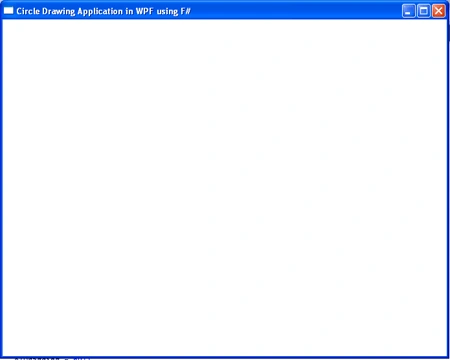
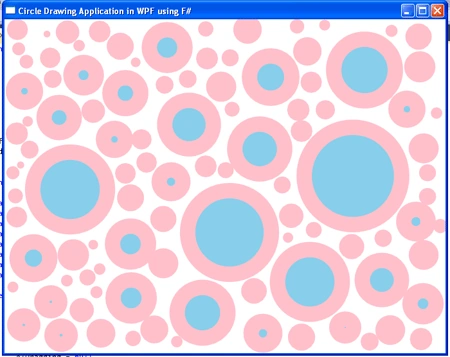
Step 5: Now press F5 to execute the code.
Output
Summary
In this article I have discussed how to draw a circle shape in WPF using F# through MouseCapture Event.

Art ScottPosted Jan 6, 2012, 1:42 PM
Hi Dea. Thanks for your very useful article. Jon Harrop wrote -- Computational geometry: quick hull (15th November 2010) http://fsharpnews.blogspot.com/ "...A key aspect of the GUI is the ability to drag and drop points in the point set and watch the convex hull as it is recomputed in real time. The following drag value is the current state of the outstanding drag operation, if any, represented by the index of the point being dragged: > let drag : int option ref = ref None;; val drag : int option ref = {contents = null;} This design follows the mantra "make illegal states unrepresentable". Alternative designs in languages where this cannot be so easily expressed tend to use one boolean variable to indicate whether or not a drag is in progress and another integer variable to convey the index when meaningful. Using data structures such as the option type in F# precludes the possibility of non-sensical values being created and encountered at run-time, reducing the scope for errors and the number of run-time tests. ..." I'm looking at your code trying to figure out how to incorporate that idea. Any help appreciated. Thanks again. Art Scott twitter: semasiographic