
Today I am explaining that how
you can print a Banner or Text in WPF using F#. Document, Banner or Text
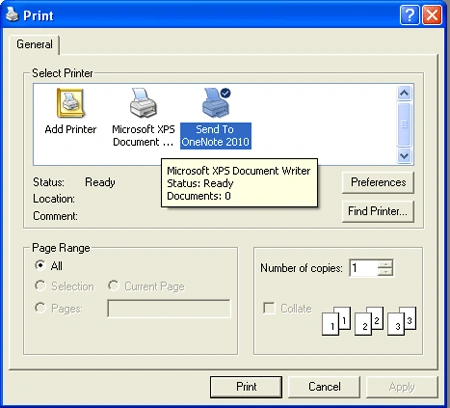
Printing Needs a PrintDialogBox and Print Commands. Here in F# you need only write code and add some References to Perform
a print operation. Steps are given Below.
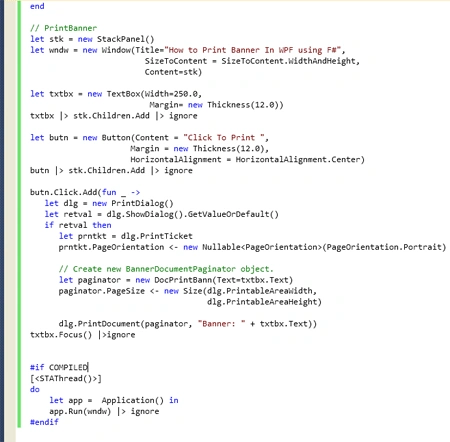
If you want to Print the Text or Banner. You will write the below code Block
// For
Printing Text or Banner
let
stk = new StackPanel()
let
wndw = new Window(Title="How
to Print Banner In WPF using F#",
SizeToContent = SizeToContent.WidthAndHeight,
Content=stk)
let
txtbx = new TextBox(Width=250.0,
Margin= new
Thickness(12.0))
txtbx |> stk.Children.Add |> ignore
let
butn = new Button(Content =
"Click To Print ",
Margin =
new Thickness(12.0),
HorizontalAlignment = HorizontalAlignment.Center)
butn |> stk.Children.Add |> ignore
butn.Click.Add(fun _ ->
let dlg = new
PrintDialog()
let retval = dlg.ShowDialog().GetValueOrDefault()
if retval then
let prntkt = dlg.PrintTicket
prntkt.PageOrientation <- new Nullable<PageOrientation>(PageOrientation.Portrait)
If you want to Create newBanner
Paginator Object. The below Code Block will Work.
// Create
new BannerDocumentPaginator object.
let
paginator = new DocPrintBann(Text=txtbx.Text)
paginator.PageSize <- new
Size(dlg.PrintableAreaWidth,
dlg.PrintableAreaHeight)
dlg.PrintDocument(paginator, "Banner: "
+ txtbx.Text))
txtbx.Focus() |>ignore
Note: The Complete code you can see in Step 4.
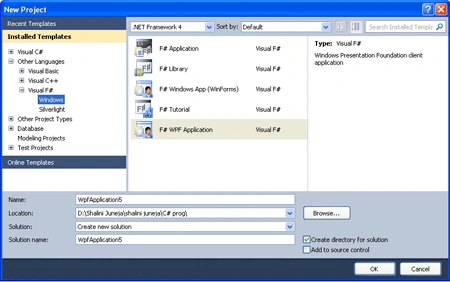
Step 1: Firstly Open a new project in F# using Visual Studio 2010. Select F# WPF Application template and give name to the project like below image.
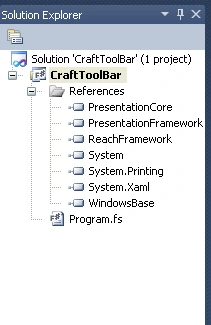
Step 2: Now add below given references to your project by right clicking on your project in solution explorer.
PresentationCore
PresentationFramework
ReachFramework
System
System.Printing
System.Xaml
WindowsBase
Step 3: When you add all these References, your Solution Explorer will look like below image.
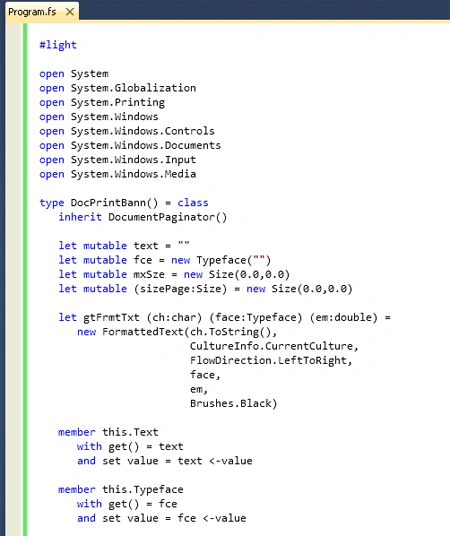
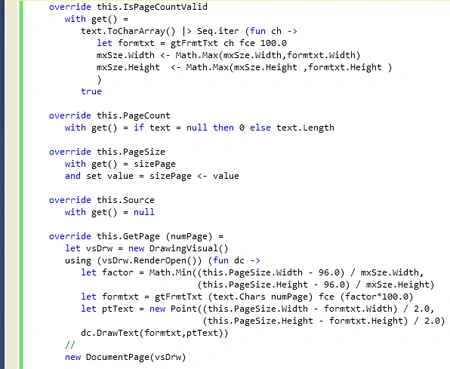
Step 4: Then click on
Program.fs file in Solution Explorer and write below given code in Program.fs
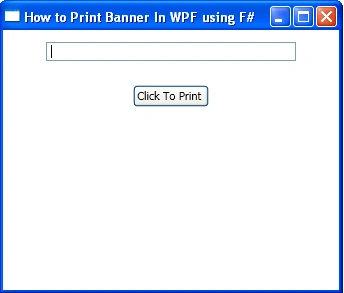
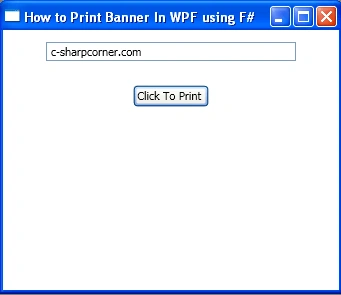
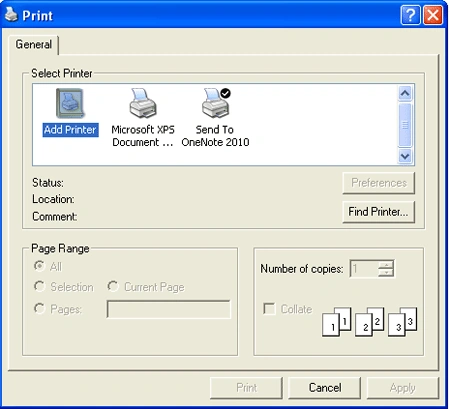
window, Your window will look like below images.
#light
open System
open
System.Globalization
open
System.Printing
open
System.Windows
open
System.Windows.Controls
open
System.Windows.Documents
open
System.Windows.Input
open
System.Windows.Media
Join the conversation! Your thoughts help the community grow.